


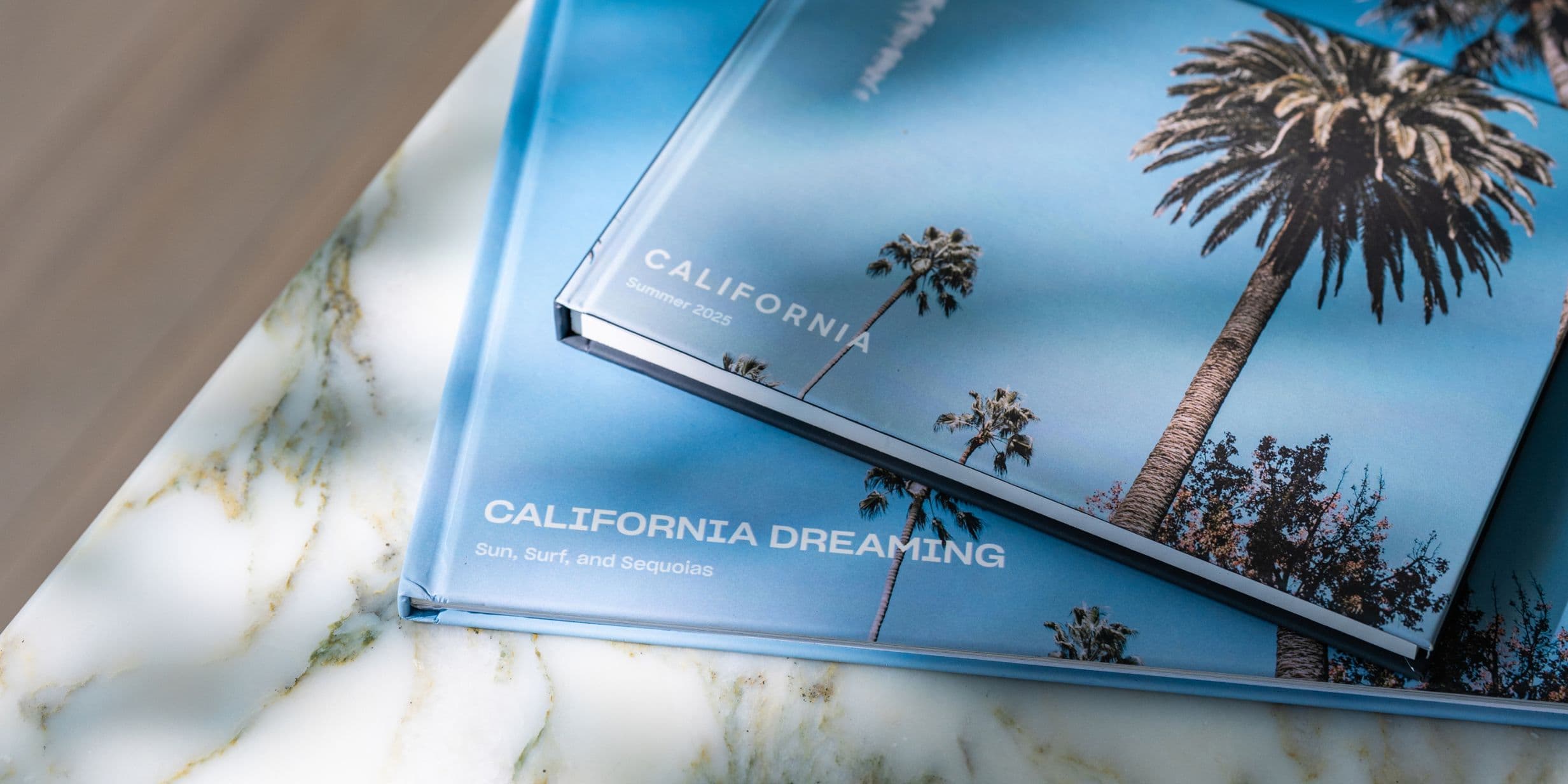
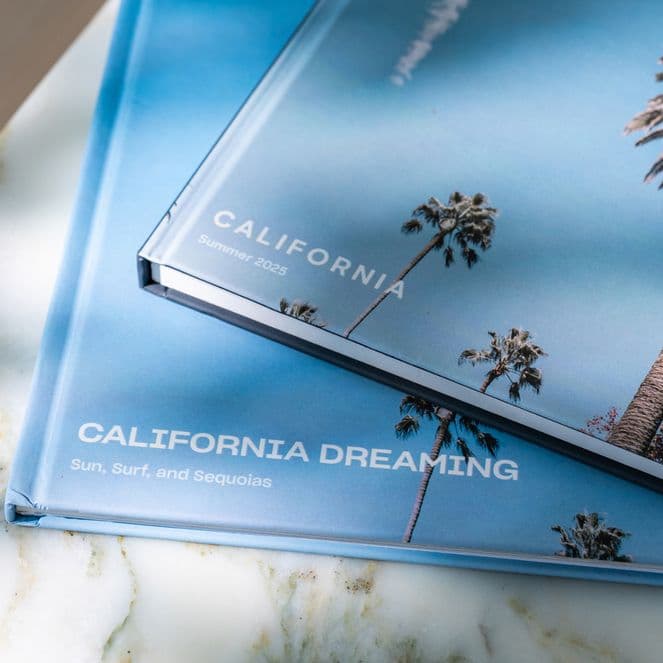
Creating photo books once meant sitting at a desktop, a trip to the local high street and losing most of an afternoon to layouts and uploads. That’s no longer the case. With Popsa, you can design the entire book from your phone, including importing photos, arranging layouts and choosing a cover in minutes. The result is every bit as polished as anything you’d produce on a larger screen, just without the faff. Read on to find out how to turn your photos into a keepsake Popsa Photo Book.
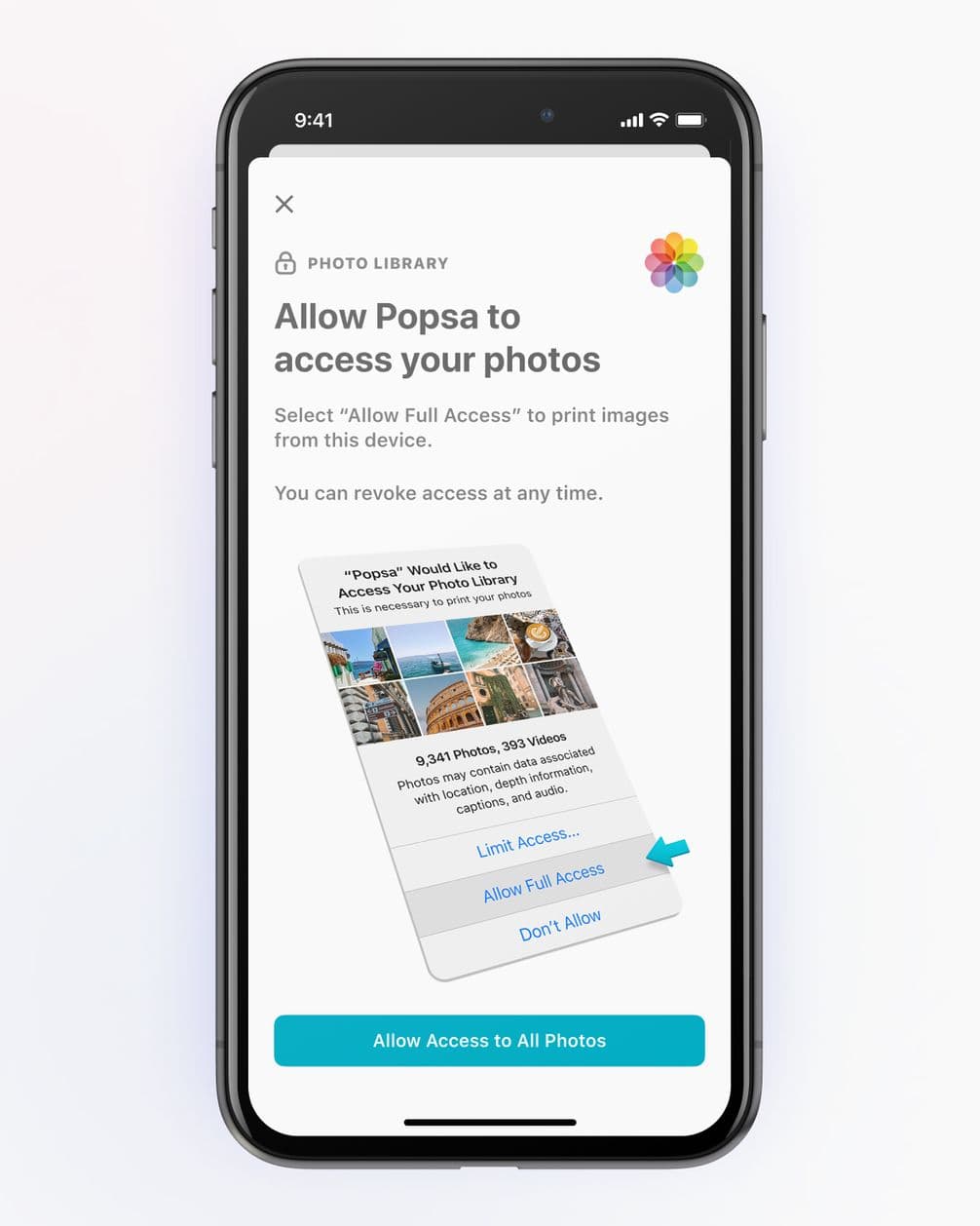
Allow access to your camera roll
Download the app and connect your photos
Start by downloading the Popsa app, available on both iPhone and Android. When you open it for the first time, you’ll be asked to allow Popsa to access your photo library. This means app can pull images directly from your camera roll, and, if you use them, iCloud or Google Photos too. You don’t need to export or transfer anything. The photos are already on your phone, so it’s just simply granting permission before you get started.
Choose your photos before you start designing
It’s worth doing a quick edit before you begin your project. Scroll through the album or time period you want to use and select your favourite images. If you’re working with a large camera roll, a first pass makes a difference.
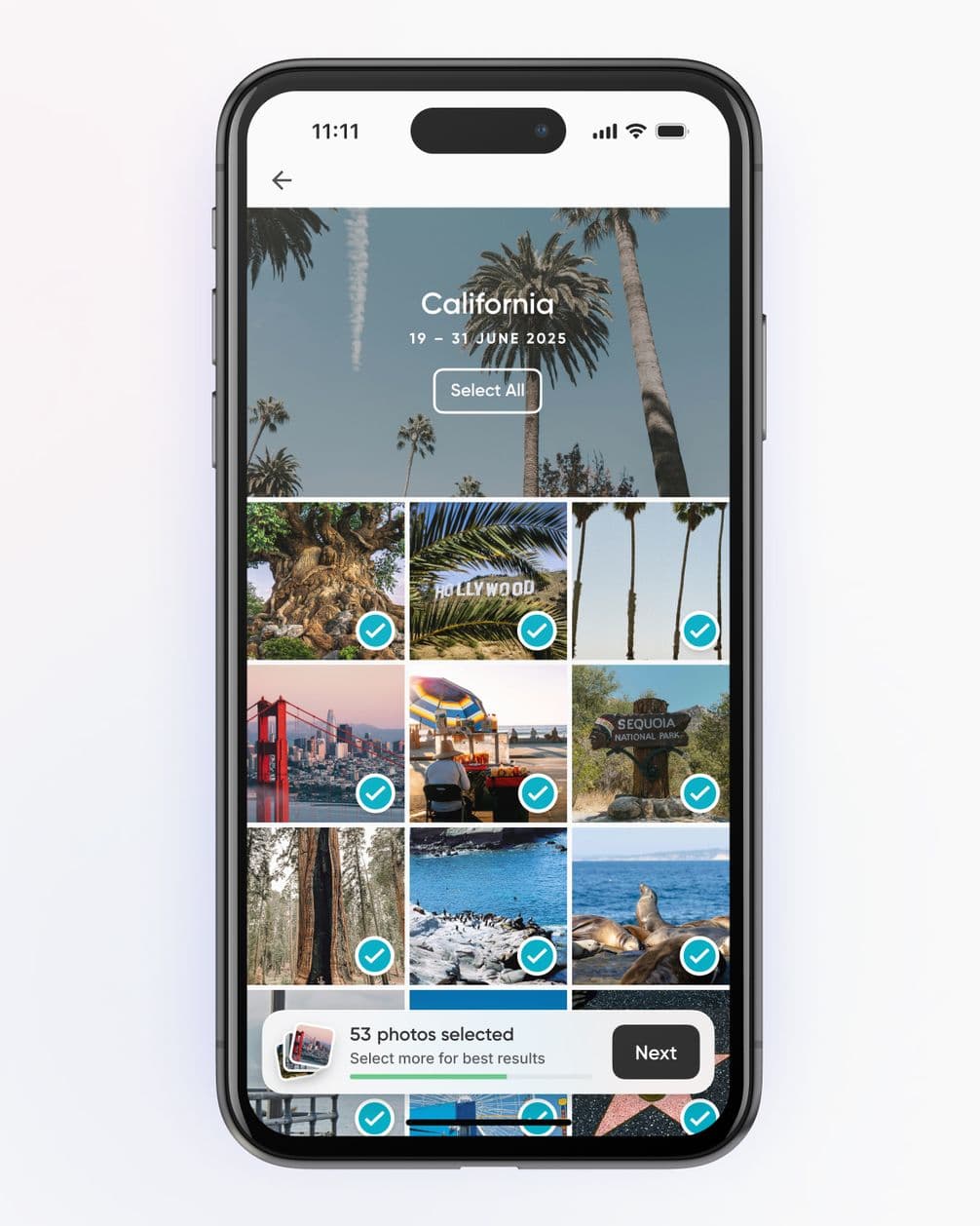
Select the photos you want to use
Let the app build your first draft
Once you’ve selected your photos and started a project, Popsa automatically arranges them into a layout for you. This is a step that used to take hours on a desktop. The first draft won’t be perfect, but it gives you a strong starting point. From there, you can move images between pages, swap layouts, reorder spreads and change the cover image. Most adjustments are as simple as a drag and drop.
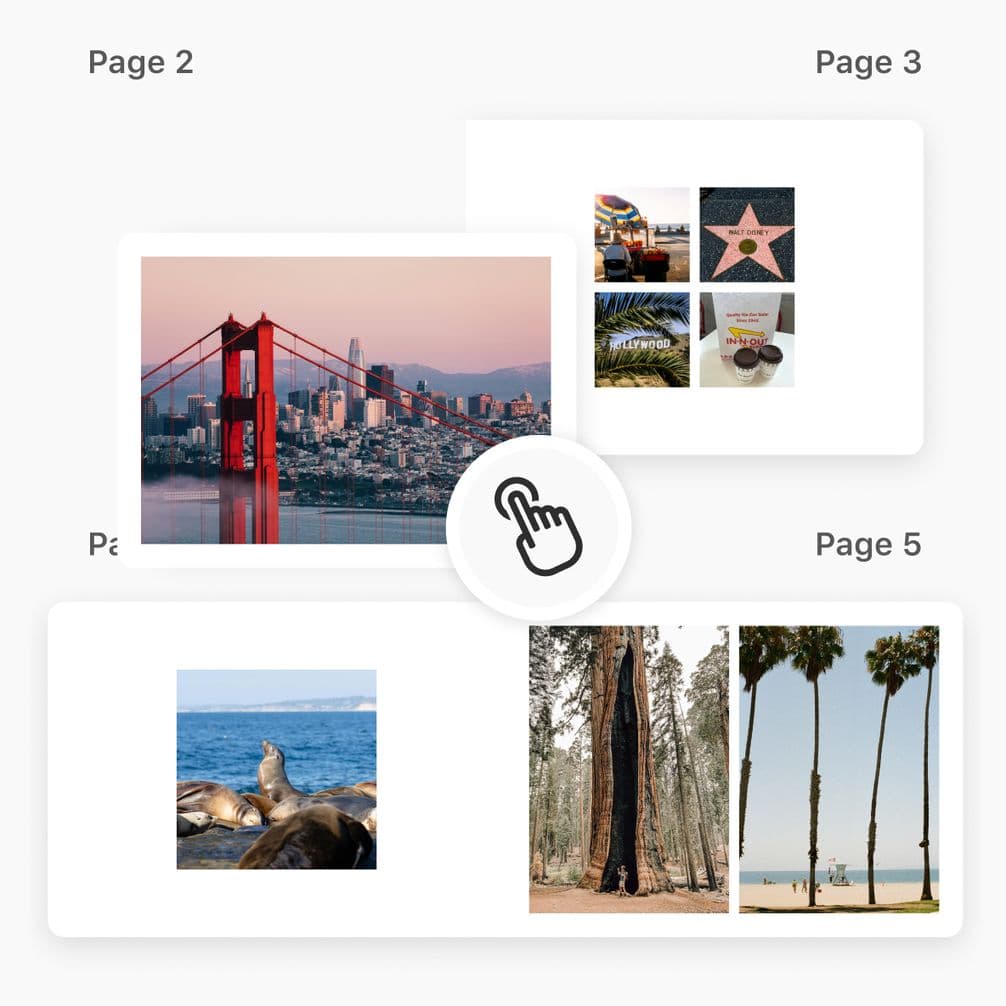
Drag and drop your images to change the layout
What you can (and can’t) adjust on your phone
On mobile, you can easily change photo placement, page layouts, cover design, book size and finish. The experience is designed to be straightforward, even on a smaller screen. Where phones can feel slightly less precise is in detailed cropping or small text adjustments on covers. If you need fine control, pinch to zoom and take your time. For most photo books, the mobile experience is more than enough.
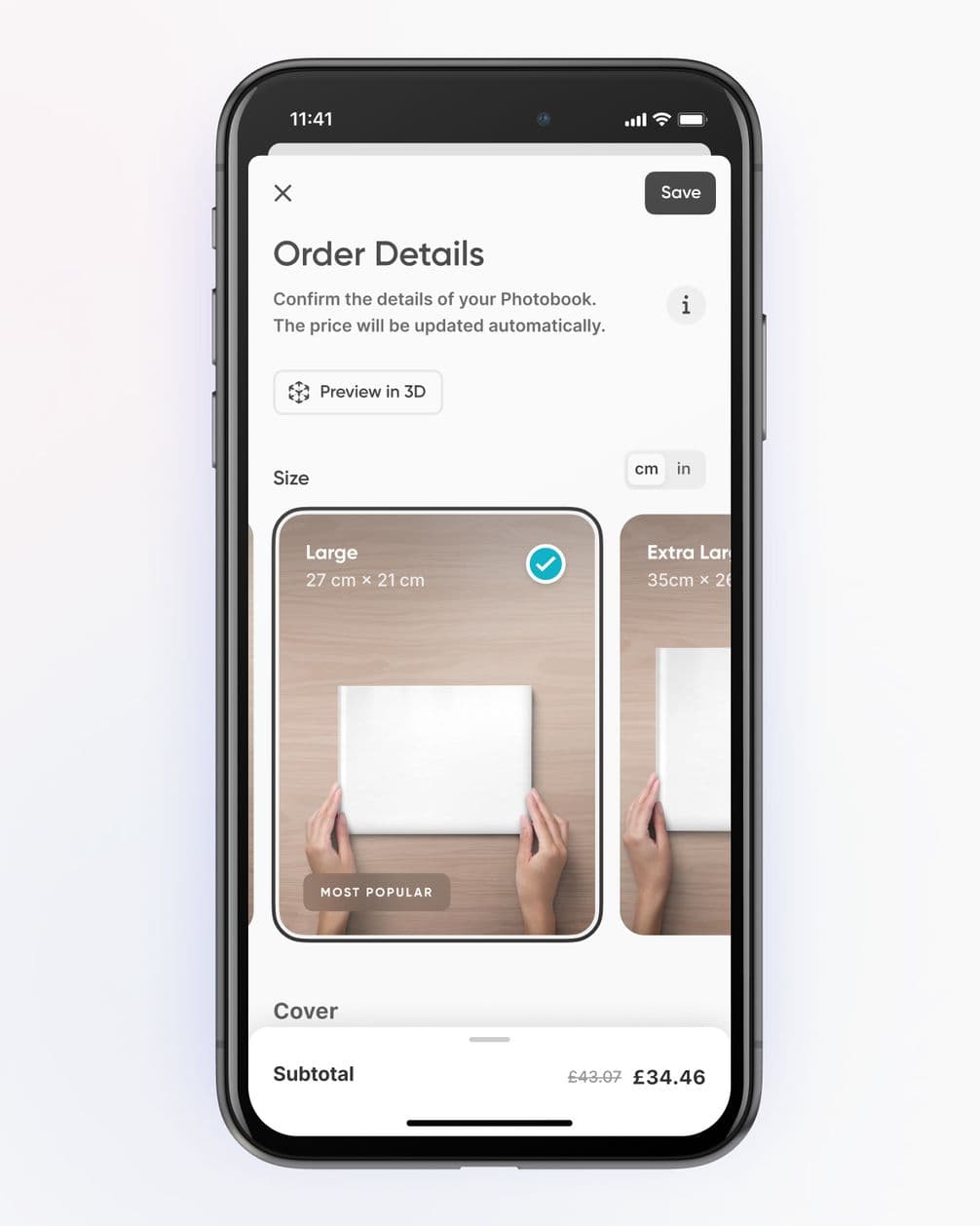
Choose your Photo Book format
Order from your phone
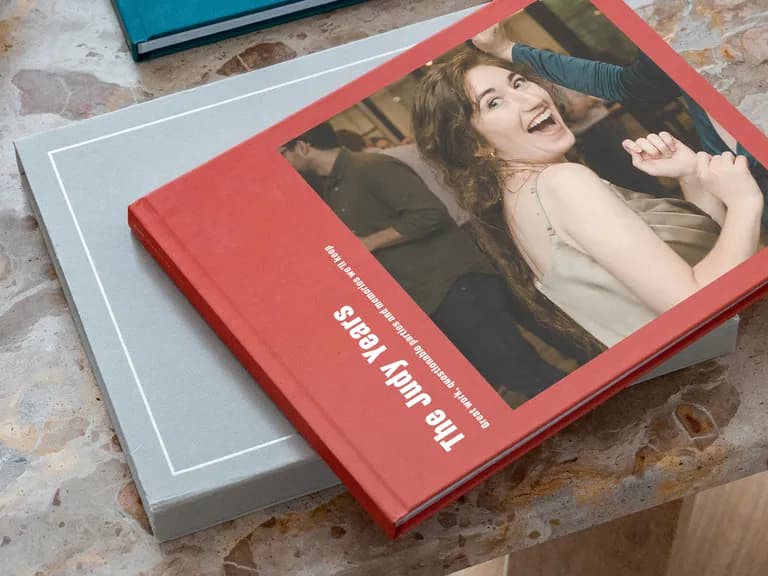
Once you’re happy with your design, you can complete your order directly in the app. Choose your format, such as Hardcover or Softcover, and your preferred size. Then add your delivery address and complete the payment. Popsa’s Photo Books come in Medium, Large and Extra Large, with optional upgrades including Layflat binding and Gloss pages available at checkout. From opening the app to placing an order, a simple project can take less than 30 minutes.
Pobierz aplikację
Szybciej przywołuj wspomnienia dzięki ekskluzywnym funkcjom, takim jak rozpoznawanie twarzy i inteligentne albumy.


&w=96&q=75)
&w=96&q=75)


 Stany Zjednoczone