Bring the two collections together
Organise your scans and digital photos by story rather than by source. Think about the shape of the book: a chapter per generation, a single life told from start to finish, or a year-by-year record of a family home. Start with the photos you care about most and build each section around them. Mixing scanned prints with photos from your camera roll works well for a family biography or a home’s history. Scanned prints often have a different colour and texture to digital photos, so group them into sections or spreads rather than scattering them through the book.
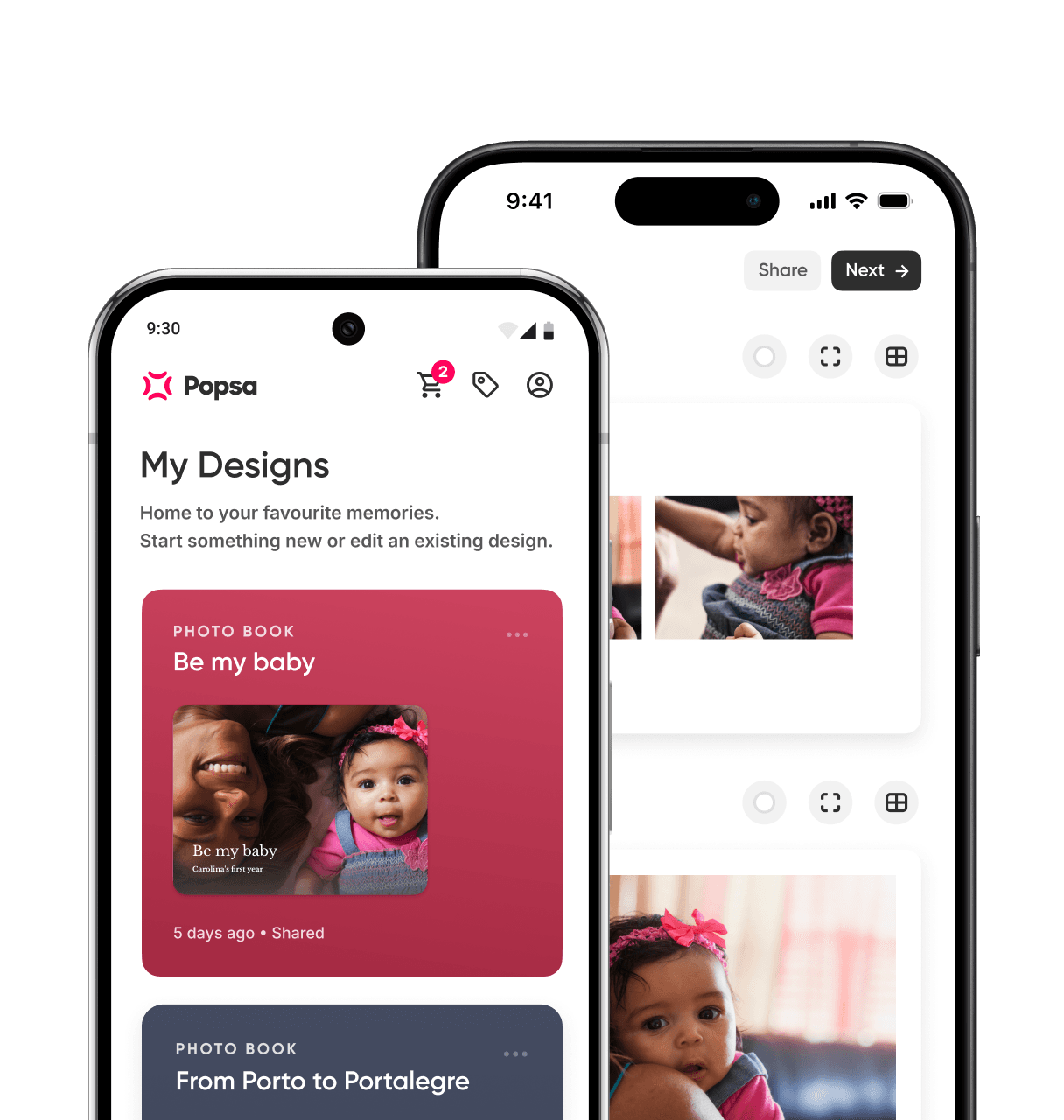
Popsa’s app lets you import digitised photos alongside your camera roll or cloud library into a single design, with an initial layout generated automatically, so you’re refining a first draft rather than starting from scratch. Rearrange pages, add captions from your labels and swap images in and out until the book tells the story you want. Once printed, the book becomes another copy of that story – one the whole family can pick up and look through.






&w=96&q=75)
&w=96&q=75)


 United States