
Gidsen
How to make the most of Popsa’s Rewinds
Simple habits like taking more photos and opening the app regularly can make all the difference

Nathan Cook
Schrijver Popsa
18 sep. 2026∙6 min

Aanmelden
Log in

Nederlands
USD $
Download vandaag nog de Popsa-app


Gidsen
Simple habits like taking more photos and opening the app regularly can make all the difference
Nathan Cook
Schrijver Popsa
18 sep. 2026∙6 min
Looking back is how we make sense of going forwards. Your camera roll holds more than images, it holds the story of you. Popsa’s Rewinds put the chapters of this story together to help you reflect, process and reconnect with the life you’re living.
Read on to discover more about the factors that affect the creation and quality of a Rewind, from frequency of photos to simply engaging with the Popsa app, and learn how to get the most out of your personal memory curator.
&w=3840&q=75)
Get monthly and yearly Rewinds
&w=3840&q=75)
&w=3840&q=75)
&w=3840&q=75)
Our photo-taking habits vary from month to month, but if you haven’t been doing much you’ll have probably captured less on your phone. For example, if you live in the Northern hemisphere, your photo library from January won’t be as detailed as in summer, because you’re not going out as often or taking holidays.
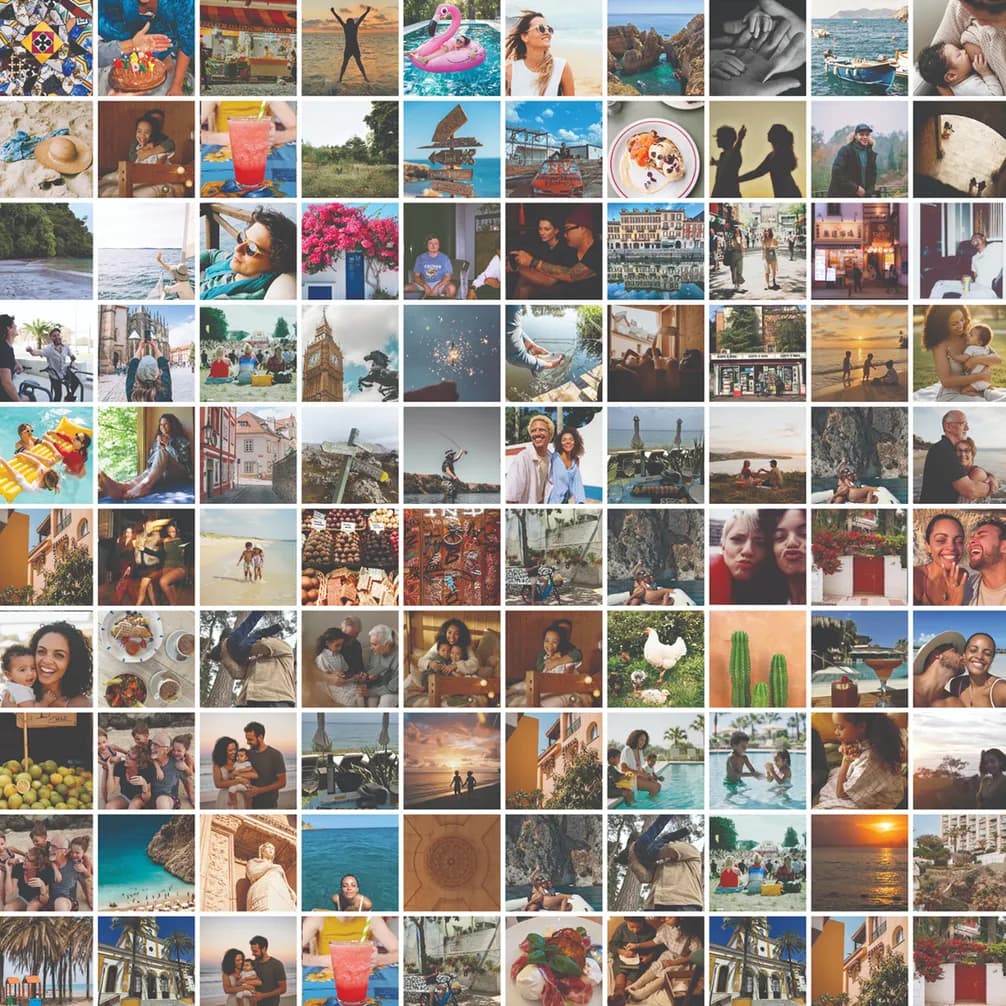
To get the most out of Popsa Memories, consistently take photos of your life as it happens, no matter the time of year. Whether it’s views, food or loved ones, everyday moments can be the most meaningful to look back on. Don’t worry about whether a photo is worth taking – good quality images like this will generate an even, accurate Rewind.
Turn your camera roll into organised albums
You might have taken lots of photos in a given month, but only of one specific event like a birthday party. This will over-populate your Rewind and won’t create a true reflection of what happened. Equally, you could have taken lots of photos in a given month containing clutter like screenshots and receipts. These aren’t quality memories so they won’t be included in your Rewind, which is why it’s important to regularly capture your day-to-day life.
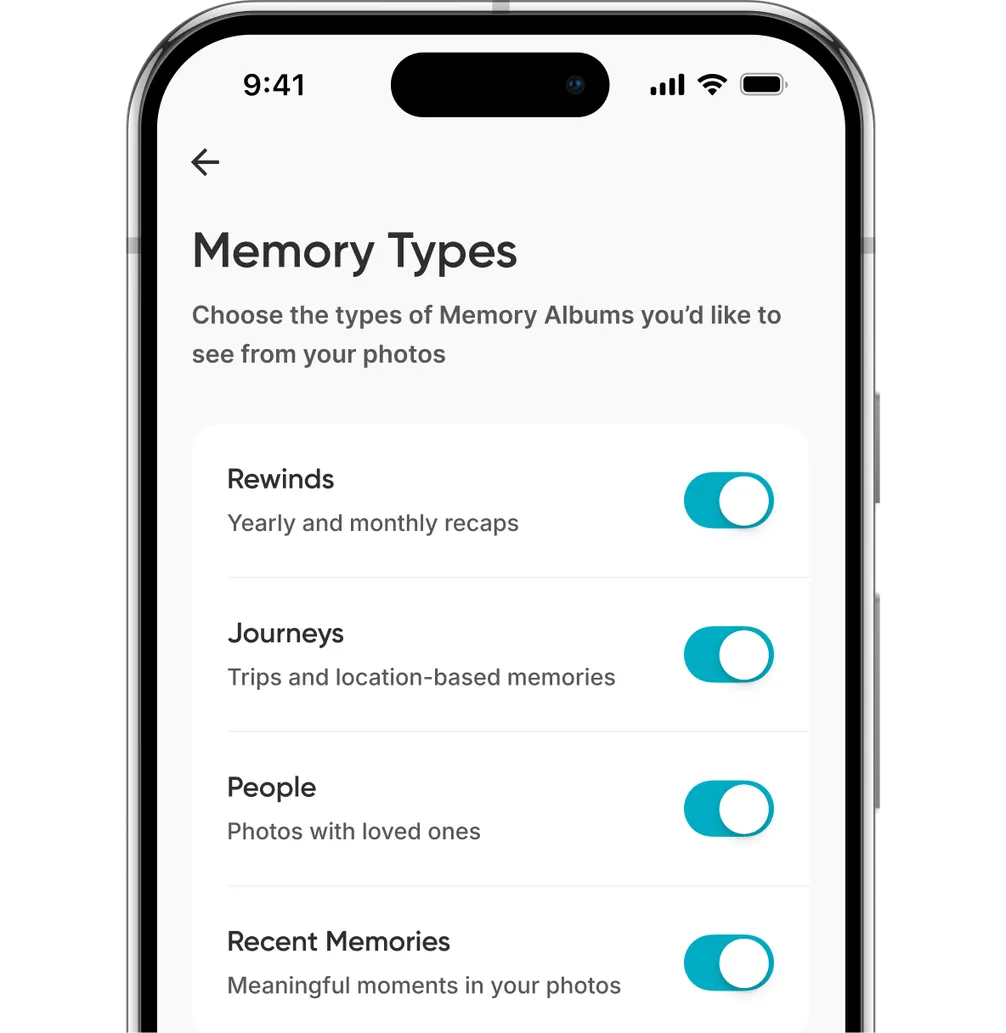
Choose which Memory types you want
Popsa never sees your photos. Memories are all built using photo metadata like coordinates or the time of day, as these are things it can detect. From these photos, our AI looks for details like aesthetic quality or the presence of objects, pets and people to form your Rewind.
Everything is always done on device – your photos never leave your phone until you want to print them. Memories just needs to know when they were taken to build a Rewind. Occasionally, Android devices will strip the coordinates from a photo’s metadata, meaning our AI can't tell whether an image was taken on your holiday or in the park by your house. Ensure your location settings are always switched on to get the highest quality Rewind.
Finally, make a habit of opening the Popsa app regularly, otherwise Memories is blocked from seeing new photos and can’t collate them. This also helps to improve the efficiency of generating your Rewind. If you imagine your phone has an ongoing queue of jobs for each app you use, the more an app is open, the more it’s prioritised. So open the Popsa app regularly and your Rewind will be made faster – don’t open Popsa and they can't be made at all.
Herontdek herinneringen sneller met speciale functies, zoals gezichtsherkenning en Smart Albums.
&w=96&q=75)
27 okt. 2026∙6 min
6 okt. 2026∙6 min
17 sep. 2026∙4 min


 Verenigde Staten