
Guides

Nathan Cook
Écrivain Popsa
18 sept. 2026∙6 min


S'inscrire
Connexion

Français (Suisse)
USD $
Téléchargez l’application Popsa dès aujourd’hui


Guides
Nathan Cook
Écrivain Popsa
18 sept. 2026∙6 min
Se remémorer le passé nous permet de mieux appréhender l'avenir. Votre galerie photo ne contient pas seulement des images : elle raconte votre histoire. Les Récaps Popsa rassemblent les chapitres de cette histoire pour vous aider à réfléchir, à prendre du recul et à renouer avec la vie que vous menez.
Poursuivez votre lecture pour découvrir les facteurs qui influencent la création et la qualité d’un Récap, de la fréquence à laquelle vous prenez des photos à la simple utilisation de l’application Popsa, ainsi que les clés pour tirer le meilleur parti de la curation intelligente de vos souvenirs.
&w=3840&q=75)
Recevez des Récaps mensuels et annuels
&w=3840&q=75)
&w=3840&q=75)
&w=3840&q=75)
Nos habitudes photographiques varient d’un mois à l’autre. En toute logique, lorsque vous faites moins de choses, vous prenez aussi moins de photos. Par exemple, si vous vivez dans l’hémisphère nord, votre galerie photo de janvier sera sans doute moins fournie qu’en été, parce que vous sortez moins souvent et ne partez pas en vacances à cette époque de l‘année.
Pour profiter pleinement de Souvenirs Popsa, prenez régulièrement des photos de votre quotidien, quelle que soit la période de l’année. Paysages, nourriture ou êtres chers : ce sont souvent les moments du quotidien que l’on prend le plus de plaisir à retrouver. Ne vous demandez pas si une photo mérite d’être prise : des clichés de qualité comme ceux-ci permettront de créer un Récap homogène et fidèle.
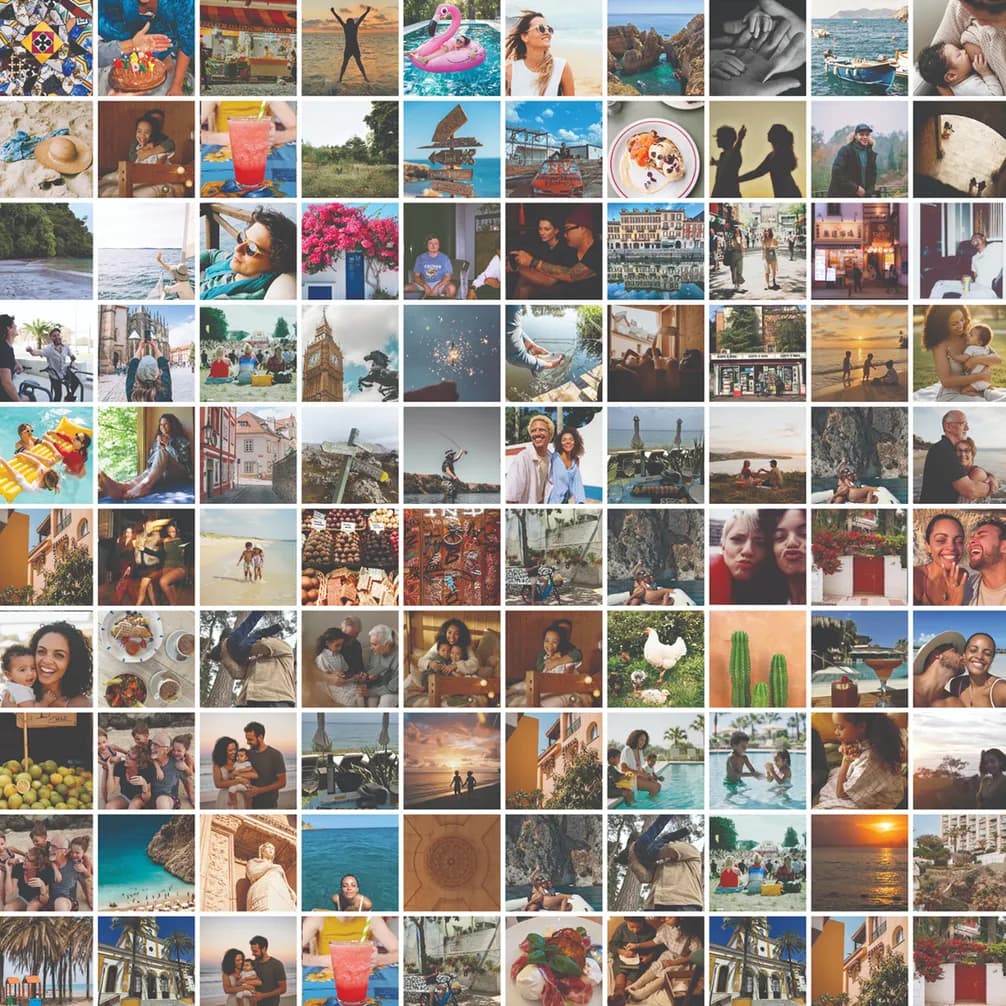
Transformez votre galerie en albums organisés
Vous avez peut-être pris beaucoup de photos au cours d’un mois donné, mais uniquement lors d’un événement particulier, comme une fête d’anniversaire. Votre Récap serait alors trop centré sur cet événement et ne refléterait pas fidèlement ce qui s’est passé au cours du mois. À l’inverse, vous avez peut-être pris de nombreuses photos contenant des éléments sans intérêt, comme des captures d’écran ou des reçus. Ces images ne constituent pas des souvenirs de qualité et ne seront donc pas intégrées à votre Récap. D’où l’importance de photographier régulièrement votre quotidien.
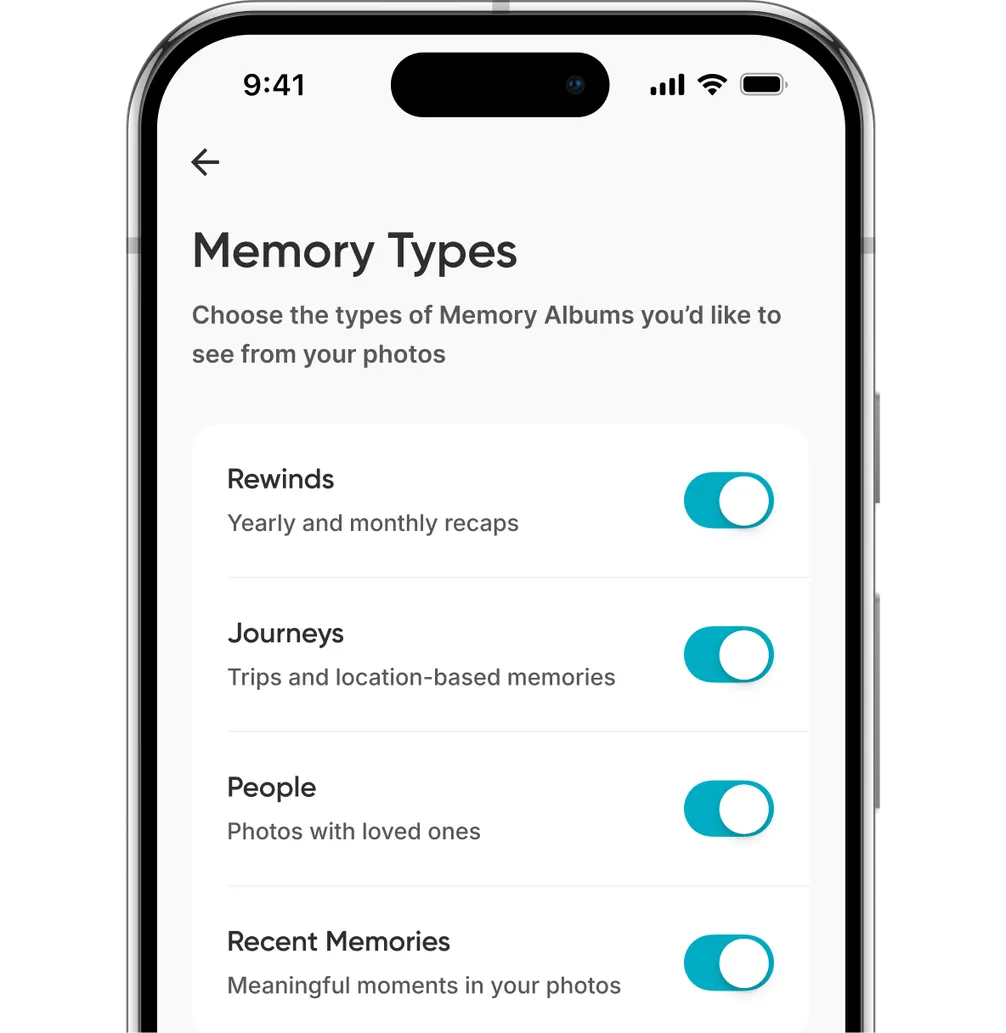
Choisissez les types de Souvenirs qui vous intéressent
Popsa ne voit jamais vos photos. Les Souvenirs sont créés à partir des métadonnées de vos photos, comme les coordonnées géographiques ou l’heure de la journée, que l’application peut détecter. Notre IA analyse ensuite certains éléments, comme la qualité esthétique ou la présence d’objets, d’animaux de compagnie et de personnes, afin de créer votre Récap.
Tout se fait directement sur votre appareil : vos photos ne quittent jamais votre téléphone tant que vous ne décidez pas de les imprimer. Pour créer un Récap, Souvenirs Popsa a simplement besoin de savoir quand elles ont été prises. Il arrive que les appareils Android suppriment les coordonnées géographiques des métadonnées d’une photo. Notre IA ne peut alors pas déterminer si elle a été prise pendant vos vacances ou dans le parc près de chez vous. Pour obtenir le meilleur Récap possible, assurez-vous que la géolocalisation est toujours activée.
Enfin, prenez l’habitude d’ouvrir régulièrement l’application Popsa. Sans cela, Souvenirs Popsa ne peut ni détecter vos nouvelles photos ni les organiser. Cette simple habitude permet également de générer vos Récaps plus efficacement. Imaginez que votre téléphone gère en permanence une file de tâches pour toutes vos applications : plus vous utilisez une application, plus elle devient prioritaire. Ouvrez donc Popsa régulièrement : vos Récaps verront le jour plus rapidement. Sans cela, ils ne pourront tout simplement pas être créés.
Replongez dans vos souvenirs en toute simplicité grâce à des fonctionnalités exclusives comme la reconnaissance faciale et les albums intelligents.
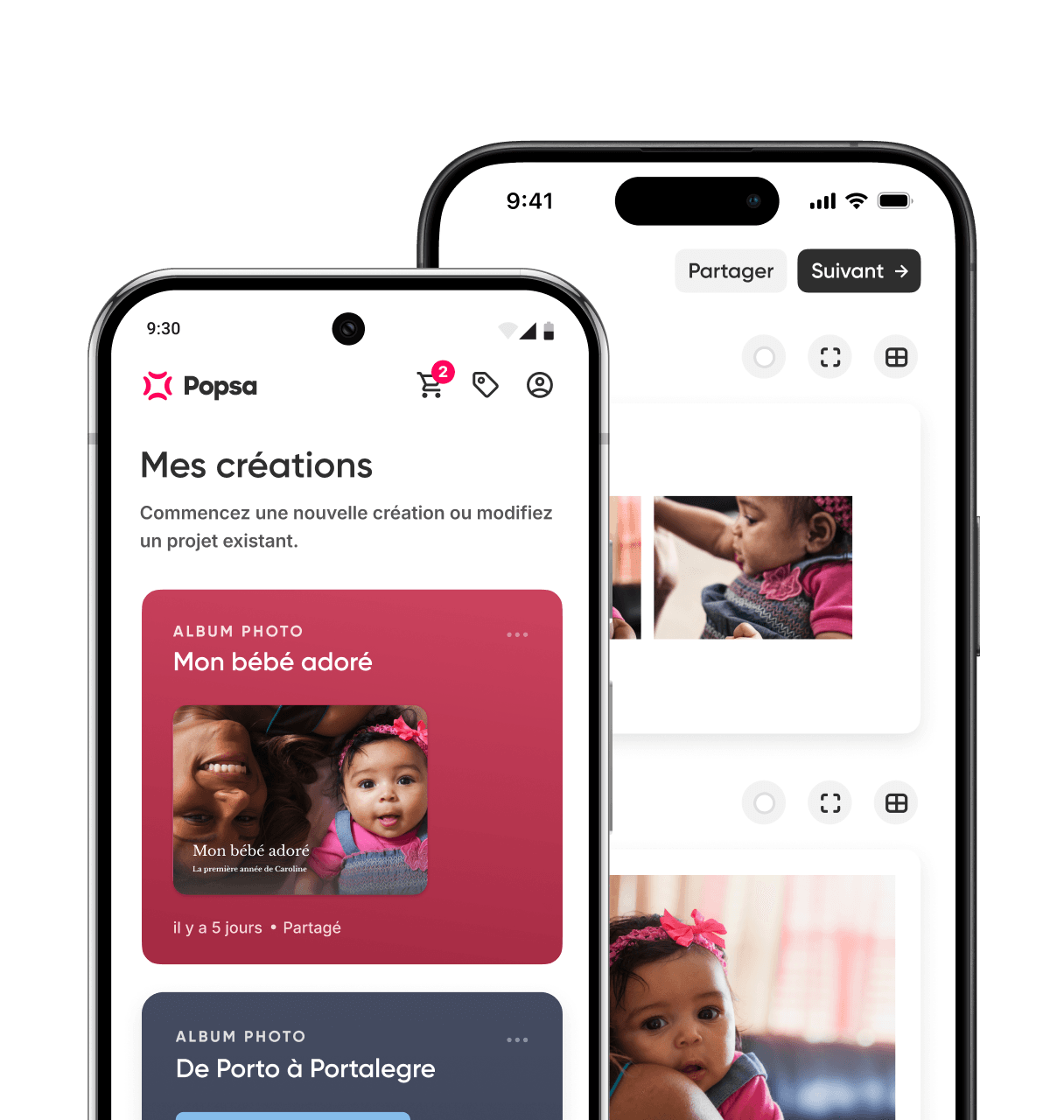
&w=96&q=75)
Rebecca Cope
Journaliste
19 mars 2026∙6 min
&w=96&q=75)
&w=96&q=75)


 États-Unis
Comment profiter pleinement des Récaps Popsa
De simples habitudes, comme prendre davantage de photos et ouvrir régulièrement l’application, peuvent faire toute la différence