


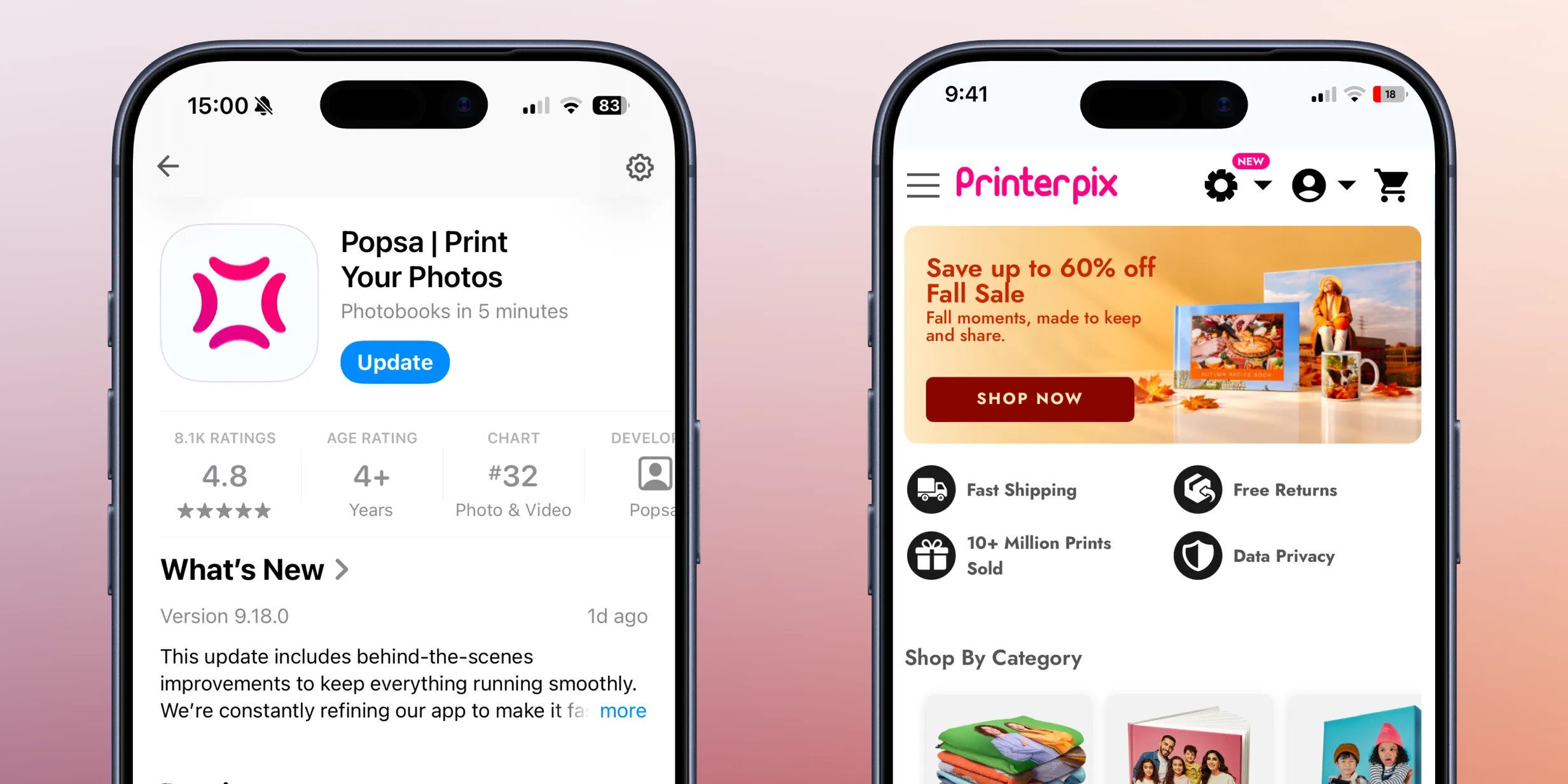
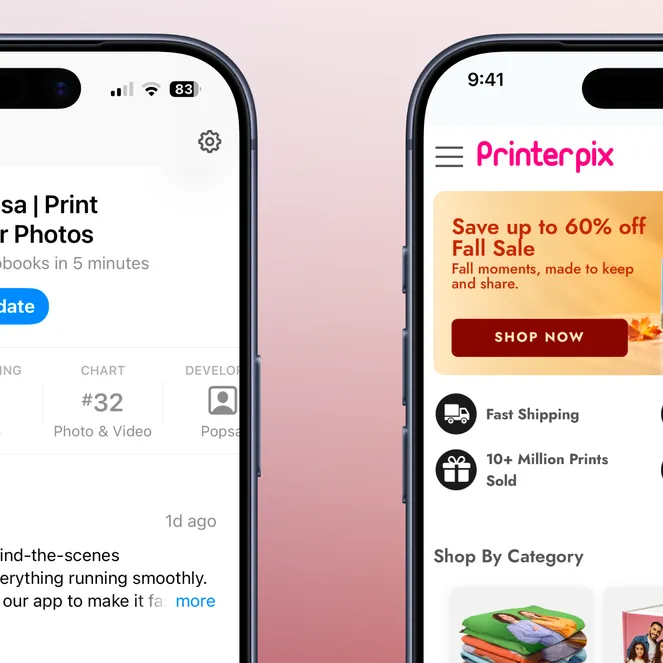
When it comes to designing a photo book, choosing between Popsa and Printerpix depends on what you value most in the process.
Popsa is the stronger choice for customers who want dedicated iOS and Android apps, a much shorter ordering process and a lower starting price on a comparable hardcover. It also leads on Trustpilot rating and review volume, app store ratings and independently verified B Corp certification. Printerpix currently matches none of these. Printerpix may suit customers who want the quickest and cheapest delivery or a money-back guarantee. It may also suit anyone planning a longer book, because its lower per-page pricing makes it the cheaper order.
What Popsa offers
Popsa is best if you:
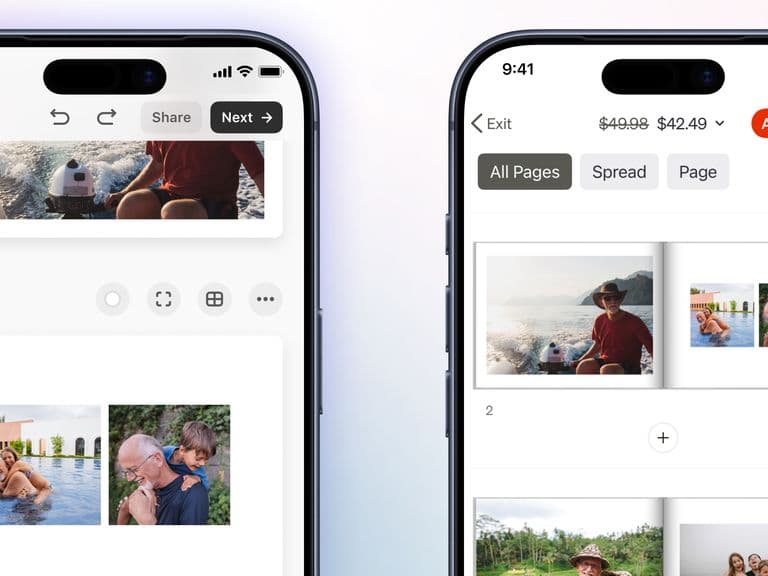
want to create your photo book in a dedicated iOS or Android app
want to get through the ordering process in half the steps
want a lower starting price on a comparable 20-page hardcover
want the flexibility to add a single page at a time
prefer matte as the default finish
want a higher Trustpilot score across more than twice as many reviews
value highly rated apps on both the App Store and Google Play
care about independently verified sustainability credentials (B Corp certified)
What Printerpix offers
Printerpix may be a better fit if you:
are happy to design in a mobile or desktop browser rather than an app
want the fastest delivery option at the lowest price
want the cheapest standard delivery
are planning a longer book (around 44 pages or more), where its lower per-page cost makes the order cheaper overall
prefer gloss as the default finish
want a wider choice of heavier paper upgrades, particularly on layflat books
would rather have a money-back guarantee than a reprint
Getting the job done
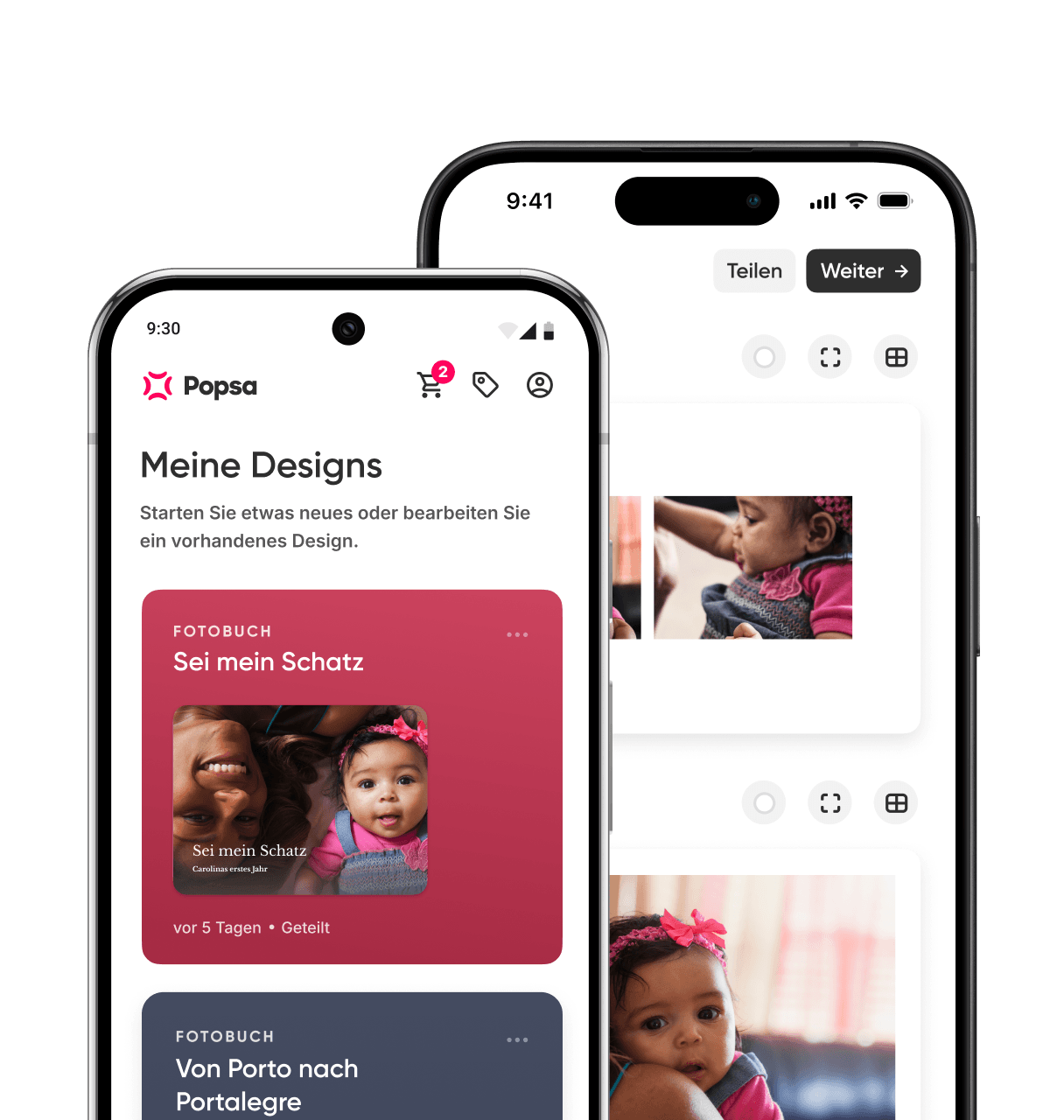
Popsa offers dedicated iOS and Android apps alongside browser-based creation. Printerpix builds its service around creating “straight from your phone – no app needed”, so customers design their books in a mobile or desktop browser. Printerpix has previously offered an iOS app, but it isn’t available on the App Store, and there is no Android app.
The two ordering journeys differ sharply in length. Popsa takes ten steps from opening the app to checkout, while Printerpix takes 20. Much of that gap comes after the design is finished. Before you pay, Printerpix asks you to consider a run of separate upgrades: a larger size, better paper, ink, cover and a protective sleeve. Popsa groups its finishing choices and upgrades into fewer stages.
If you’d rather create in a dedicated app, or want to get from photos to checkout with fewer decisions along the way, Popsa makes the process quicker and simpler.
Creative outcome
Both brands use 200gsm paper as standard, so the starting page weight is the same. Printerpix’s standard finish is glossy, and it also offers a 190gsm pearlescent lustre option. On layflat books it offers heavier papers from 430gsm up to 520gsm. Popsa includes matte as standard, with gloss available as an upgrade.
If base paper weight is your main concern, you’ll get the same starting point from either brand. If you want a matte finish without paying extra, Popsa is the better fit. If you want a wider range of heavier layflat papers, Printerpix offers more choice.
Speed and reliability
Printerpix’s fastest delivery option arrives in three to four days for £8.94, compared with Popsa’s fastest option of four to seven days for £9.99. Printerpix’s cheapest delivery is also lower, at £4.99 against Popsa’s £5.99.
If getting your book quickly, or keeping delivery costs down, is the priority, Printerpix has the edge on both.
Price clarity and fairness
A comparable 20-page large landscape hardcover costs £40 from Popsa and £44.95 from Printerpix, so Popsa is £4.95 cheaper at non-sale prices. Both set a 20-page minimum.
Extra pages work differently. Popsa charges £0.69 per single page. Printerpix only adds pages in pairs, at £0.94 for two, which works out at roughly £0.47 per page. That makes Printerpix cheaper per page, but you can’t add a single page.
As a result, Popsa’s lower starting price holds for most books but shrinks as a book gets longer. Popsa remains the cheaper order up to 43 pages. From 44 pages, Printerpix’s lower page rate makes it marginally cheaper, and the gap widens from there.
If you’re making a typical-length book, Popsa’s lower starting price makes it the cheaper option. If you’re planning a long book of 44 pages or more, Printerpix’s per-page pricing will save you money.
Trust and reassurance
Ordering a printed product sight unseen carries risk. Both brands offer a satisfaction guarantee and free reprints for faulty or damaged products, but they word the guarantee differently. Popsa says it will reprint your order free of charge if anything goes wrong. Printerpix promises your money back, no questions asked, if you aren’t fully satisfied. Where a problem isn’t Printerpix’s fault, such as a low-resolution photo upload, it offers a replacement at a discounted price.
The review picture is clearer. Popsa holds a Trustpilot score of 4.4 from around 120,000 reviews, compared with Printerpix’s 3.3 from around 47,000. Popsa’s apps are rated 4.8 on the App Store and 4.6 on Google Play. Printerpix has no app on either store to compare against.
If evidence from other customers matters to you before you buy, Popsa’s higher rating across a larger number of reviews offers more reassurance. If you’d prefer a guarantee framed around a refund rather than a reprint, Printerpix’s wording is broader.
Values and responsibility
Popsa holds B Corp certification, and Printerpix does not. Popsa also states clear commitments around carbon offsetting, FSC-certified paper and biodegradable packaging, and sets these out on a dedicated sustainability page.
If independently verified environmental and social credentials are important to you, Popsa’s B Corp status offers a level of assurance that Printerpix doesn’t currently match.
Laden Sie die App herunter
Dank Popsas praktischer Gesichtserkennung und unseren Intelligenten Alben kannst du Erinnerungen jetzt noch schneller wiederfinden.


In Verbindung stehende Artikel
&w=96&q=75)
Zofia May
Familienfotografin
31. Juli 2025∙6 min
&w=96&q=75)
Jason Kaye
Popsa-Autor
30. Apr. 2026∙6 min
&w=96&q=75)
Benedict Brain
Fotograf und Autor
27. Juli 2026∙10 min


 Vereinigte Staaten