Guides

How to organise your camera roll

Simple, stress-free ways to sort through your phone photos and surface the memories that matter most

A hand holding a smartphone, browsing through food photos, with a cup of coffee on a wooden table in the background.

Aperçu de l’article

  • Organising photos is about curating what matters, not sorting or deleting everything in your camera roll.

  • Using simple tools like favourites, short timeframes and search makes organising quick and manageable.

  • Small, regular curation habits help you surface meaningful memories without feeling overwhelmed.
How many photos did you take with your phone last year? For many of us it’s hundreds, even thousands. Parents, in particular, often capture lots of meaningful memories, from their new baby’s weekly milestones to birthday parties, days out and hilarious moments. While it can feel overwhelming, organising your photos is a lot easier than you think – and you don’t even have to delete any. 

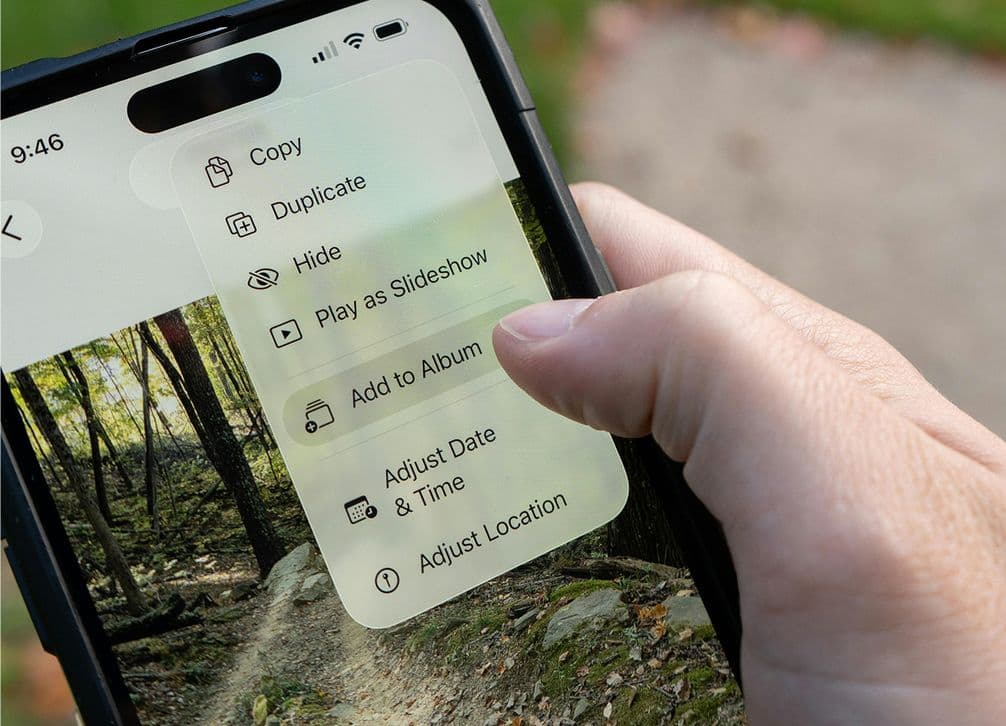
Close-up of a hand holding a smartphone, displaying photo editing options over an image of a forest trail on the screen.

Pexels

Curating is better than decluttering

As I write this, I have 43,649 images in my iPhone’s Photos app and about 15,000 more in Lightroom on my computer. If I spent just five seconds reviewing each photo, it would take me more than two full 40-hour work weeks – with no breaks. No amount of tagging, sorting, archiving or deleting is ever going to get my photo collection down to a manageable number – but that’s OK.

It doesn’t matter how many photos you have in your camera roll, what matters is that you can find meaningful photos, important memories and great shots when you want to. Instead of worrying about sorting through all the meaningless memes, screenshots and blurry snaps, you should focus on curating the images you love and making them always available.

Use your phone’s favourites

Your phone already has a great tool for curating your images: the favourite or star feature is the quickest way to earmark photos. Just tap the heart icon on an iPhone or the star icon on an Android and the photo will automatically get added to your Favourites folder. 

Of course, you can create albums for more granular, subject-specific sorting. Or, if you use other apps like Lightroom, Capture One Pro or Luminar Neo, you can use a more detailed rating system. But simply using your phone’s favourites function goes a long way towards keeping your most meaningful photos more accessible.

Start small

Once you accept that there’s no need to categorise every single image in your collection, it’s a lot easier to get started. You don’t have to create a complete filing system, just signpost the important photos in amongst the rest.

Start small. Set aside ten minutes to skim through all the photos you took in the last couple of weeks and find a few that are worth favouriting. Once you start building your curated collection, you’ll find it much easier to keep going.

Don’t overthink it

Do you like the photo? Great, it’s worth saving. It really can be as simple as that. You don’t have to meet anyone else’s standards or expectations. It’s your photo collection. 

And if there are 20 similar photos? Don’t favourite them all or spend ages comparing them to find the singular best one. Just save three or four representative images that you like. You can always go back and look through them again.

Pexels

Pick a timeframe

You don’t have to organise every photo you’ve ever taken in one session. Instead, pick a shorter timeframe and just focus on curating images from it. The past year is good, but you can choose an even shorter timeframe like the previous month or a recent trip, or start with a meaningful event, such as your child being born or moving into a new house.

One of the best ways to approach this is to use your calendar. Look through the past year and note down the dates of big events like birthdays, trips abroad and family gatherings. Scroll back through your photos to those important dates and pull out a few photos. You can ignore everything else. 

Sure, you’ll miss the odd amazing sunset snap or other great photo you took on a random day, but it’s a really easy way to curate loads of meaningful images in no time at all.

Deleting is optional

Unless you have to delete some photos to make space for more on your phone, there’s almost no need to delete images when you organise them. Focus on curating the good ones and let every photo you’ve ever taken gather in the depths of your camera roll. 

Digital storage has never been more affordable. You can use a service like iCloud or Google Photos to store your images or buy a high-capacity external hard drive. (Though, if you go with a hard drive, just make sure you’ve got some kind of backup plan in place.)

If you don’t want to use a backup service or external hard drive and absolutely have to delete a photos, there are tools out there that can help. Apps like Clean My Phone, Clever Cleaner, and AI Cleaner can find and delete screenshots, similar images, and even bad or blurry photos. There are also apps like Swipewipe and Swipe & Delete that let you go through your photos one by one and swipe to keep or delete them.

Make the most of the search function

It’s getting easier and easier to find photos using search, no matter how messy your camera roll is. Both Apple and Google use AI to identify what’s happening in your photos, and even who the subjects are. This makes search really powerful as you can just type “birthday party”, “25th wedding anniversary”, or “dog photos” and your phone will often do a really good job of finding the photos you want. 

You can also search for specific dates. So, if you ever want to see all the photos from an event or trip, it’s easy to find as long as you have one photo in your favourites. Just find the photo you saved, check the date and then search for it in your camera roll. 

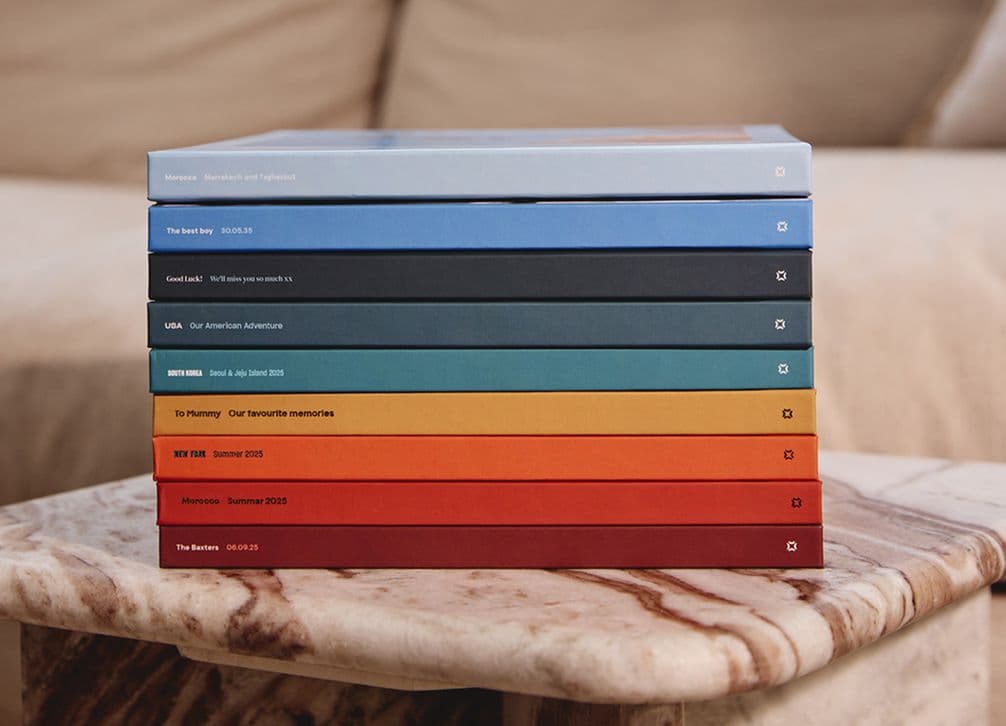
A stack of colorful books with white text on the spines, resting on a marbled table in front of a beige couch.

Popsa Photo Books

Get your photos off your phone

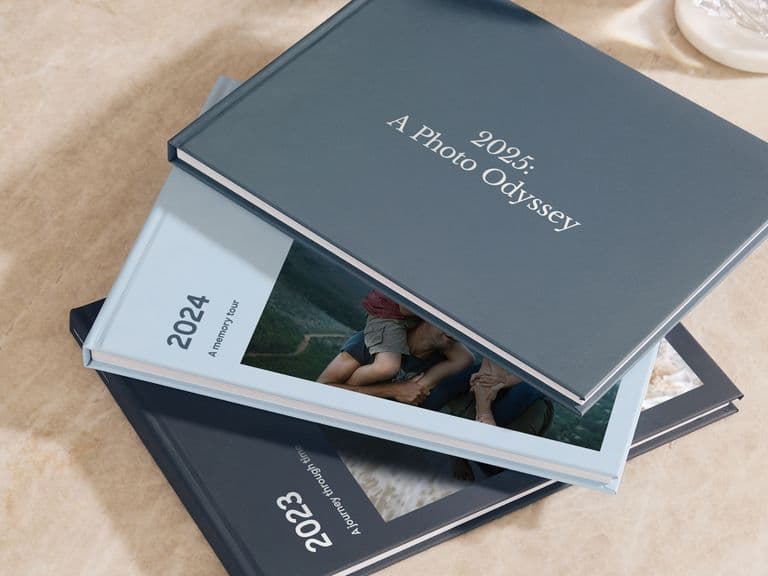
Your phone is a good place to keep your photos safe, but it’s not a great way to show them off or see them every day. If you’re going to the effort of curating a collection of images, you should consider turning them into meaningful keepsakes, like a yearly photo book or baby book. It’s much easier to do once you have everything organised.

Curate away...

Hopefully you’re now inspired to jump into your photos app and get organising. Even a couple of minutes curating a few favourite photos can make all the difference. It’s incredible how quickly you can build a great collection of meaningful memories.