How do you create a graduation Popsa Photo Book?
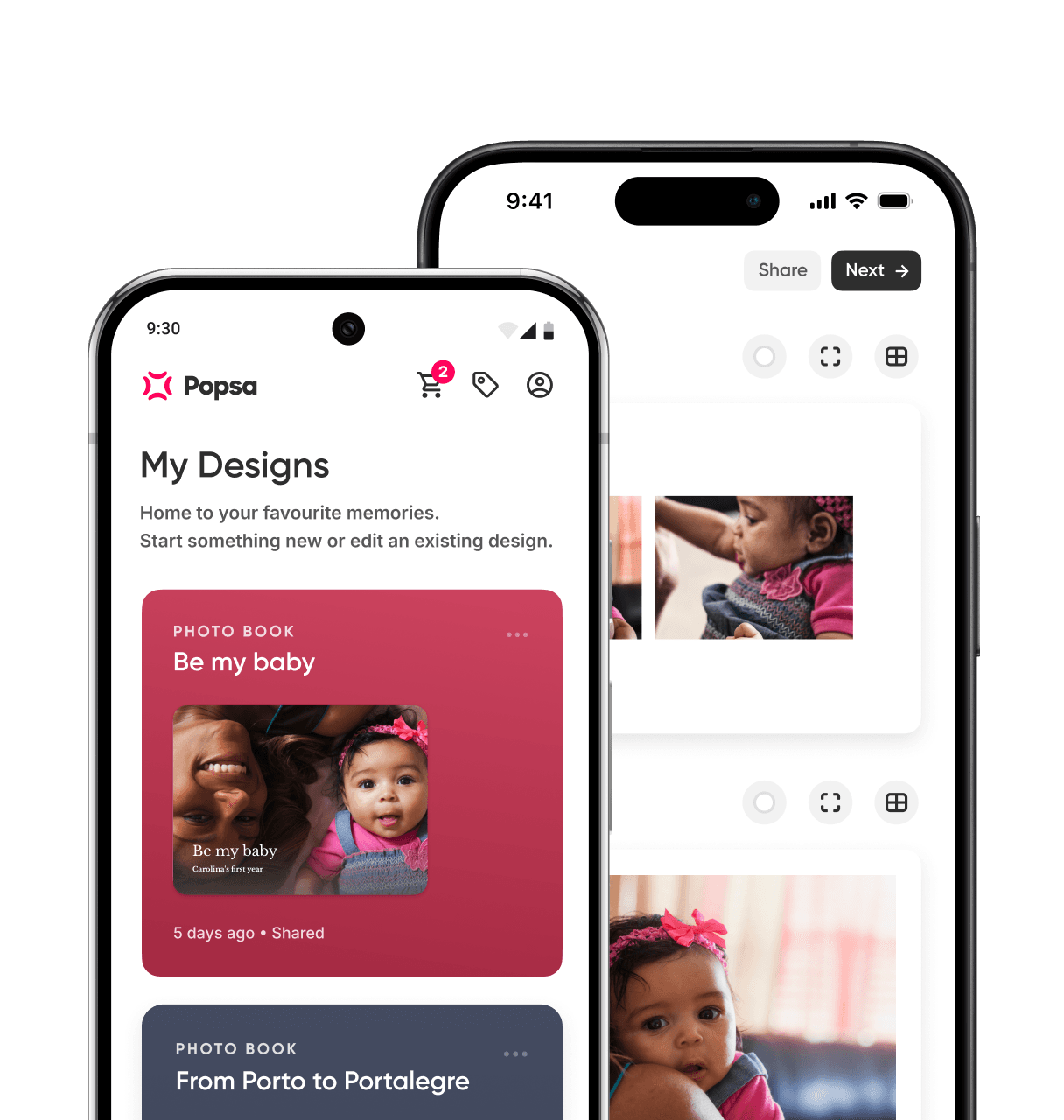
Once you have your photos gathered and roughly sorted, creating your photo book is simple. Download the Popsa app, select your photos and the app will automatically arrange them across the pages, creating a starting point for your story. From there, you can adjust layouts, reorder photos and add personal touches such as captions, dates and memories. When you’re happy with the result, choose your size – Hardcover for a keepsake designed to last – and place your order. If the book is intended for the graduation day itself, it’s worth checking delivery times in advance to ensure it arrives in time for the celebration.









&w=96&q=75)


 United States