Company Goals
When we started thinking about bringing 3D to our app we had three goals in mind:
1. Increase customer confidence
Allow customers to open their book design in 3D, turn the pages, and inspect details up close and from different angles.
2. Showcase premium features
Show customers the impact of different upgrades – such as UV gloss coating and hardback book covers – using their designs rather than just describing the benefits.
3. Catch design mistakes sooner
Give customers the opportunity to examine their design up close so mistakes can be caught before designs are printed and delivered.
Framework
The first decision at the start of any 3D project is which framework to use.
We looked at cross-platform engines like Unity, Filament and Babylon. Unity is a powerful engine but it’s more suited to games rather than as a component within an existing app.
Filament and Babylon are projects loosely sponsored by Google and Microsoft respectively, both have iOS libraries but they’re still in the early stage of development.
This left us considering the two 3D frameworks built into iOS, RealityKit and SceneKit. RealityKit is the newer framework built from the ground up to support AR experiences while SceneKit has been around for many years. We opted for SceneKit as it has a much broader range of features, for example you can write shader modifiers to deform geometry on the GPU in realtime.
Modelling
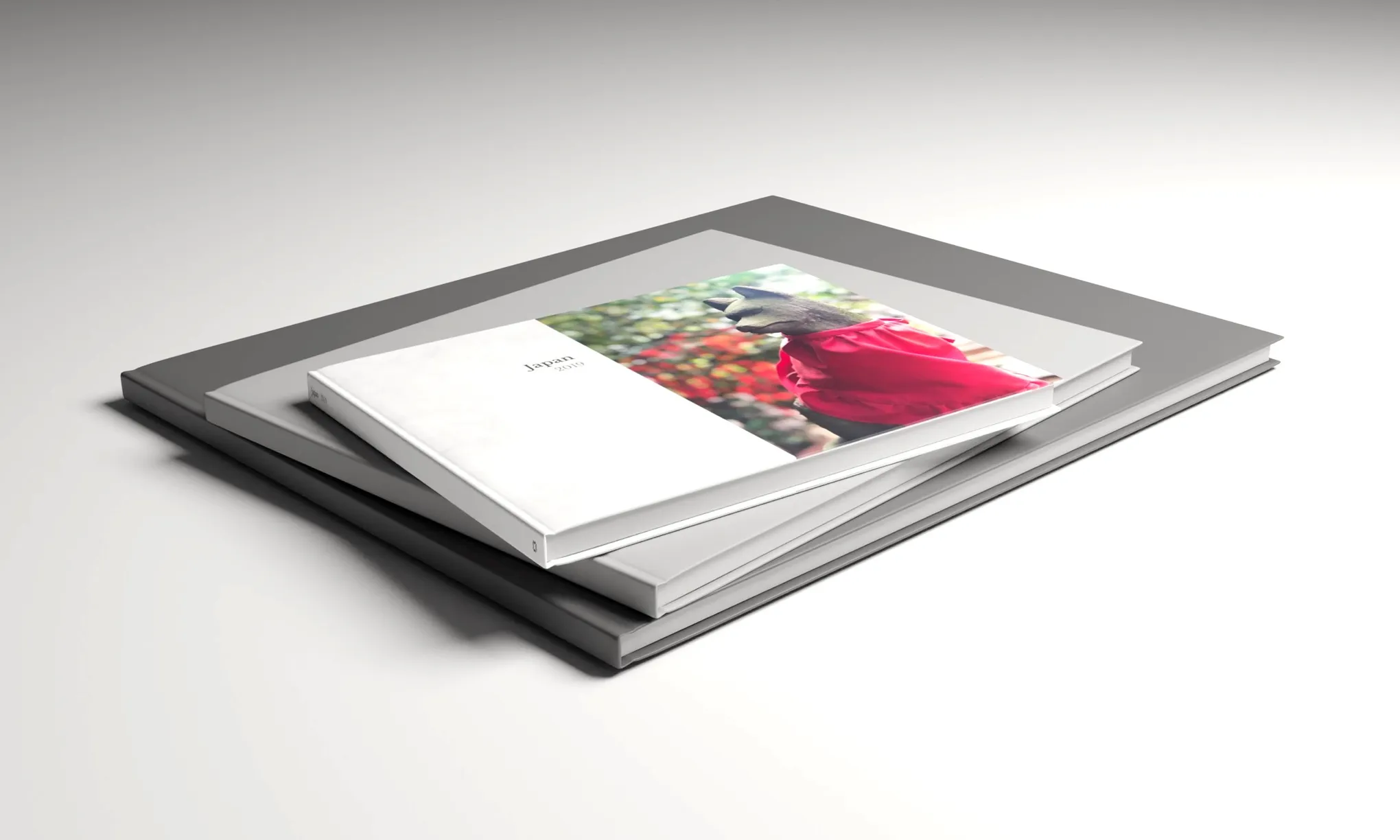
We offer three different kinds of book.
Our hardback and softcover books are perfect-bound while our photobooklets are spine stapled. Each binding type required a different approach and getting the hardback cover right needed a mini research project of its own.
Cover mechanics
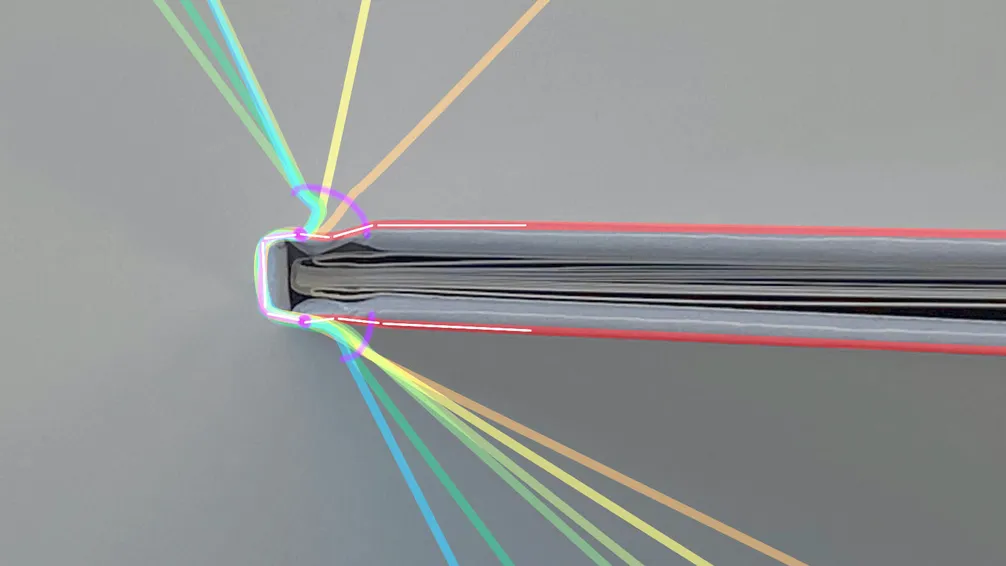
If you study a hardback book cover up close, you'll find there's quite a lot going on mechanically.
The cover itself is made up of 3 pieces of card connected by a continuous paper wrap. This is then carefully glued to the perfect-bound pages inside. To model this in 3D, we first had to understand the mechanics.
Sketch analysis showing the trace of the book cover as it's opened:











 USA