


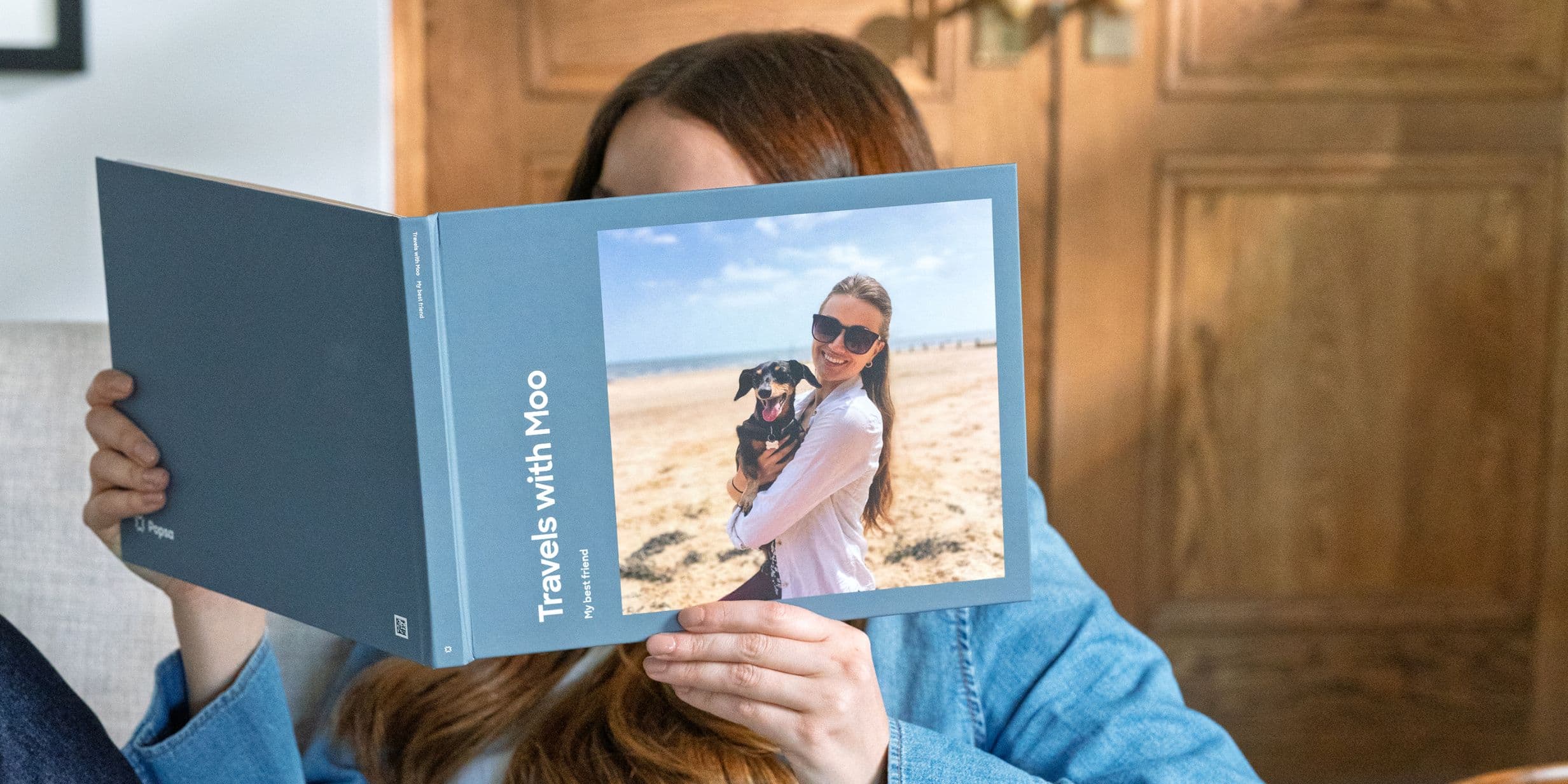
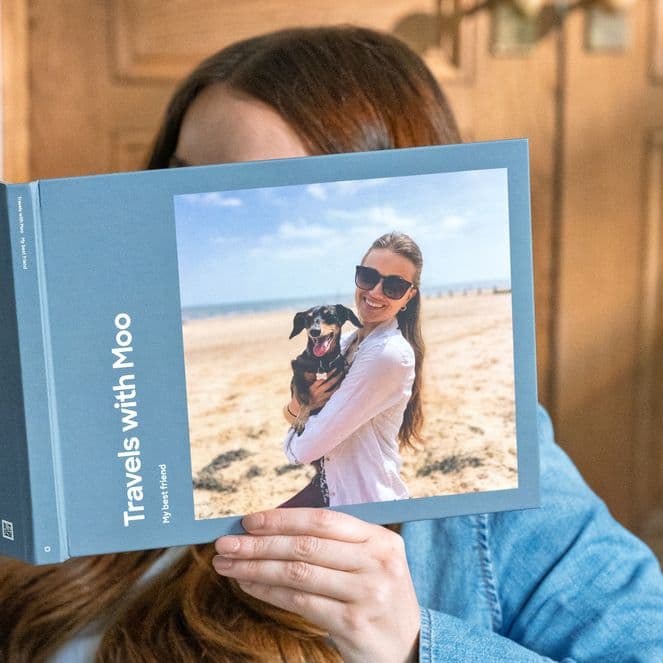
The biggest obstacle between most people and a finished photo book isn’t cost, skill or even choosing the photos – it’s the belief that the whole thing will take ages. So the project gets filed under “someday”, the camera roll keeps growing and the memories stay on a screen.
Here’s the good news: it actually doesn’t take ages. The average Popsa Photo Book is made in around five minutes, because the app handles the parts that traditionally take the most time – layouts, cropping, colour schemes and ordering your photos. Give yourself a generous ten and you can browse, tweak and still have time to admire your work before checkout. Here’s exactly where those minutes go.
Minute 1: Pick your moment, not your whole life
Start with one contained chapter – a holiday, a birthday weekend, a season – rather than every photo you love. A clear boundary makes every decision that follows faster, and it’s the secret behind books that feel coherent rather than crammed. Open the Popsa app, choose Photo Book, and you’re off.
Minutes 2-4: Select your photos
Go through your camera roll and tap everything from your chosen moment that makes you feel something. Don’t agonise – you can add and remove photos later, and similar shots can be trimmed in the edit. If your library is in good shape this takes no time at all (and if it isn’t, our guide to organising your camera roll will speed up every book you ever make). One quality tip: choose original photos from your camera roll rather than images saved from messaging apps, which are often compressed and can look soft in print.
Minutes 5-6: Let the layout build itself
This is where the time disappears – in a good way. Popsa automatically arranges your selection into a designed book: photos grouped and ordered, templates chosen, crops applied. What would be an hour of dragging boxes around on other platforms happens in moments. Your job now isn’t to design, it’s to react to a design that already exists.
Minutes 7-9: Make it yours
Flick through the pages and trust your instincts. Swap a template, promote a favourite shot to a full page and give the cover a title – simple works best (“Portugal, 2026” will never embarrass you). If you’ve got a spare minute, a short caption on a key page adds warmth. Our guide to writing captions that actually mean something has you covered. Resist the urge to perfect every spread. The pages you’d agonise over are rarely the ones anyone notices – and a book that exists beats a perfect book that doesn’t.
Minute 10: Order it
Check the size and cover, confirm your address and tap order. That’s it. Your book is printed and on its way to your door, and you’ve done in ten minutes what your camera roll has been waiting years for. One last thought: the ten-minute book isn’t a compromise – it’s often the better book. Made quickly, while the memories are fresh, it captures how the moment actually felt. And once you’ve done it, the second one is even faster.
Indlæser…
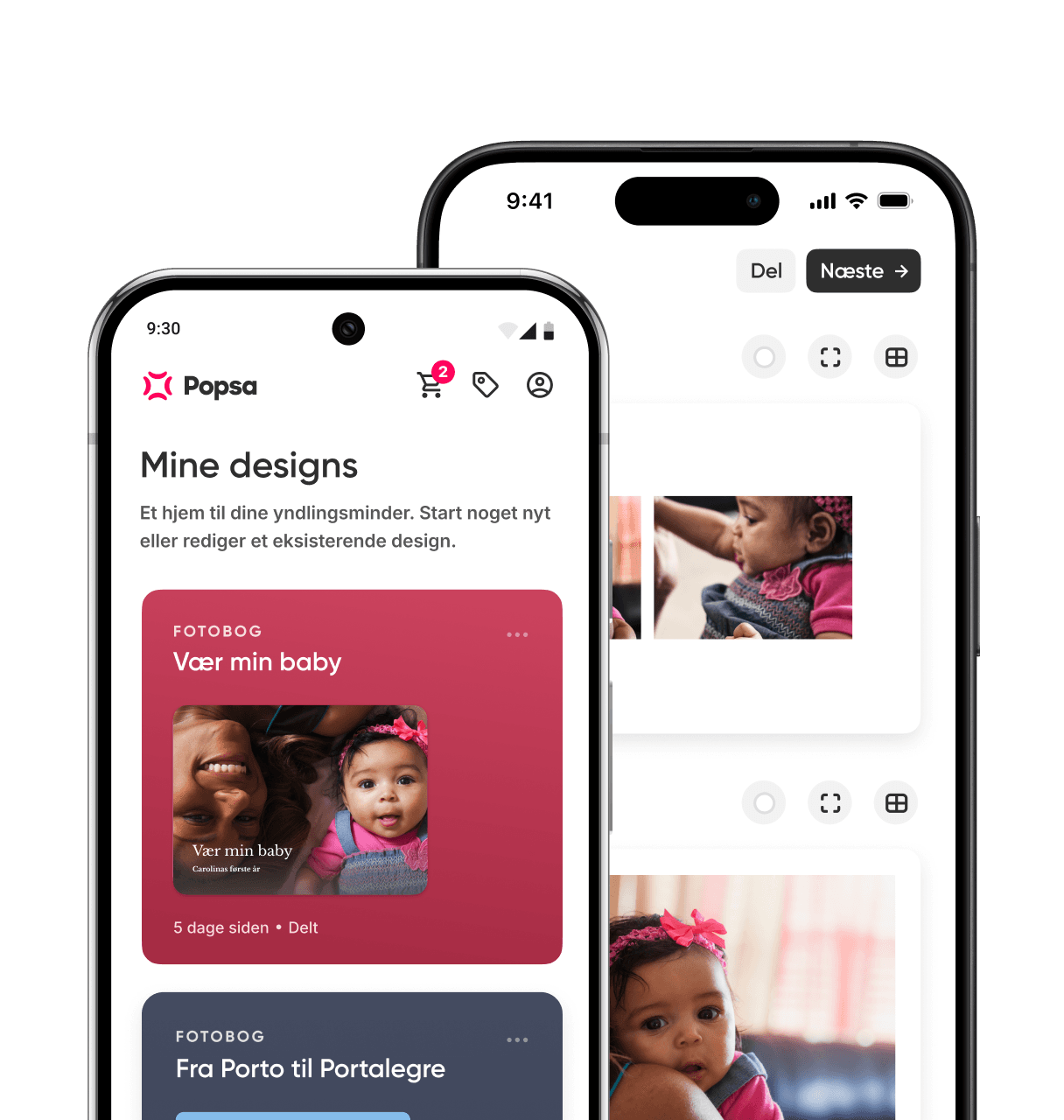
Download appen
Find minderne hurtigere med avancerede funktioner som ansigtsgenkendelse og smarte albummer.


Relaterede artikler
&w=96&q=75)
17. sep. 2026∙4 min
6. okt. 2026∙6 min


 USA
USA