


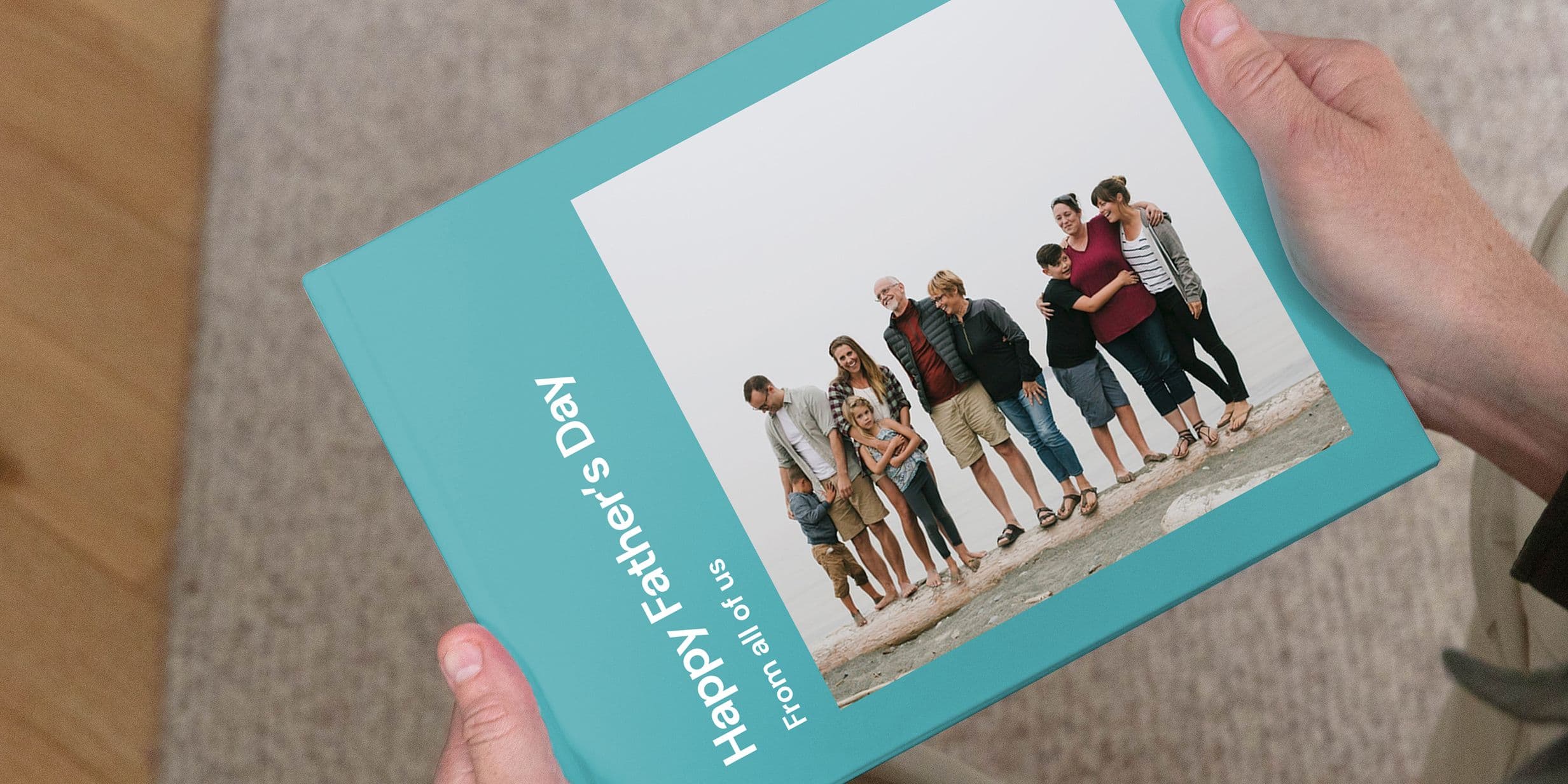
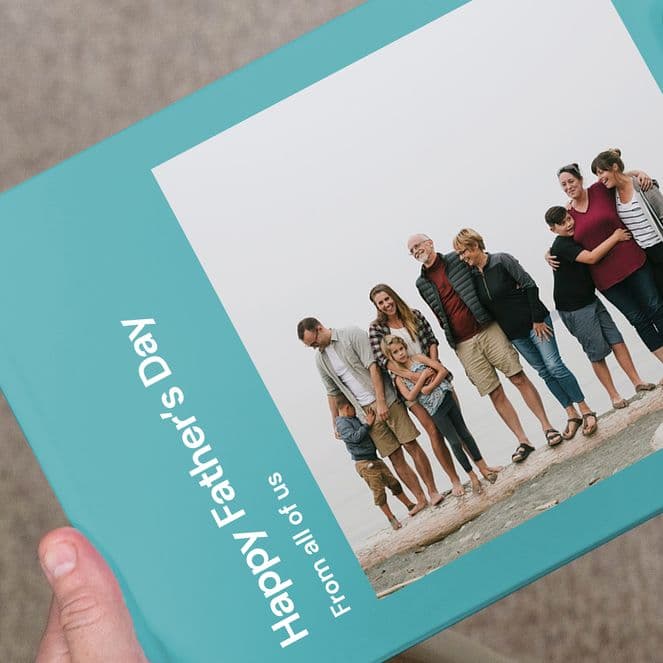
A photo book has a permanence that most gifts don’t. It sits on a shelf, gets picked up, gets shown to people and is cherished over time. While creating a Father’s Day photo book doesn’t take long, a few thoughtful choices about which images to include, as well as the right layout and format, can turn it from a special gesture into something he’ll genuinely treasure.

Which photos should you include in a Father’s Day photo book?
The photos that work best tend to be the less posed ones. Candid shots, such as a day out, a memorable holiday moment or an ordinary Sunday, often land better than formal group photos that are already framed on the shelf. If you’re making the book as a family, ask everyone to contribute a few favourites rather than pulling from one camera roll. That way, you’ll get a mix of recent photos and older images from different perspectives, which gives the book more depth – particularly if you want it to cover more than just the past year.
How should you organise a Father’s Day photo book?
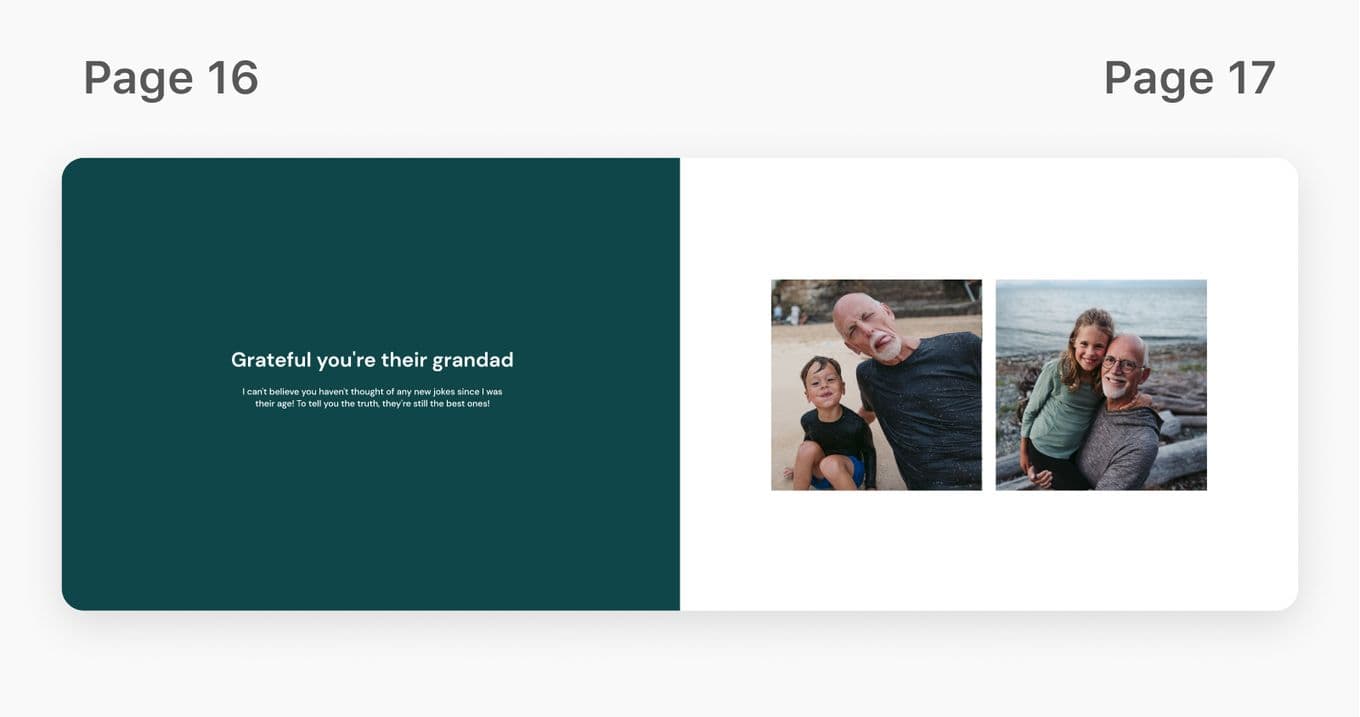
Chronological order is the simplest approach and usually works well. It gives the book a natural flow and makes it easy to browse. For a book that spans many years, organising it into chapters, such as childhood, family life and recent memories, can help provide more structure. If you’re spotlighting a single year or a specific trip or occasion, a looser layout often feels more natural than a strict chronology.
How many pages should a Father’s Day photo book have?
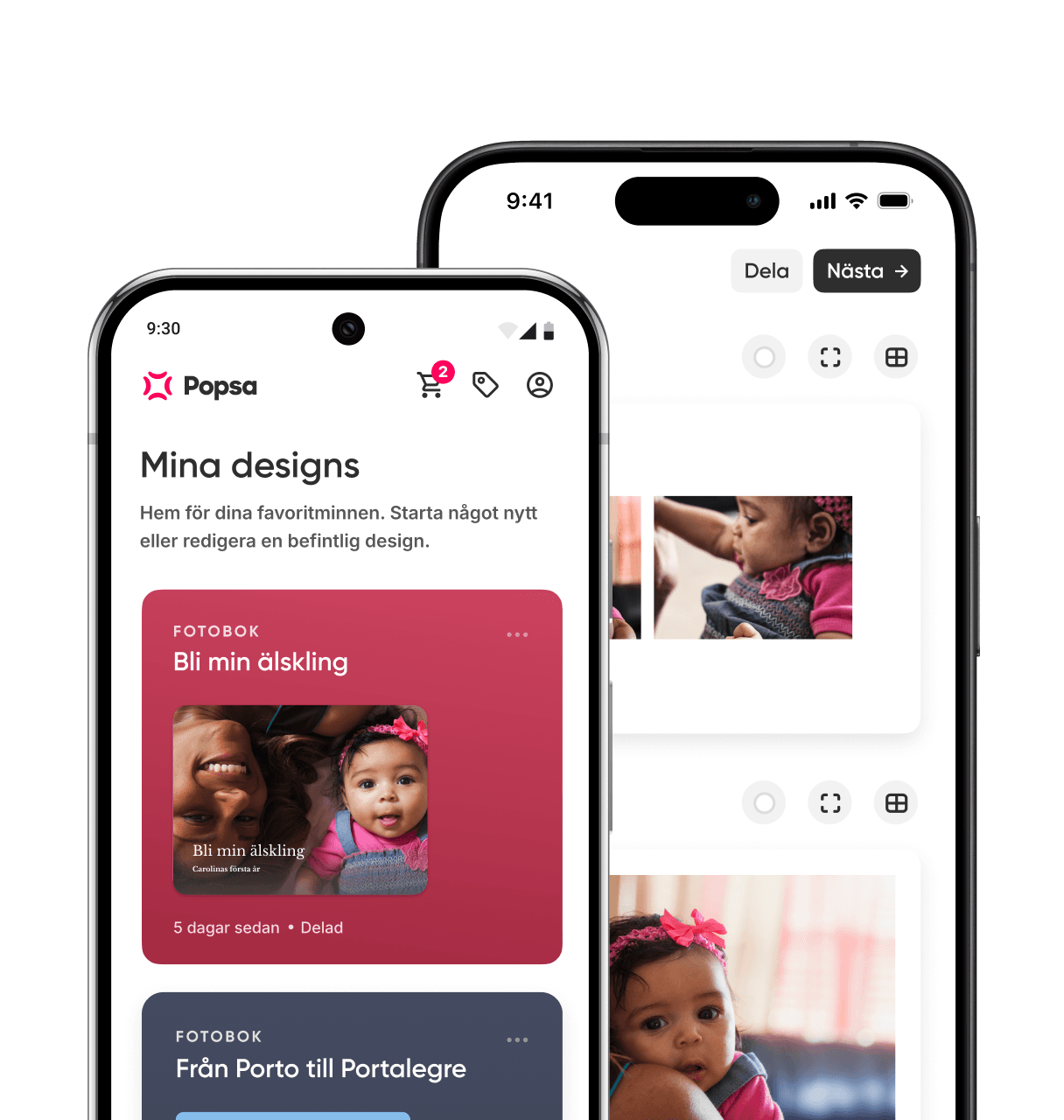
For most Father’s Day photo books, 20 to 40 pages is a good range. It’s the right amount to include a good selection of photos without the book turning into an archive. If you’re working with photos across a longer period, you might stretch to 50 or 60 pages, but it’s worth editing tightly so every page feels purposeful. Popsa’s app shows you how your photos fill the pages as you build, making it easier to find the right length as you go.
What size and format works best?
A larger format gives photos more room and feels like a proper keepsake. A Large or Extra Large Popsa Photo Book works well if the photos include landscapes, group shots or anything where detail matters. For something more compact and easy to browse, a Medium size is a practical choice. Hardcover is worth considering if you want something durable that can sit on a shelf – it holds up better over time than a softcover that is regularly picked up and passed around.
Should you add text to a Father’s Day photo book?
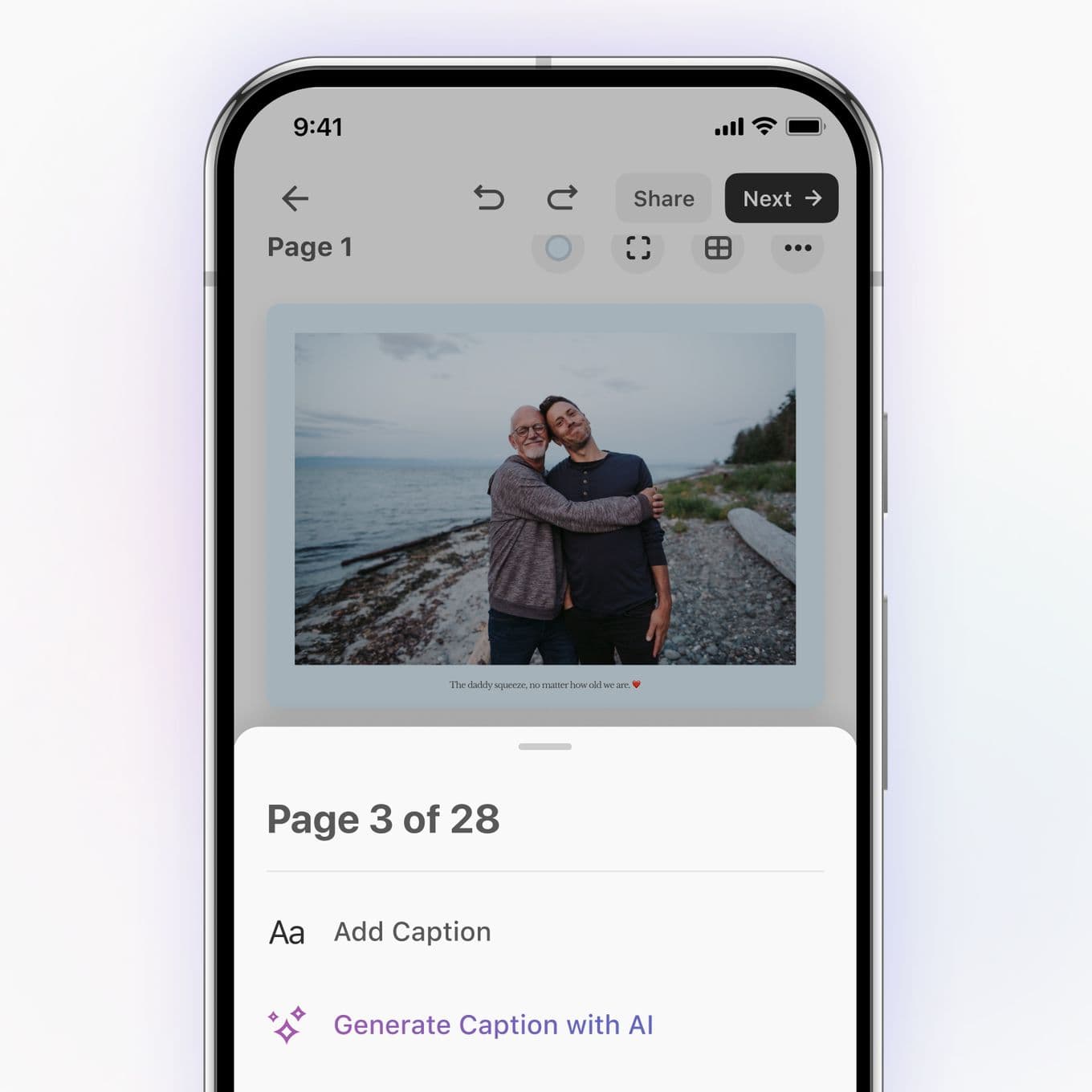
Short captions or dates can add context without cluttering the pages. A location, a year or a single line about what the photo is from gives context that photos alone sometimes can’t. Another idea is to add a short personal note on the opening page to give the book a personal and intentional finish. However, we recommend keeping the text brief to allow the photos to do most of the work.

How do you create a Father’s Day photo book with Popsa?
Creating a photo book with Popsa takes around 10 minutes once you have your photos ready. Download the app, select the photos you want to include and Popsa will automatically lay them out across the pages. From there, you can adjust layouts, reorder photos and add any captions or text. Once you’re happy with how it looks, choose your size and format and place your order. It’s worth checking delivery times before you start – particularly around Father’s Day when demand is higher – to make sure it arrives in time.
Ladda ner appen
Upptäck minnen snabbare med exklusiva funktioner som ansiktsigenkänning och smarta album.


Liknande artiklar
&w=96&q=75)
&w=96&q=75)
Nathan Cook
Författaren Popsa
21 sep. 2026∙6 min
&w=96&q=75)
6 okt. 2026∙6 min


 USA
USA