


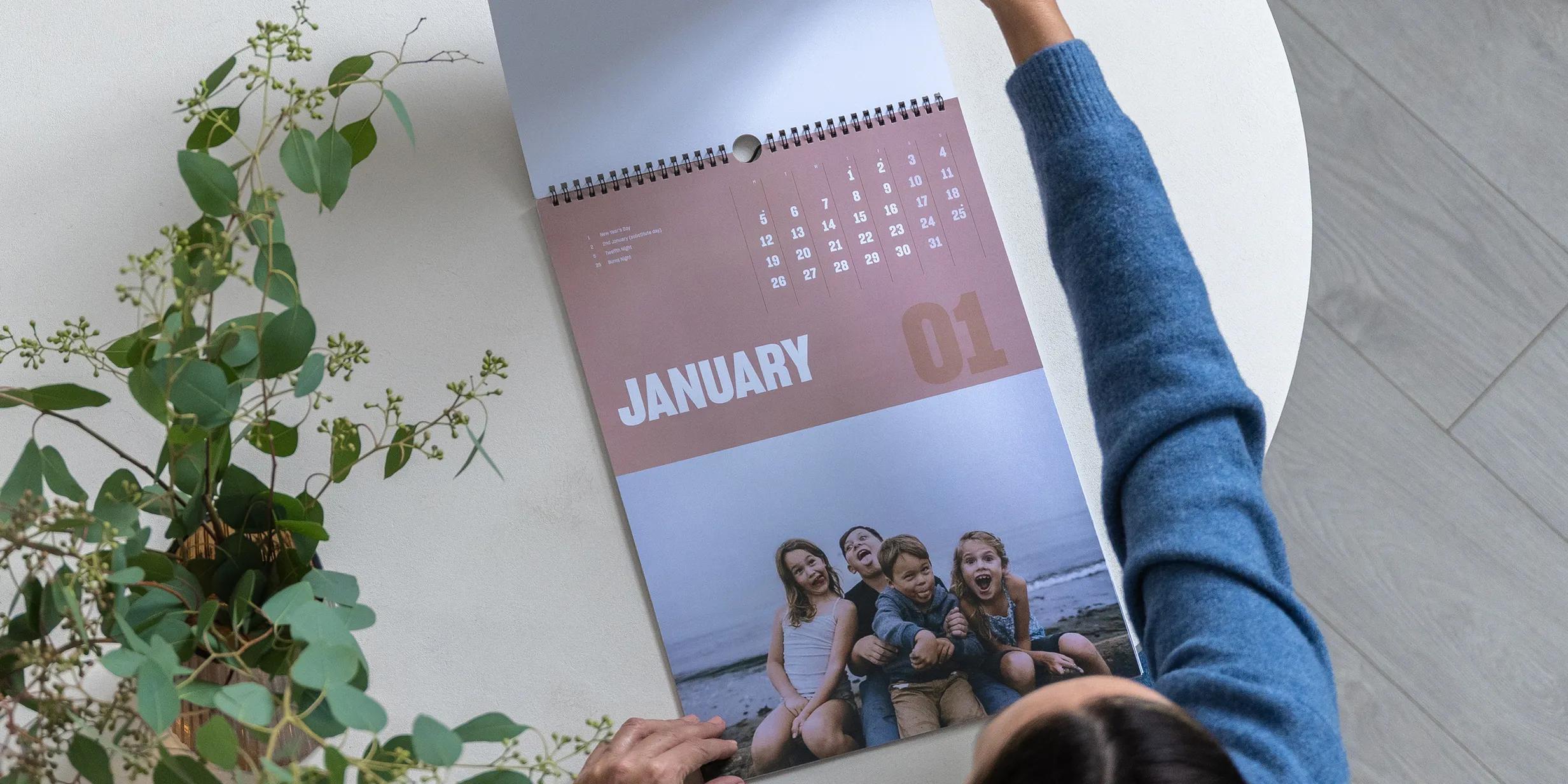
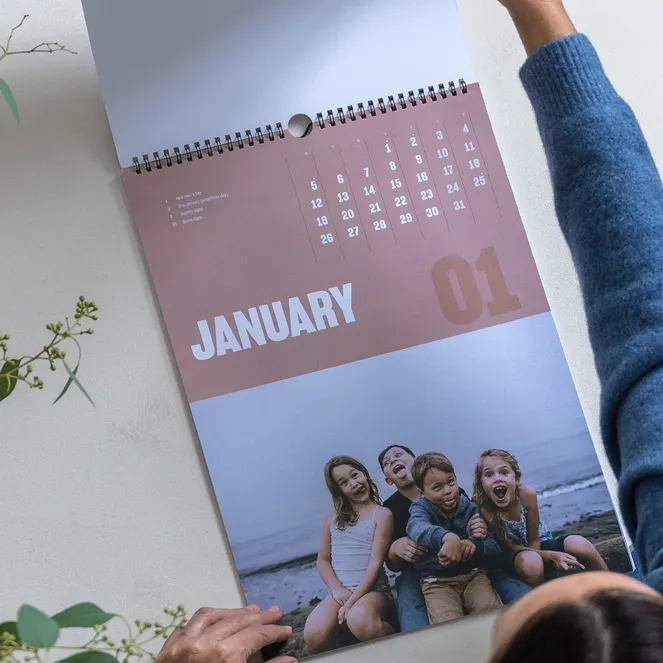
A photo calendar spends a full year on the wall. It gets looked at every day, written on most weeks, and turned over 12 times. This guide covers the sizes and prices of Popsa’s Photo Calendars, how to choose 12 photos that suit their months, and when to order so the calendar arrives before its first page is needed.
What sizes and formats are there?
Popsa makes two Photo Calendars, both for hanging on the wall: the Portrait Wall Calendar and the Landscape Wall Calendar. Each comes in two sizes. The Medium Portrait Calendar is 21cm x 30cm, roughly A4, and the Large is 30cm x 42cm. The Medium Landscape Calendar is 28cm x 22cm, and the Large is 36cm x 29cm.
Both are printed on 250gsm matte paper, thick enough to write on with a biro without ink showing through to the next month. You can upgrade to gloss for brighter photos, but if you’ll write on the calendar a lot, stay with matte: gloss can smudge, and some pens skip on it. For the full comparison, read our guide to matte vs glossy photo prints.
The two orientations suit different walls. A portrait calendar fits narrow spaces such as the side of a fridge, a hallway or the gap next to a door frame. A landscape calendar is wider, so each date box has more room, which helps if several people’s plans go on the same calendar.
How much does a Popsa Photo Calendar cost?
The Portrait Wall Calendar starts from £19 and the Landscape Wall Calendar from £24. Choosing Large or upgrading to gloss raises the price. Delivery is charged separately, depending on destination.
Popsa also runs offers throughout the year, particularly in the run-up to Christmas. Go by the live price in the app or on the Photo Calendars page.

Gifts that last

How do you choose 12 photos that suit each month?
The easiest way to make a calendar feel right is to match each photo to its month. A beach photo looks odd above February’s frost, and a Christmas photo in June feels like a decoration nobody took down.
Start by scrolling back through a year of your camera roll and picking one strong photo per month. They don’t have to come from the same calendar month. Any photo that looks like the season will do: snow or a bonfire for winter, blossom or the first barbecue for spring, the beach for summer, leaves or a Halloween costume for autumn. A birth month or wedding month is an obvious place for a photo of that person or day.
You’ll also need a 13th photo for the cover. Choose the one that best sums up the whole year, since it’s the first thing anyone sees.
Each month can hold up to three photos, but one usually works best. A calendar is read from across the room, where a single clear image stands out and a collage blurs. When you’re choosing between two similar photos, pick the sharper one. Photos are printed far larger here than on a phone screen, so slight blur that looks fine on a phone becomes obvious on the wall.
Can you add birthdays and anniversaries?
Yes. Tap the Events icon while scrolling your design to add or remove key dates. Birthdays, anniversaries, a due date or the first day of school can all go on before printing, saving you copying them by hand every January.
Use events for the dates that come back every year or that the whole household needs to know about. Leave one-off appointments, like the dentist or the boiler service, for the pen. A calendar crammed with print leaves no room for plans you haven’t made yet.
You can also add a caption to each month. A short line about where a photo was taken, or who’s in it, gives the picture context. If you’re stuck for wording, the app can suggest captions for you.

Monthly memories
Which start month should you choose, and when should you order?
You can start your calendar in any month, and it runs for 12 months from there. January is the default for most people. A September start suits teachers, students and school-year families. A calendar that starts in the month after a wedding, a house move or a birth can mark the first year of that new chapter.
Timing matters most if the calendar is a gift. A January calendar given at Christmas needs ordering in time for Popsa’s last Christmas delivery dates. Those are usually early to mid December, UK orders closing later than international. For any other start month, order three to four weeks ahead so the calendar is up before its first page is needed. Ordering early also leaves time to check the 3D preview properly and catch any typo in someone’s name.

A calendar at your fingertips
How do you make a Photo Calendar in the Popsa app?
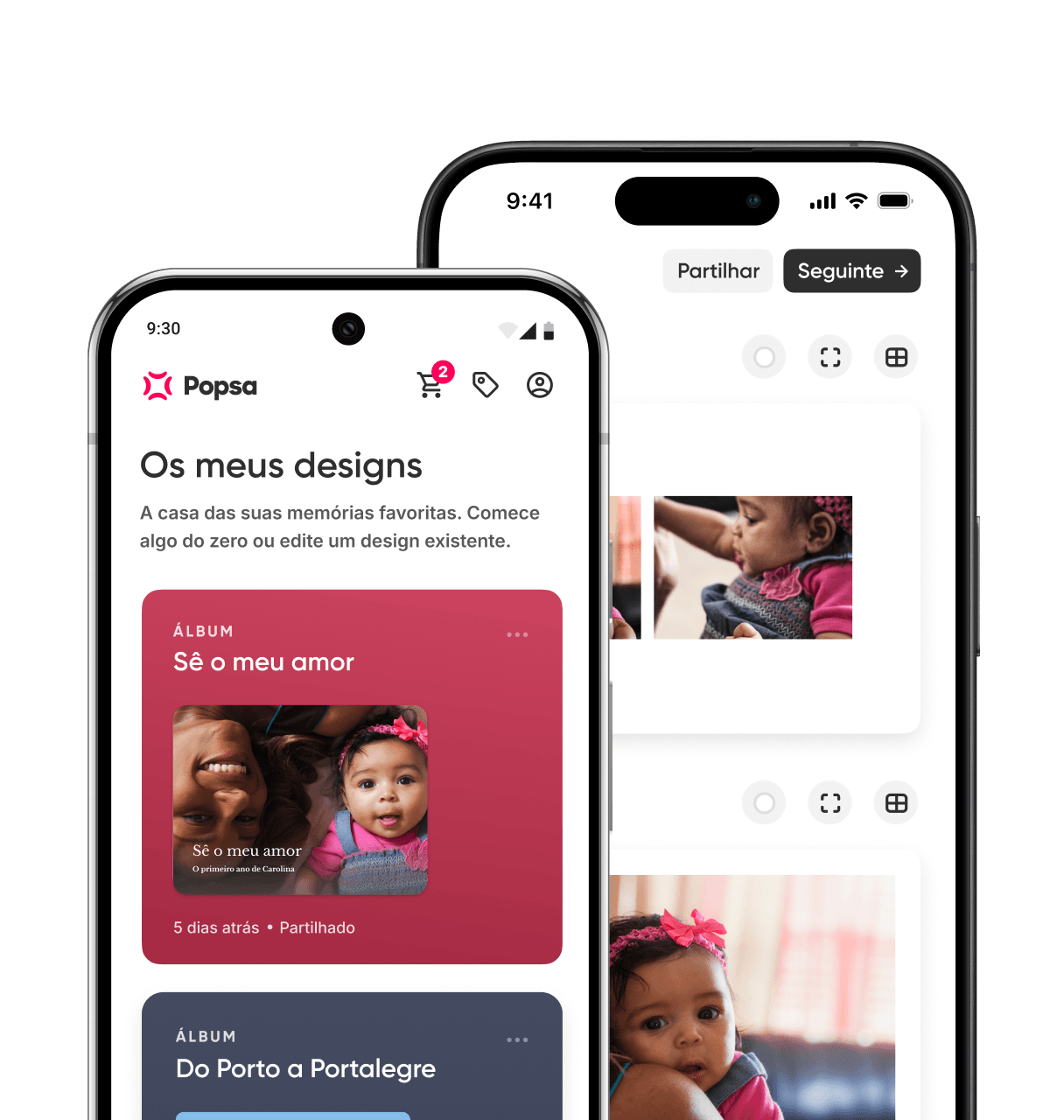
Open the Popsa app on iOS or Android, or go to the website, and choose Photo Calendars. Pick portrait or landscape, Medium or Large, and your start month. Then add your photos. You can take them from your camera roll or bring them in from Google Photos, Facebook or Dropbox, and the app places them across the months automatically.
From there, change whatever you like. Choose a different layout template, set a background colour for each month, add a title for the cover, and put in your events and captions. Before you order, check the 3D preview month by month. Look for faces cut off by the crop and dates that have landed in the wrong place. Most people finish in under half an hour, faster if they chose their 12 photos beforehand.
A carregar…
Perguntas frequentes
Does Popsa make desk calendars?
How many photos do you need for a Photo Calendar?
Can you write on a Popsa Photo Calendar?
Can a Popsa Photo Calendar start in a month other than January?
Is a Popsa Photo Calendar a good Christmas gift?
Transferir a aplicação
Descubra memórias mais rapidamente com funcionalidades exclusivas, como o reconhecimento facial e álbuns inteligentes.


Artigos relacionados


11 de nov de 2026∙5 min
27 de out de 2026∙6 min
3 de nov de 2026∙10 min


 Estados Unidos