




The hardest part of creating a photo book isn’t the design, it’s deciding what to include. Most people start with good intentions, only to feel overwhelmed by a camera roll that’s quietly grown over the years. The good news is that cutting 1,000 photos down to 60 or 80 is entirely manageable. It’s a skill you can learn, and one that becomes much easier once you have a method.
Start with a story, not a selection
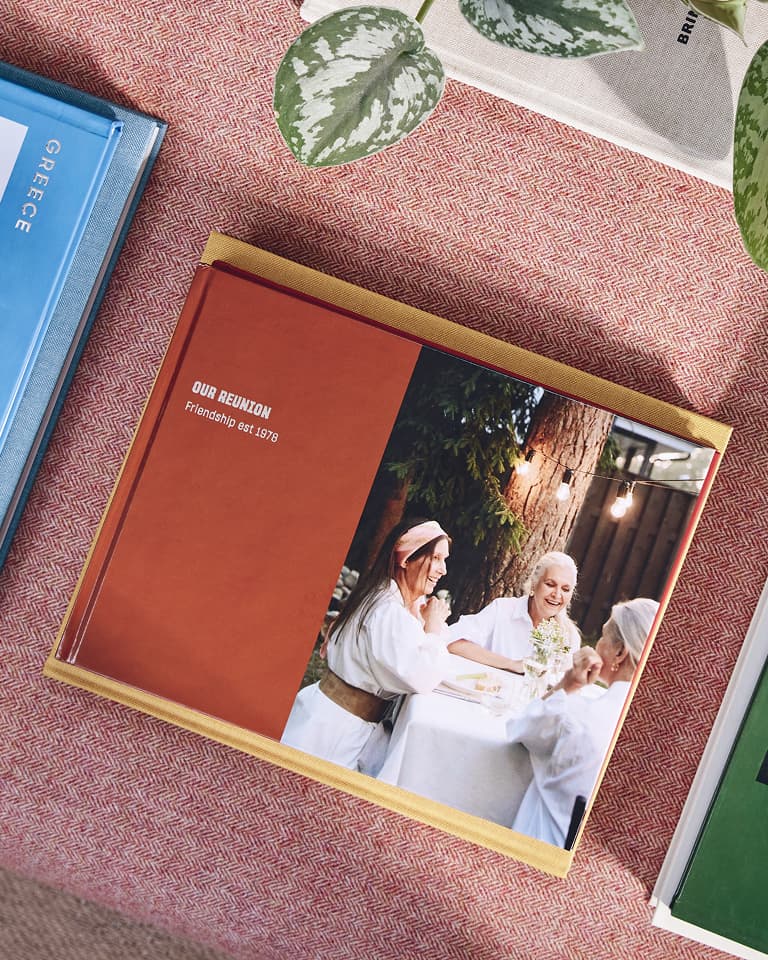
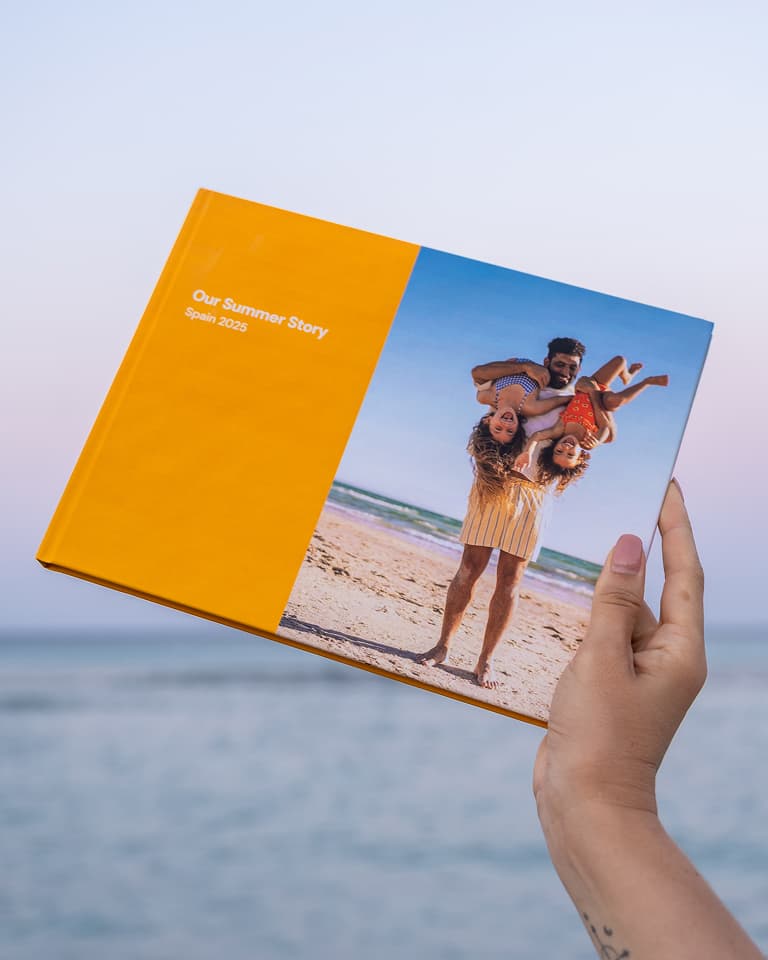
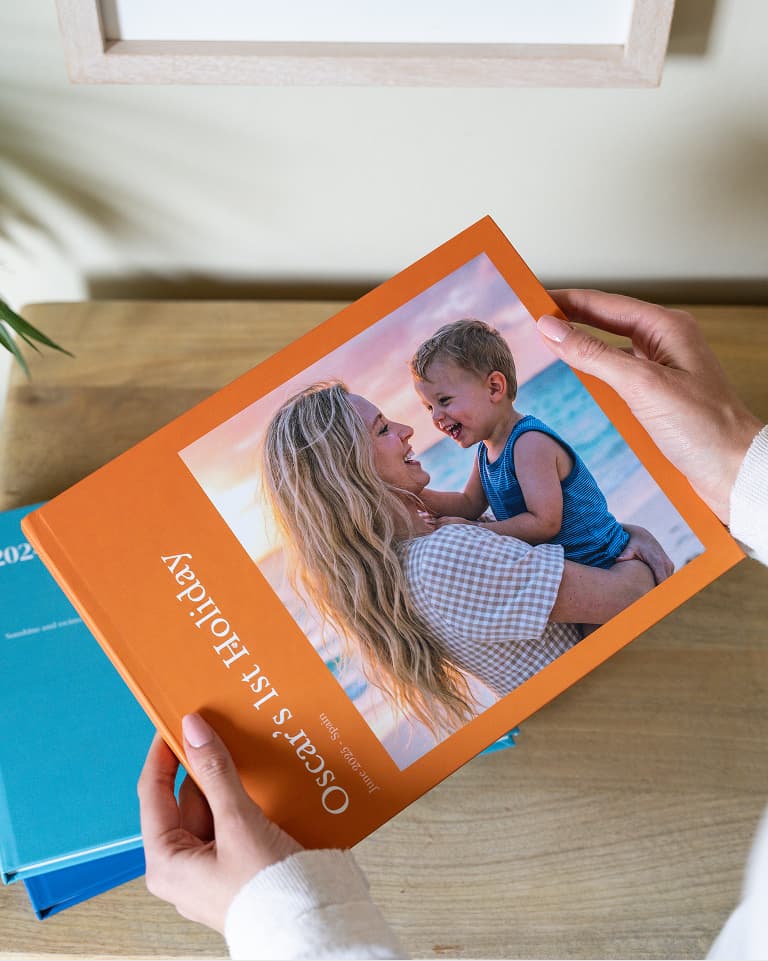
Before diving into your favourites folder, decide what your photo book is about – a summer holiday, your child’s first year or a decade-long friendship. Once you pinpoint the theme, you have a filter. Every image either serves that story or it doesn’t. Skip this step and you’ll find yourself justifying every half-decent shot, leaving you with a book that tries to be everything at once.
Do your first cull quickly
Go through your photos at pace and mark the ones that stop you. Don’t linger. Aim to reduce your selection to roughly 200 to 300 images in this first pass. Speed is an asset here. The longer you dwell on each photo, the more likely you are to keep it for the wrong reasons. You can always revisit later.
Tackle duplicates as a separate task
Most camera rolls are packed with near-identical shots with multiple takes of the same moment, portraits of barely any variation or bursts from slightly different angles. Review your shortlist and choose just one image from each sequence. This step should bring your selection down to 100 to 150 photos.
Apply a final edit with the layout in mind
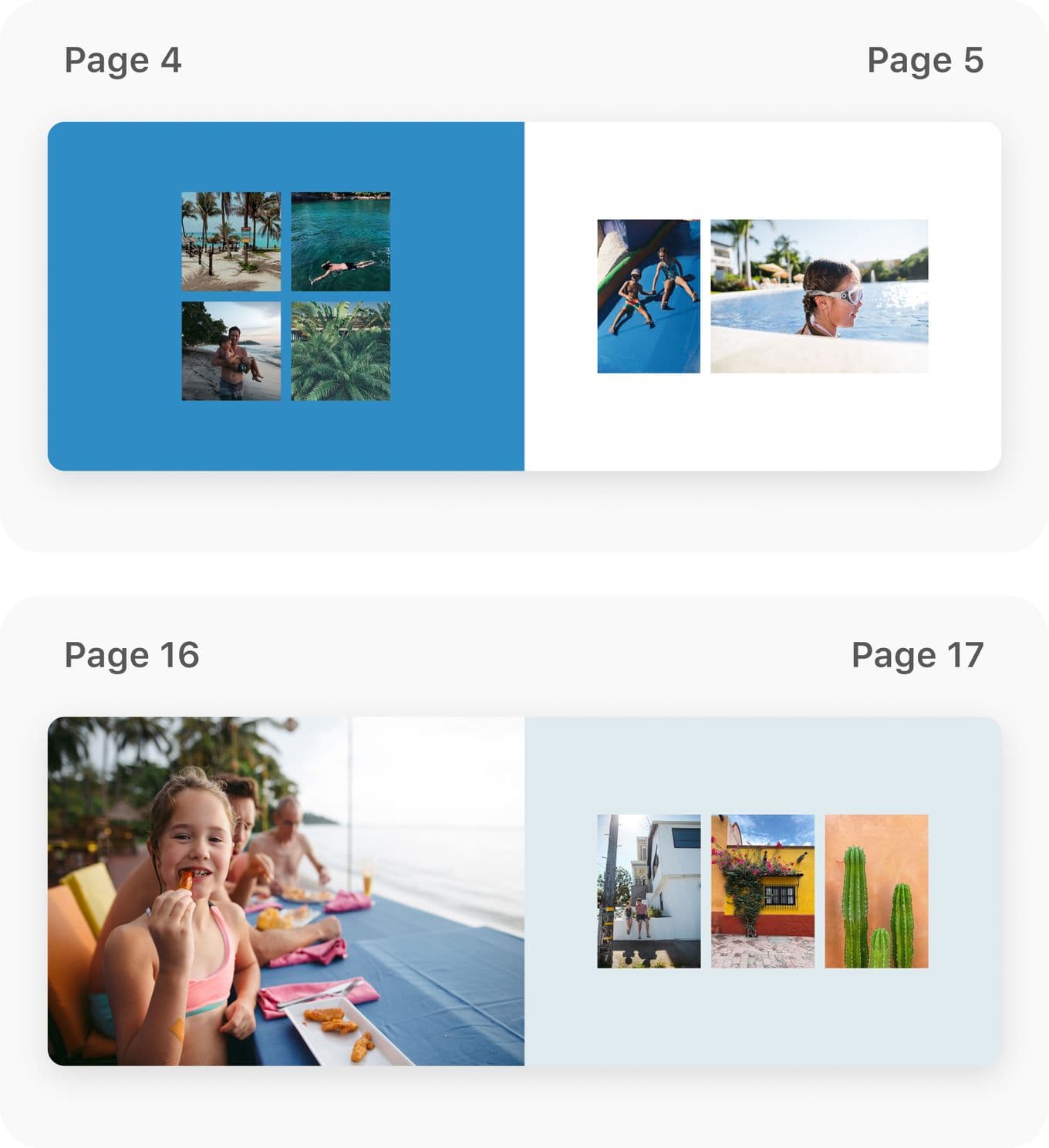
A photo book isn’t a gallery wall – it has spreads, sequences and pace. Some images work best full-bleed, while others work better as part of a group. As you refine your selection, consider a mix of wide shots and close-ups, groups and portraits, quiet moments and bigger ones. If you have too many photos that feel like the hero of the page, you likely have too many. For a standard book, 60 to 80 photos is a good target.
Trust what you cut
The photos that you exclude still exist. Being selective gives the final collection more impact. If, once you’ve finished, the book feels minimal, that’s often a sign you’ve edited well.
Making the book
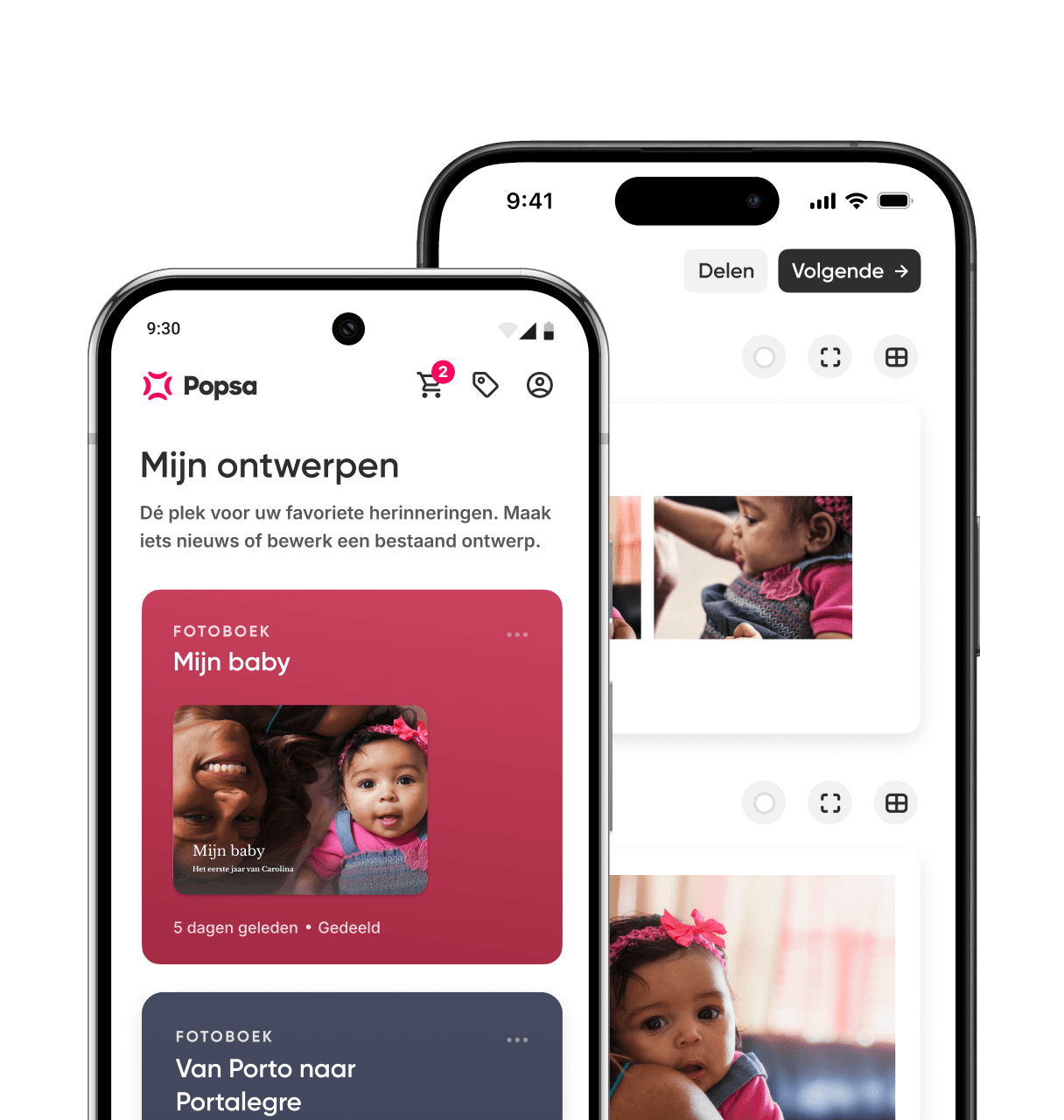
Once you’re down to your final selection, Popsa’s Photo Books allows you to import photos directly from your camera roll or cloud library. The app generates an initial layout automatically, so you’re editing a first draft rather than starting from scratch. You can choose between Hardcover and Softcover formats, available in Medium, Large and Extra Large, depending on the style and finish you prefer.
Download de app
Herontdek herinneringen sneller met speciale functies, zoals gezichtsherkenning en Smart Albums.


Gerelateerde artikelen
&w=96&q=75)
&w=96&q=75)
6 okt. 2026∙6 min
19 aug. 2026∙4 min


 Verenigde Staten