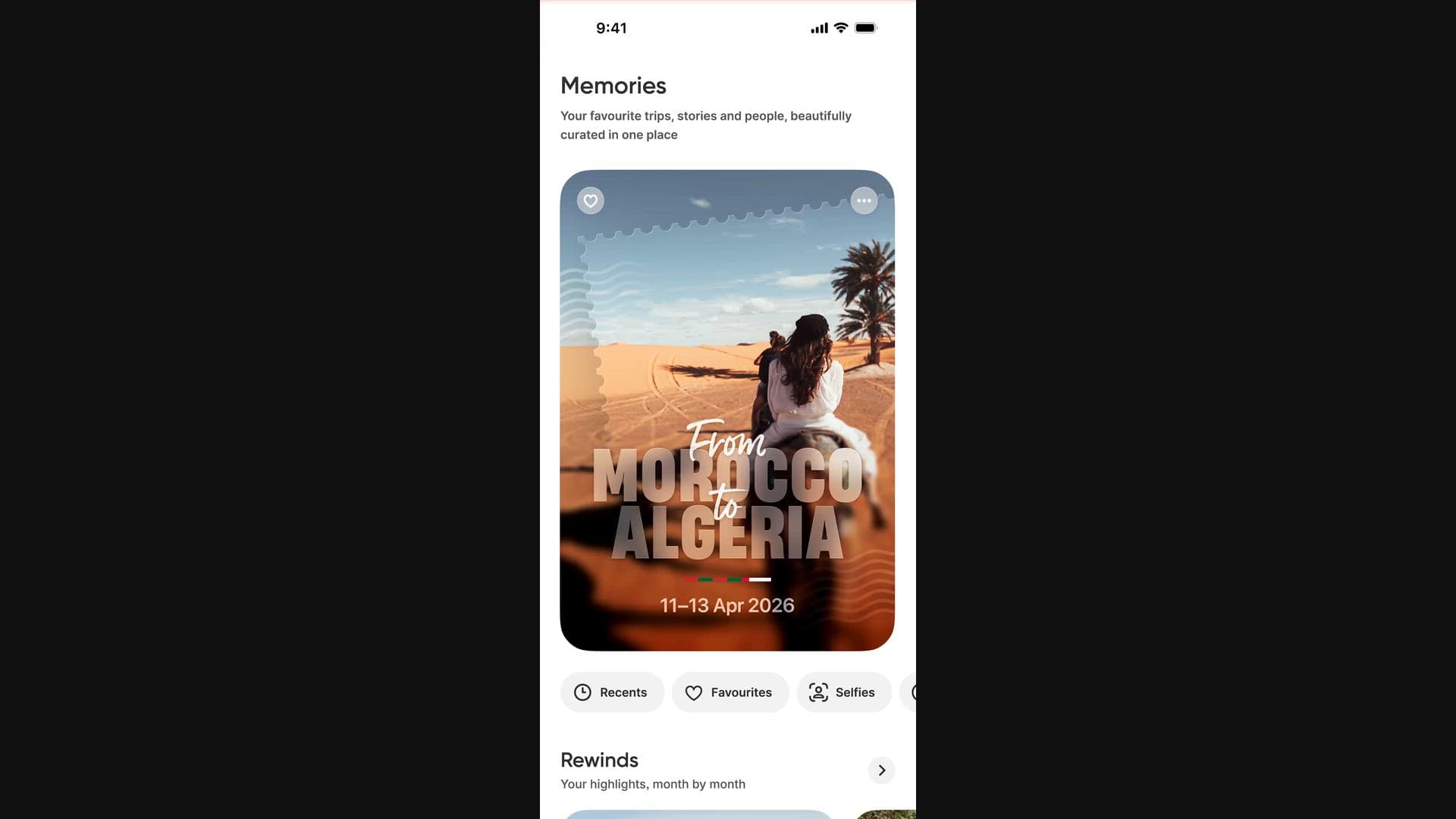
Popsa Memories

Your photo library. Reimagined.

Popsa finds meaningful experiences in your library, picks the best photos, removes duplicates, and curates them into beautiful albums.

Popsa Memories

On-device intelligence means your photos never leave the privacy of your phone

Browse the digital magazine of your life

Thoughtful collections that honour the time periods, places and people that shape you.

Curated albums of day trips and holidays

Look back on every city you've been to and every country you've visited

Your highlights from each month and year

Review summaries of your best photos from particular time periods

Effortless organisation for your photos

No more endless scrolling. Your memories now select themselves.

See your memories beautifully presented

Popsa brings your memories to life with unique titles and animated posters.

Say goodbye to duplicate photos without lifting a finger

Popsa showcases significant photos and hides duplicates (without deleting them).

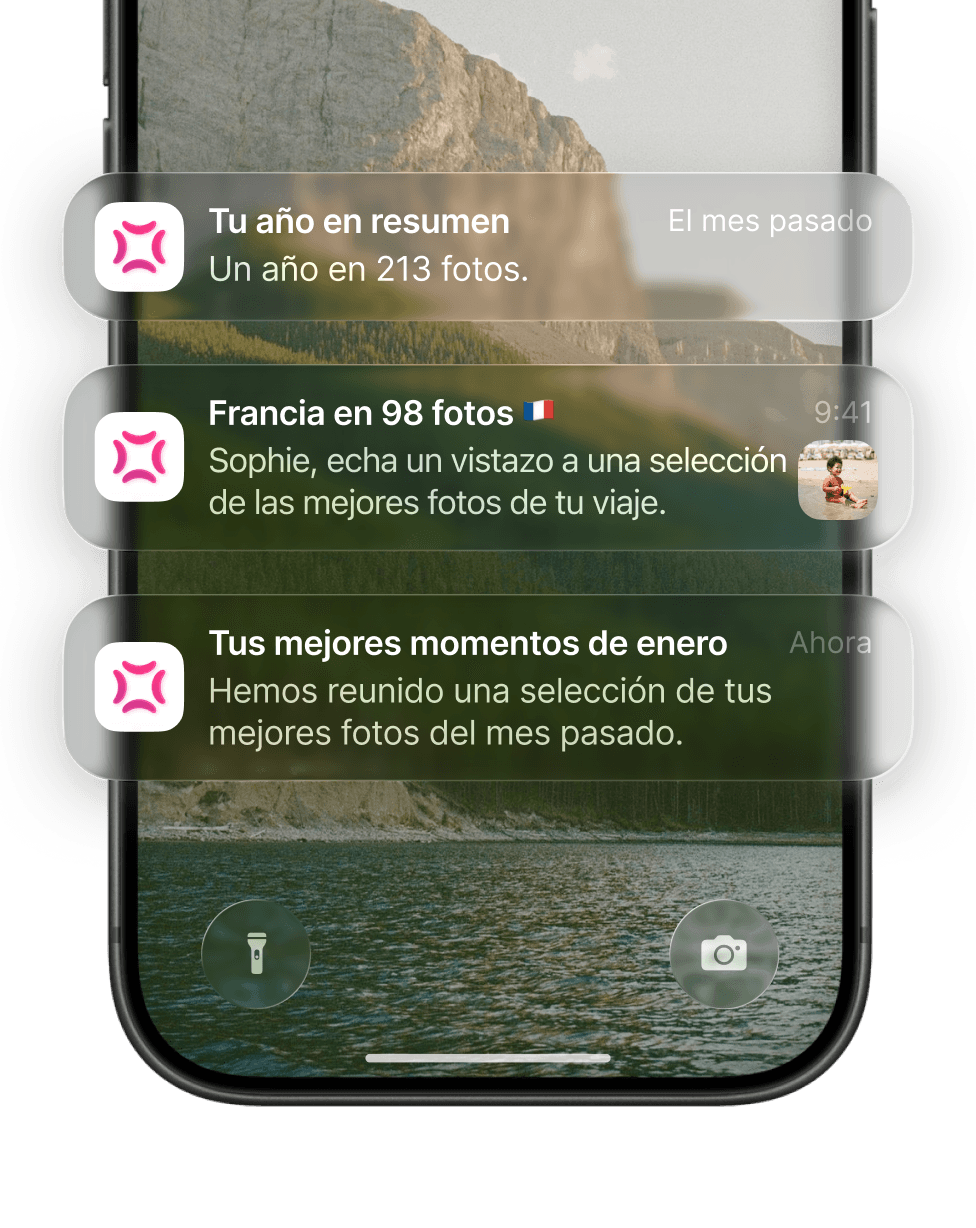
Discover new memories the moment they're ready

Discover new memories the moment they're ready

Popsa will automatically generate albums whenever you take photos.

Easily find photos of important people in your life

Popsa gathers together photos of the friends and family members who appear most often.

PRIVATE BY DESIGN

Your memories are no one else's business

Popsa uses on-device intelligence, so your photos never leave your phone.

No photos are uploaded

Only you can view generated albums

No one from Popsa can see your photos

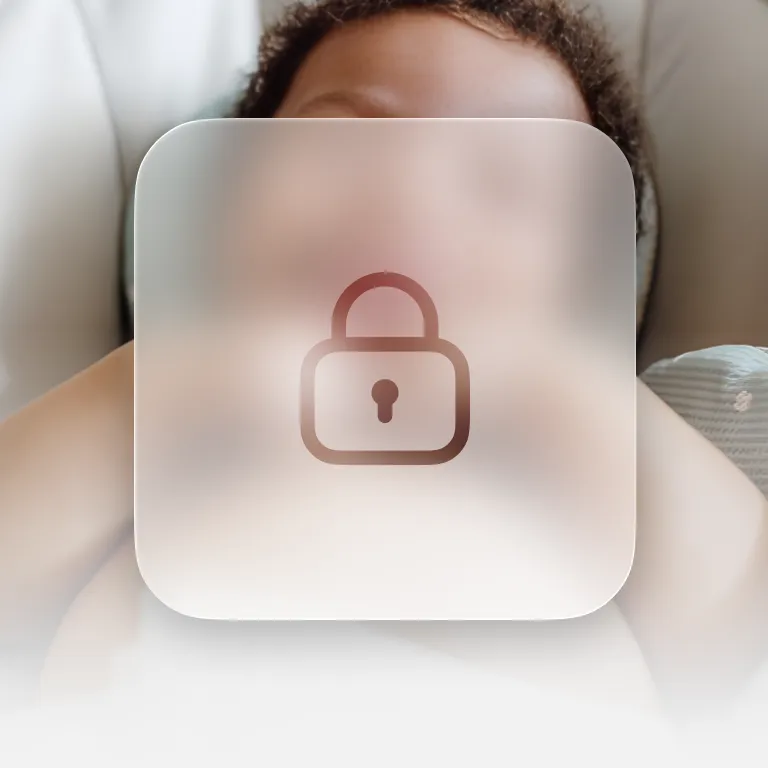
Safe for families

Photos of children always remain on your phone, where they belong.

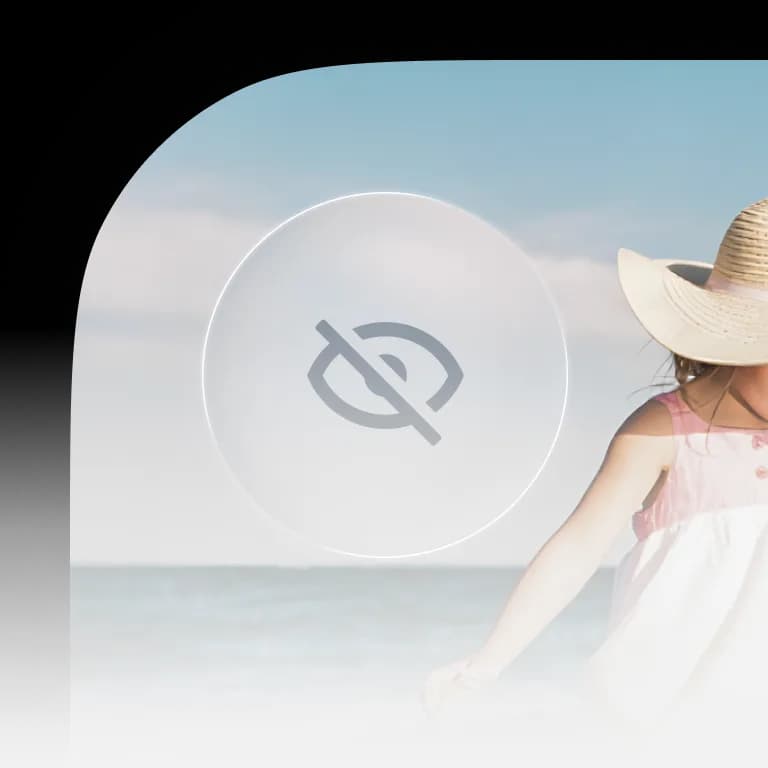
Stay in control

Easily hide any Memories you don't want to be reminded of.

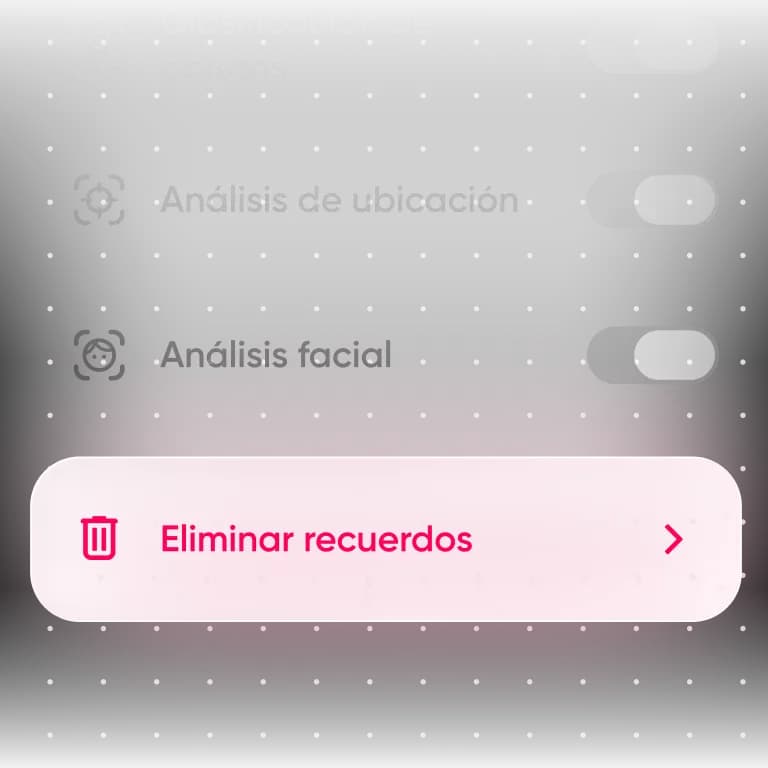
Easy to turn off

Delete your data and turn off analysis in Settings, at any time.

No subscriptions.
No ads.

No subscriptions. No ads.

Popsa only makes money when you choose to create something from your photos, not through subscriptions or advertising.

That means we're only motivated to do one thing: make Memories you'll love.

Get started in minutes

App StoreApp Store
  1. Paso 1

    Download the Popsa app

    Get the app from the App Store or Google Play to get started.

  2. Paso 2

    Grant photo library access

    Allow full access to your photo library so Memories can begin curating your photos.

  3. Paso 3

    Start rediscovering

    The app will process your library and begin surfacing memories within minutes.

Frequently asked questions

What is Popsa Memories?

Popsa Memories is your personal memory curator. It automatically selects your most meaningful photos - the unforgettable trips, special milestones and quiet moments in between - and turns them into beautiful albums. Say goodbye to duplicates, screenshots and blurry snaps, just flowing stories ready to relive, reflect on and print.

Is Popsa Memories free?

Yes, Popsa Memories is free to use. No subscription. No ads. Popsa only makes money when you choose to turn a Memory into a lasting keepsake – a Photo Book, Calendar, Print or gift.

How do I get Popsa Memories?

For new users:

1. Download the Popsa app to your iOS or Android device.

2. Create an account and grant full photo library access.

3. Manually create your first product to unlock the full app experience, which can be seen by tapping ‘back’ from the Print Layout. Automatic albums will then start appearing in the ‘Memories’ tab.

For existing users, it’s even easier. Simply download or update to the latest version of the Popsa app, then tap on the ‘Memories’ tab at the bottom of the screen.

How do I get Memories notifications?

Make sure you're on the latest version of the Popsa app, then turn on notifications in your phone’s Settings:

Settings App > Notifications > App Notifications > Popsa > Notifications > Allow

Does Popsa see my photos?

No. Popsa Memories runs entirely on-device, so your photos never leave your phone. Nothing is uploaded or stored on our servers, and no one at Popsa can see them. Only you can view the albums created.

How does Popsa's AI decide which photos are important?

Our private on-device technology understands the context and content of each photo so it can arrange everything into curated albums automatically. Nothing ever leaves your device and no human can ever see your photos unless you decide to print them. You can read more about how it works here.

Can I remove memories I don't want to see?

Memories you don’t want to see can be hidden. This action removes the album from the interface and from notifications (but the underlying photos will remain in your library). If you change your mind, hidden Memories can be unhidden by navigating to the very bottom of the Memories tab.

How do I turn a memory into a Photo Book?

It can take as little as 5 minutes to order your Memory direct to your door as a physical product. Open any memory in the Popsa App, then tap “Create”. Select a product type, confirm the photos you wish to include, and add any finish touches to your design. So easy it feels like cheating.

How is this different from Apple Memories or Google Photos?

Most photo apps are built for storing photos and are therefore optimised for browsing vast archives of content. For Apple and Google, your screenshots and receipts are just as important as your children growing up, because people use those apps to do expenses, save their shopping wishlists and to remember where they parked the car. 

Popsa Memories, on the other hand, has been specifically designed for reflection, reimagining what a photo library can be. Instead of endless scrolls, Popsa automatically curates thematic albums, focussing only on your most meaningful experiences. As you live your life, Popsa will create more albums, all whilst ensuring sensitive content and duplicate photos are filtered out. 

The app also presents your memories in richer formats with beautiful visual effects and typography that enhance the process of reminiscing. In addition, smart notifications mean you can view a new Memory the moment it’s ready, keeping you up to date with the moments that matter.

Who is Popsa Memories for?

Popsa began as a way to help everyday people process their lives, through their photos. Memories is no different. It’s designed for jet-setters to document their travels, parents and grandparents so they can watch their little ones grow through photos, newlyweds who want to revisit the biggest day of their lives again and again – Memories is for anyone who takes a lot of photos.

How can I turn off Popsa Memories?

There are multiple ways of turning off automatic memory curation. You can make adjustments in the Settings area of your Popsa account, you can choose to limit access to your photo library at any time in your device’s Settings app, you can log out of your Popsa account, and you can also choose to delete your Popsa account in a couple of taps from within the app (there’s no need to talk to someone, it’s all in your hands).

Does the data used in Popsa Memories ever get shared?

No. It’s completely private, and uses on-device intelligence. Unlike other apps, such as Google Photos, Popsa does not upload your photo library to the cloud. Your photos always stay on your device, unless you choose to print them in which case we will upload only the photos you select.

Can you use Popsa Memories on the web?

Popsa Memories is only available via Popsa’s iOS and Android apps. The feature requires access to the photo library which is not possible via a web browser.