Guías

Popsa vs Snapfish: choosing the right photo book experience

Discover how Popsa and Snapfish differ on mobile experience, design flow, paper quality and delivery – helping you decide which one fits your habits, priorities and pace

Jason Kaye

Jason Kaye

Redactor en Popsa

12 jun 20266 min

Popsa vs Snapfish: choosing the right photo book experience

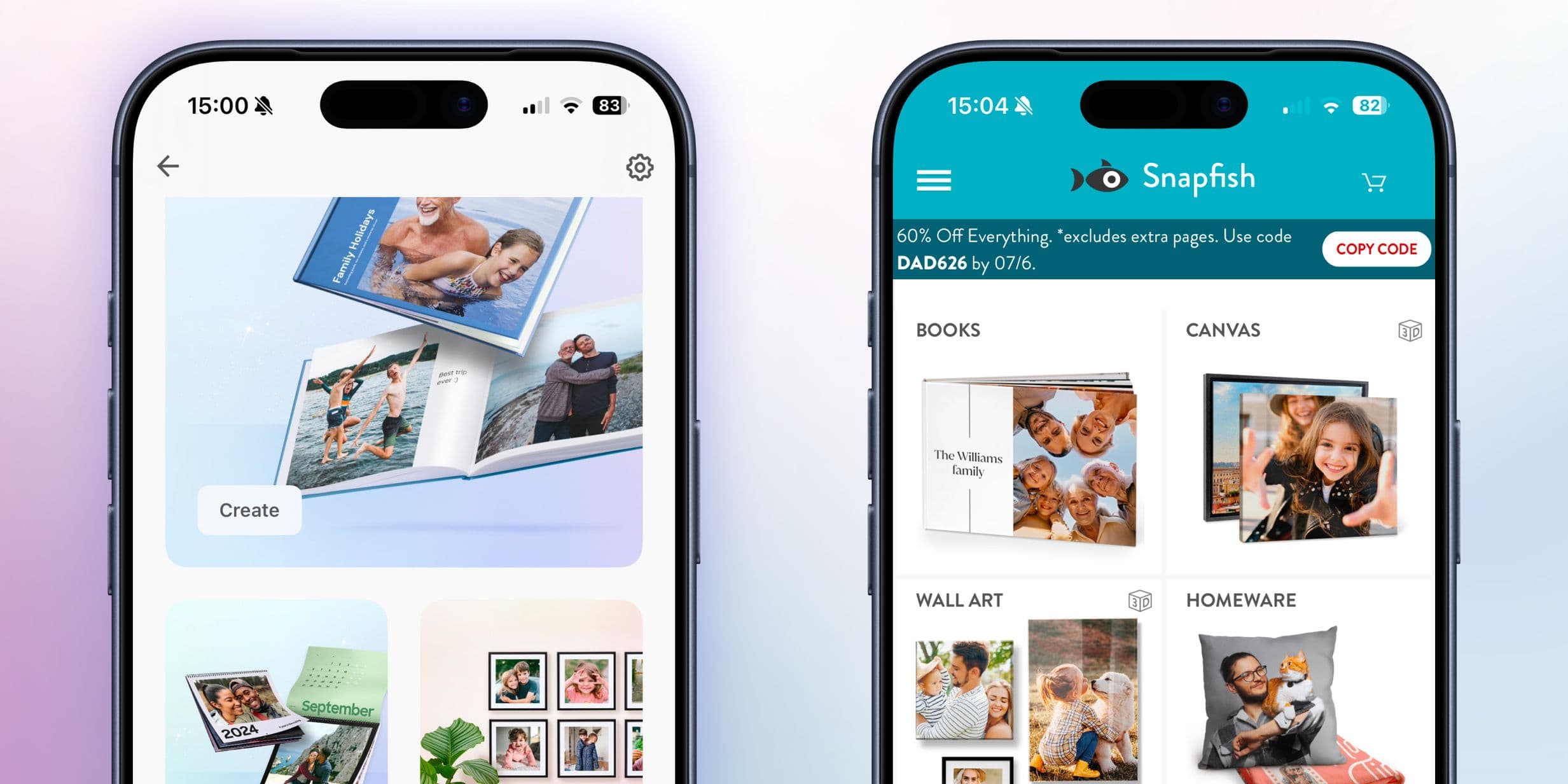
Finding the right platform to design your photo book can feel overwhelming. Choosing between Popsa and Snapfish comes down to your creative style and what experience you’re seeking in the creation process. 

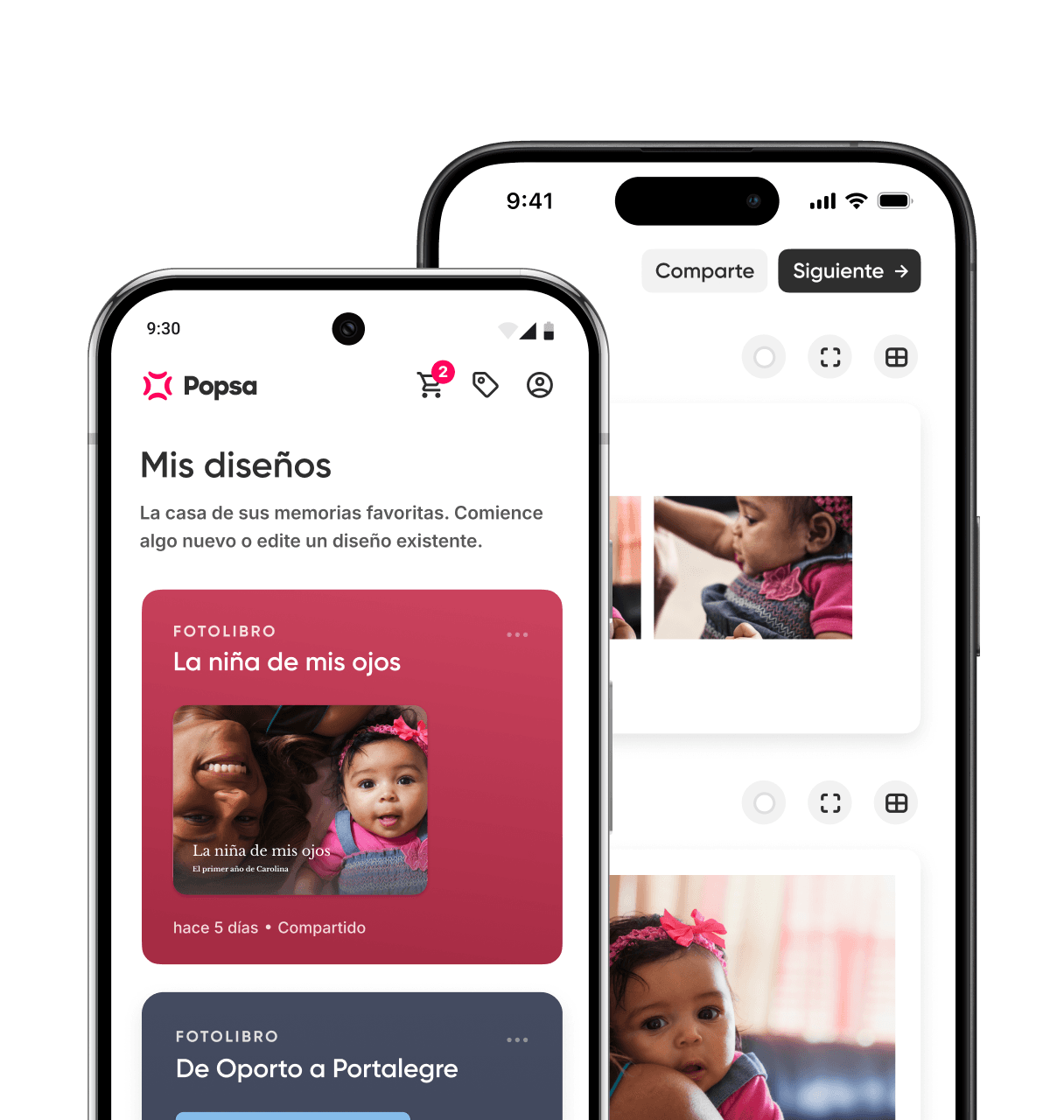
Popsa is better for people who want to create a high-quality photo book quickly, mainly on their phone, and feel confident it will arrive on time. It’s designed to help you finish your photo book with a shorter creation flow from opening the app to checkout, with a mobile-first experience on both iOS and Android, and smart photo organisation that automatically arranges your images in chronological order. Popsa stands out for its tracked delivery, trust signals through reviews and guarantees, and a transparent approach to materials and sustainability. 

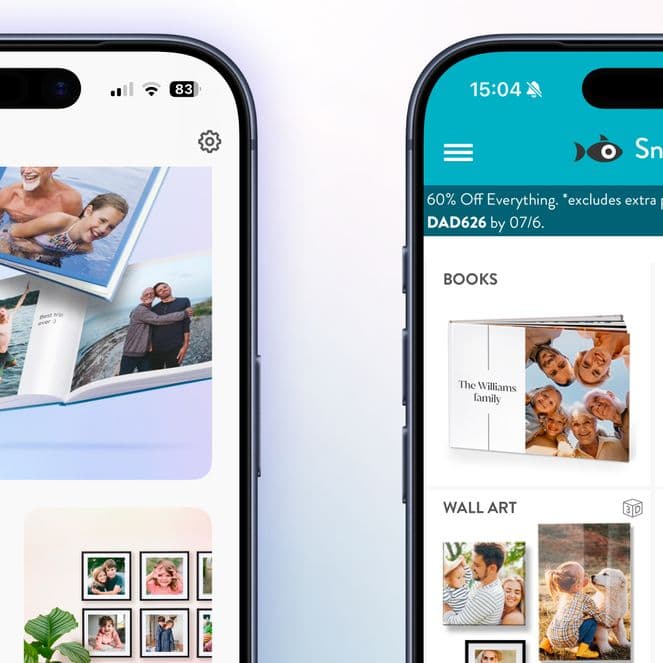
Snapfish may suit you better if you prefer designing on desktop, want more flexibility with book sizes and formats (including portrait options), or are working with a tighter budget and need your order quickly.

Popsa

Snapfish

iOS app available
Android app available
Steps to create a photo book10 steps9 steps
Paper weight200gsm200gsm
Minimum number of pages2020
Base price*£40£28.99
Additional page cost£0.69£1.49
Quickest delivery (from)4-7 working days (£9.99)2 working days (£7.99)
Cheapest delivery option£5.99£3.99
Satisfaction guarantee
Reprint policy
Refund policy
Trustpilot rating (reviews)4.4 (120k)4.3 (170k)
App Store rating4.84.7
Google Play rating4.64.4
B-Corp certified

What Popsa offers

Popsa is best for you if you:

  • want to create a photo book from start to finish on your phone, without switching to laptop

  • prefer a faster, more streamlined creation process with fewer steps

  • want your photos automatically organised in chronological order

  • care about a consistent approach across devices, including reliable cross-device continuity 

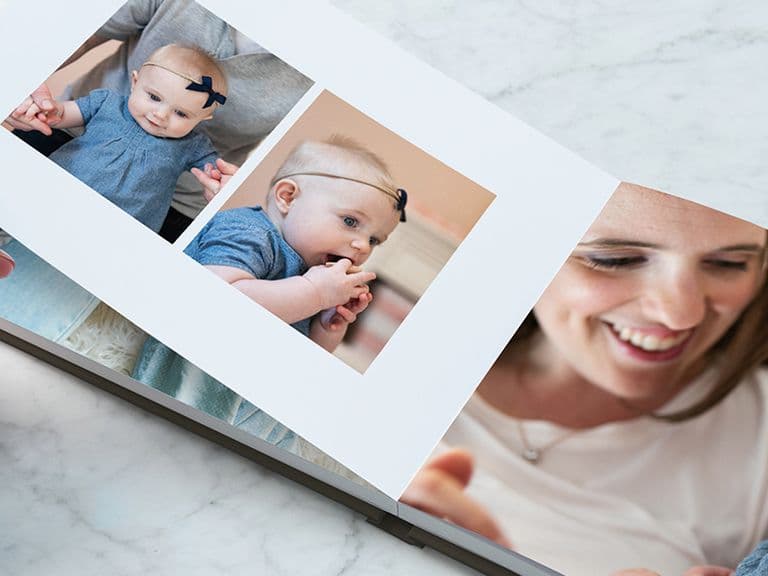
  • value how the finished book feels, with clear paper quality and full-page layout options

  • need reliable, fast delivery – particularly for gifts or time-sensitive occasions 

  • prefer brands with independently verified social and environmental commitments 

  • want reassurance from customer reviews and a satisfaction guarantee

What Snapfish offers

Snapfish may be a better fit if you:

  • prefer creating photo books in a browser or desktop workflow

  • want size variety and additional format options, including portrait books

  • value fast delivery speeds – as quick as two days 

  • seek lower starting prices for entry-level photo books

  • don’t desire a tightly guided, step-reduced mobile creation flow

  • feel comfortable with a segmented creation experience across tools or platforms

Getting the job done

If your main concern is starting a photo book and never quite finding the time to finish it, Popsa is designed to help people complete a book quickly without compromising on the final product. The creation flow uses fewer structured steps from opening the app to checkout, cutting down on repeated decisions. The experience works smoothly on both iOS and Android, supporting the full process of creating, editing (including chronological auto-arrangement) and ordering from your phone, rather than treating mobile as a secondary option.

Snapfish follows a similar flow but involves more configuration steps and a less consolidated mobile experience, particularly if you find yourself switching between app and web tools. If you tend to start creative projects and struggle to see them through, Popsa reduces friction at each stage so that completion is hassle-free.

Creative outcome

Both Popsa and Snapfish produce high-quality printed photo books with similar core features including automatic layouts, manual editing, drag-and-drop controls and 200gsm paper. Popsa places greater emphasis on finish consistency, with full-page edge-to-edge layouts, accessible matte finish options across its range, and an integrated upgrade path to premium formats such as layflat books. Additional personalisation touches like emojis and auto-caption suggestions give the creation process a considered feel.

Snapfish offers broader format flexibility, including portrait books and a wide range of sizes, which may suit specific photography styles or layout preferences. Some of its premium features, however, are spread across platforms, which can make the experience feel less straightforward.

Speed and reliability

Delivery speed and certainty matter when photo books are ordered for specific occasions. Snapfish has the advantage on absolute fastest delivery times, with priority options as quick as two days and lower delivery costs.

Popsa, however, offers a consistent and predictable delivery experience overall. Tracking is clearly integrated into the creation journey, giving you visibility on where your order is and when it will arrive, which is particularly useful when timing is tight. If speed alone is the priority, Snapfish is the faster option. If reliability, tracking clarity and confidence around fulfilment matter more, Popsa offers greater reassurance.

Price clarity and fairness

Pricing differences between Popsa and Snapfish become more noticeable as your book grows. Snapfish has lower starting prices and cheaper entry delivery costs, making it the more affordable option at first glance. 

Popsa, however, offers a more predictable pricing model as you build a book. Per-page costs are lower and scale simply, upgrades are transparently priced and it’s easier to estimate your final cost before reaching checkout. If you’re looking for the lowest entry price, Snapfish has the advantage. If you want to avoid surprises as your book grows, Popsa’s pricing structure is easier to follow from creation to checkout.

Control without complexity

Popsa balances creative control with simplicity. Pages can be rearranged freely during creation, text-only pages are supported and layout adjustments are straightforward and mobile-optimised. It’s easier to refine your book late in the process without feeling overwhelmed by decisions upfront. 

Snapfish offers similar controls but within a traditional, step-heavy editing flow, which can make late changes feel more involved. If you want flexibility to adjust and improve your book without committing to early decisions, Popsa gives you that control without adding complexity.

Trust and reassurance

Ordering a printed product carries risks, and both brands offer satisfaction guarantees to reduce uncertainty if something goes wrong. 

Popsa leads on overall trust signals, with a higher Trustpilot score, strong App Store and Google Play ratings, and a consolidated review profile at scale. Its satisfaction guarantee includes reprints, giving added confidence before you order. While Snapfish has a solid trust history and comparable guarantees, it has slightly lower ratings and a more dispersed review profile across platforms. If reassurance influences your purchase decision, Popsa’s review and guarantee clarity help reduce perceived risk more consistently.

Values and responsibility

Sustainability is increasingly part of how people choose where to spend their money, and on this front Popsa has a clearer and more independently verified position. It holds B Corporation certification, uses FSC-certified paper across its range, and publishes commitments on carbon and packaging, including recycled and biodegradable materials.

Snapfish has fewer clearly stated sustainability commitments, particularly for UK customers, and holds no equivalent B Corp certification. If environmental or ethical assurance plays a part in your decision, Popsa provides more verifiable signals rather than general claims. 

Base price for a 20-page large landscape hardcover photo book). *Popsa additional pages are priced per single page. ***Snapfish additional pages are priced per double-page spread (two pages), and single pages cannot be added individually.

Descargar la aplicación

Descubre recuerdos más rápido con funciones exclusivas, como el reconocimiento facial y los álbumes inteligentes.

App StoreApp Store
Descargar la aplicación