


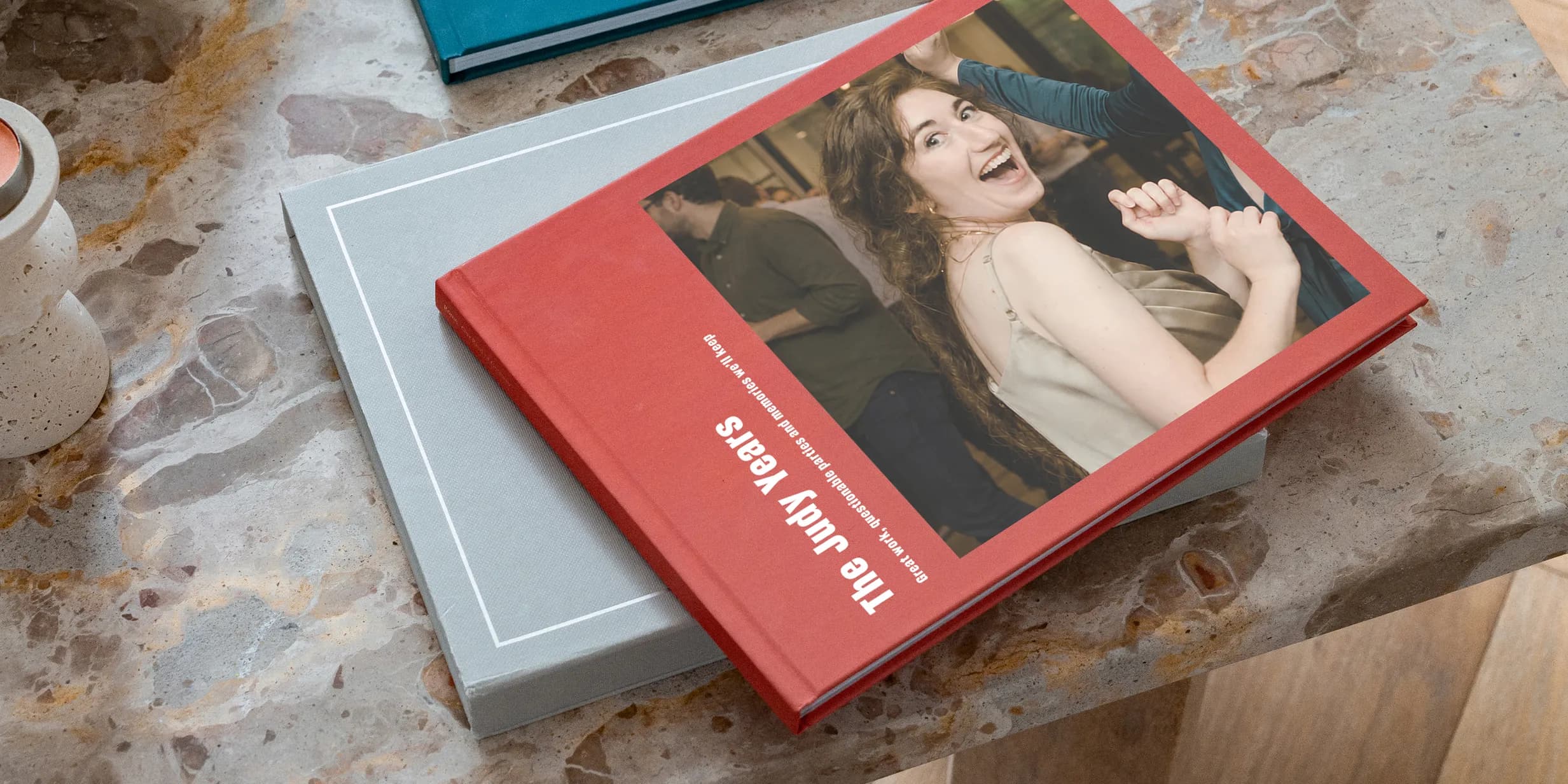
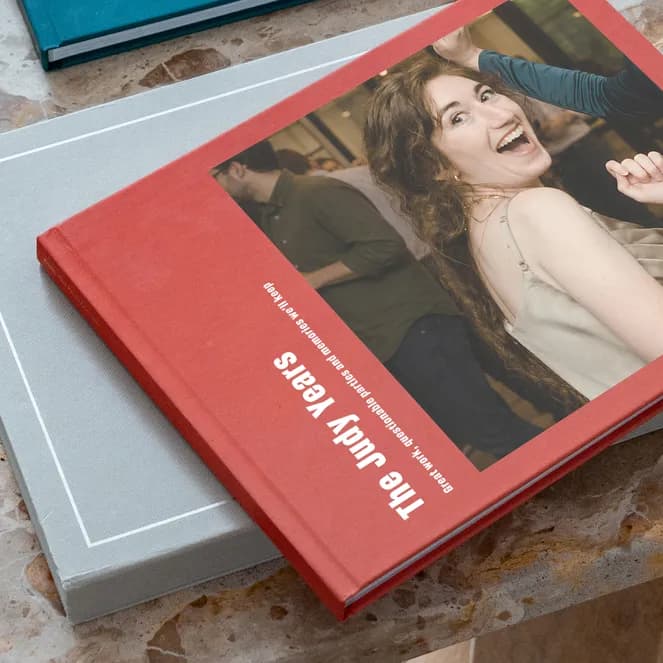
If you’re creating a leaving gift for a colleague or someone entering retirement, a photo book can become more than a collection of pictures. It brings together the moments, messages and memories that made their career or time with you special. Here’s how to create a photo book that captures what they’ll want to remember.
How far in advance should you start?
Give yourself more time than you think you’ll need. Gathering photos and stories from a team often takes longer than expected. Starting two to three weeks before their leaving date gives you a comfortable window – enough time to collect contributions, follow up with anyone who hasn’t sent their photos through, and create the final layout without feeling rushed.
How do you collect photos without it turning into a chore?
Avoid sending an open-ended “send me any photos” message in a group chat, it’s easily missed or forgotten. Instead, set up a shared folder with a clear deadline and give people a few ideas of what to share – team nights out, work trips, milestones or the everyday moments that capture life at work. Ask for their favourite photo and a short note about why they love it. This gives people a starting point and helps create a photo book that feels personal.

Make selections of unforgettable moments
What photos should you include?
Resist the urge to fill the book with formal team photos. The best pages bring together a mix of candid moments such as someone mid-laugh at a Christmas party, a blurry photo from a social or a desk covered in decorations for a birthday. If the person has been part of the team for a long time, look for older photos too. Seeing how much has changed since they started is more powerful than focusing on their last few months.

Capture the moments that mean more
Should you include messages as well as photos?
This is often what makes a leaving gift feel different from a standard photo book. Ask colleagues to share a short written memory alongside their photo, whether that’s a funny story, something they learned from the person or simply what they’ll miss about working with them. These messages don’t need to be polished but they often help provide context of a photo they haven’t seen before.
How should you structure the book?
For a leaving gift, chronological order usually works best, particularly if the person has been at the company for several years. Start with early photos and move through projects, team changes and memorable events to create a natural story of their time with you. If they’ve worked across various teams or departments, grouping pages by team or era gives the book a natural rhythm and makes it easier to navigate.

A gift they'll hold on to
How to make a Photo Book with Popsa
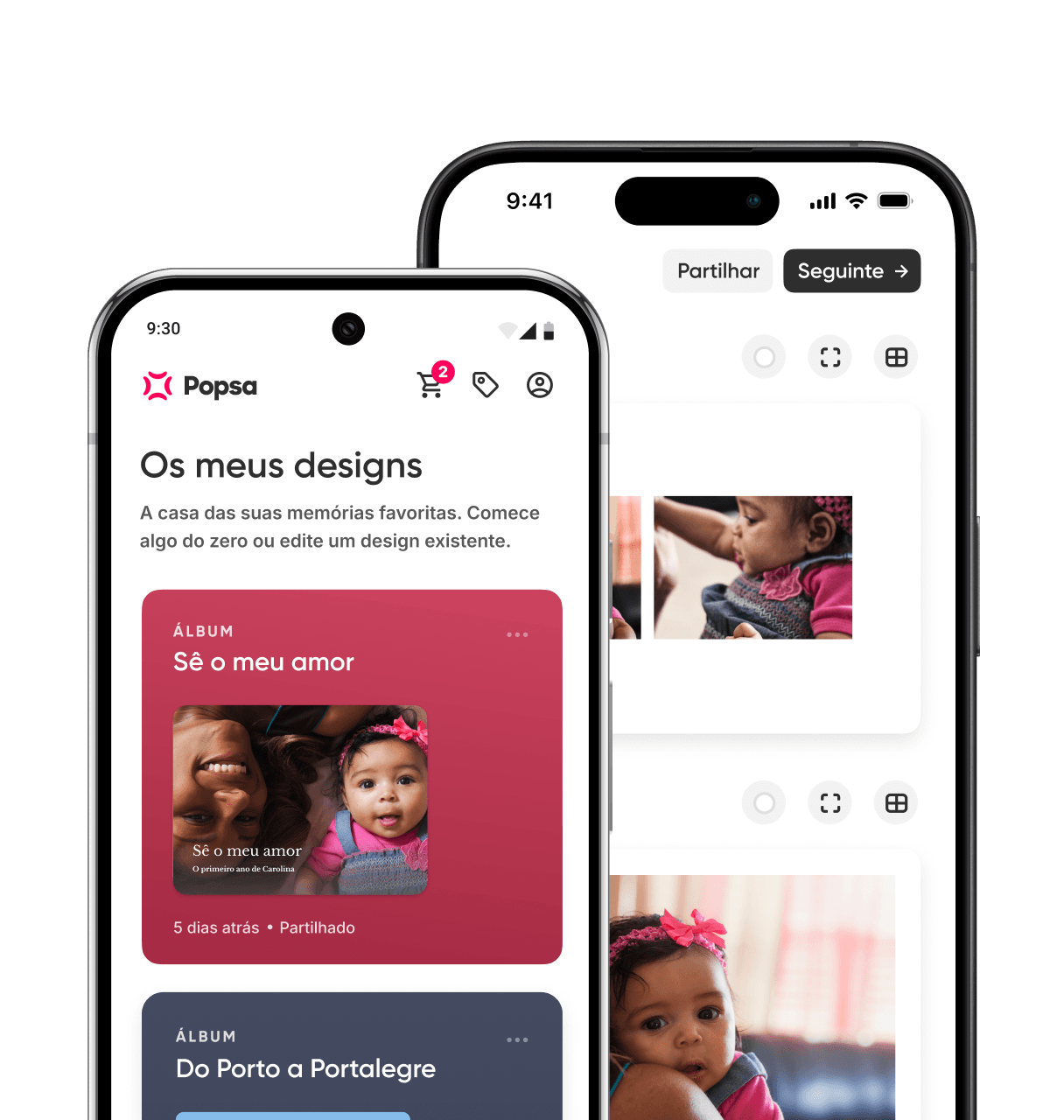
Once you’ve collected the photos you’re including, Popsa’s app allows you to import photos directly from your camera roll. The app generates an initial layout automatically, so you’re editing a first draft rather than starting from scratch. From there, you can adjust layouts, move photos between chapters and add titles or captions as you go. When you’re happy with the finish – a Large Hardcover format usually suits this kind of gift – place your order.
Transferir a aplicação
Descubra memórias mais rapidamente com funcionalidades exclusivas, como o reconhecimento facial e álbuns inteligentes.


Artigos relacionados
&w=96&q=75)
6 de out de 2026∙6 min

%3Agrayscale()&w=96&q=75)
21 de set de 2026∙6 min
27 de out de 2026∙6 min


 Estados Unidos