


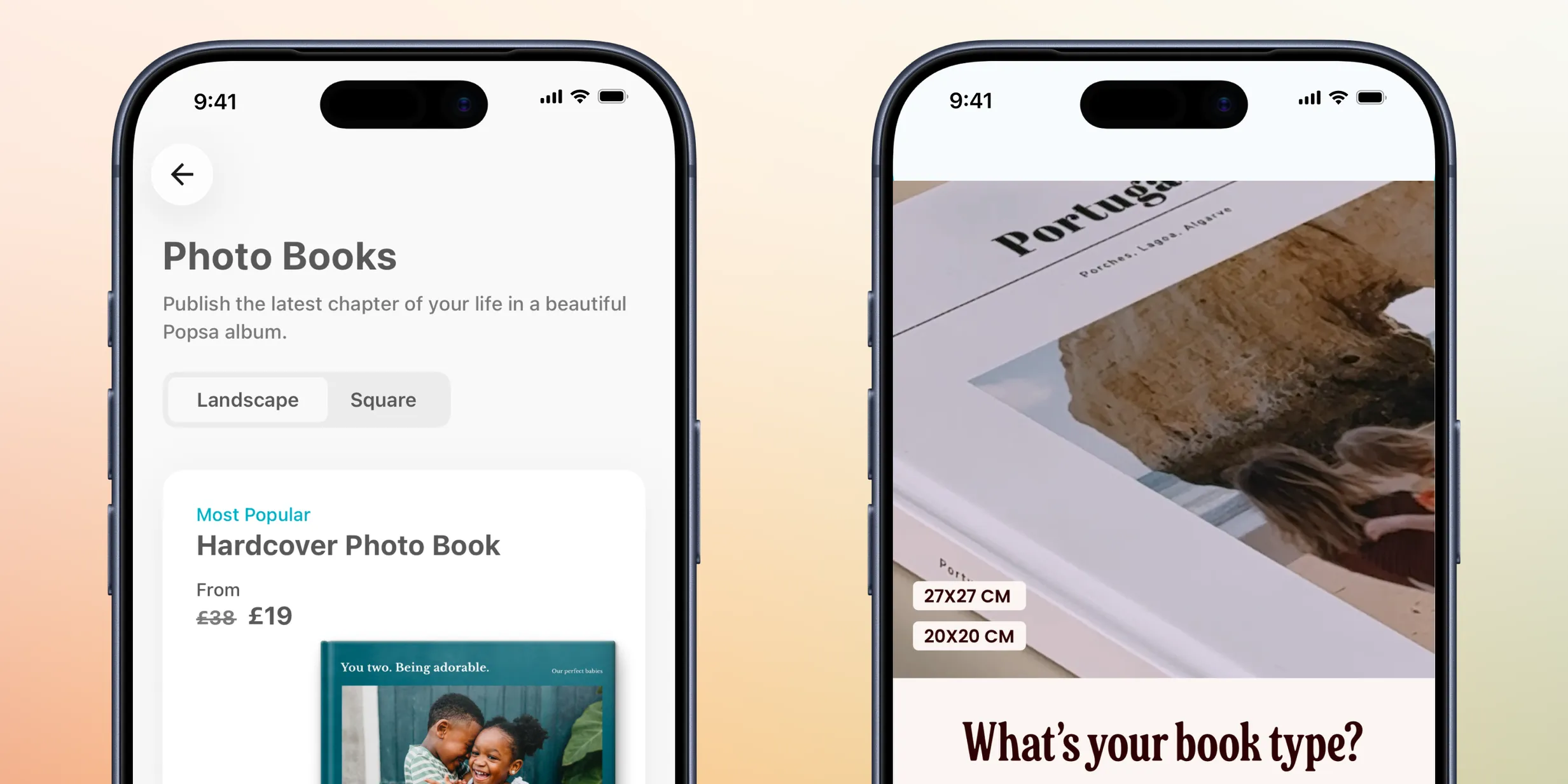
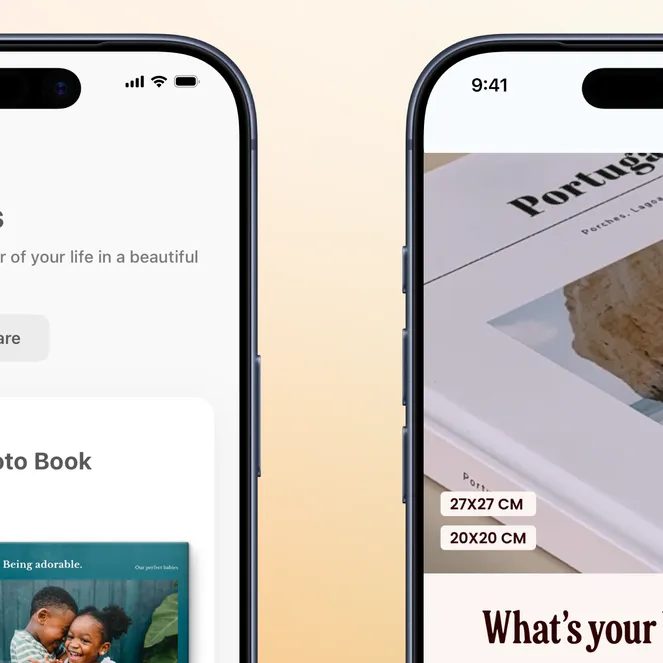
Popsa and Once Upon have a lot in common. Both are designed around an app, both start at 20 pages and both are B Corp certified. They differ in how your photos are found, how much control you get over each page, what you pay to start and what happens if something goes wrong.
Popsa is the stronger choice if you’d rather not sort your camera roll yourself. Its Memories feature finds the moments worth keeping and turns them into ready-made albums. It also offers more layout control, more formats, faster delivery when you need it and live chat. Once Upon may suit you better if you want a lower starting price, a simple square book, cheaper standard delivery or a book that friends and family can add to.
What Popsa offers
Popsa is the better choice if you:
want the app to find your best photos instead of scrolling back through your phone
want your year reviewed for you, with the screenshots, receipts and near-duplicates already left out
want more freedom to adjust page layouts, including zooming, cropping and running images edge to edge
want a landscape book as well as square
want to see your Photo Book in 3D before ordering
want to keep working on your book without an internet connection
want AI suggestions to help you write captions
want a faster delivery option
prefer to get help through live chat
want a free reprint if anything goes wrong
What Once Upon offers
Once Upon may be a better fit if you:
want a lower starting price on a large hardcover
want cheaper standard delivery
are happy with a square format and pre-made layouts
want to invite friends and family to add photos to the same book
want to build a book bit by bit over the year
want a slightly higher Trustpilot score
want a special-edition cover, such as its limited-time Moomin range
Finding your photos
The hardest part of making a Photo Book usually isn’t the design. It’s choosing 50 photos from the thousands on your phone.
Once Upon helps with the sorting. Its photo picker organises your camera roll by date, and Quick start lays out the book once you’ve made your selection. The choosing is still up to you.
Popsa does the choosing for you. Its Memories feature looks across your camera roll to work out what you were doing and which moments mattered most. Rewinds then turn each month and year into ready-made albums. Monthly Rewinds make room for everyday moments.
Annual Rewinds are stricter, keeping a handful of different shots per highlight and dropping screenshots, forwarded images and near-duplicates. Journeys does the same for holidays and day trips. All of this curation happens on your phone, not in the cloud.
If you already know which photos you want, either app will get you there. If your camera roll has become a backlog, Popsa does the hard part.
Getting the job done
Both brands put the app first. Each offers iOS and Android apps alongside browser-based creation, so you can start a Photo Book on your phone and finish it on a larger screen.
Once your photos are in, both apps lay them out in date order. The real difference shows when you want to change things. Once Upon keeps editing deliberately simple: you switch between pre-made layouts, with up to six photos per spread. Popsa gives you more room: you can drag photos into place, zoom and crop within the frame, run images edge to edge and choose where captions sit. Its app also works offline, though a few features, such as AI captions, need a connection.
Once Upon does have one neat trick. You can invite others to contribute to a Photo Book with a link or QR code.
If you want a Photo Book made quickly with as few decisions as possible, Once Upon keeps it simple. If you want to shape your layouts around your photos, Popsa gives you more control.
Creative outcome
Once Upon makes square Photo Books only, in two sizes: 20 × 20cm, in hardcover or softcover, and 27 × 27cm in hardcover. You can choose silk matte or semi-gloss paper. For covers, there are ten colours, four headline fonts and a full-bleed photo option, plus the limited-time Moomin designs.
Popsa offers landscape as well as square formats. Matte paper is standard, with gloss available as an upgrade. Inside the Photo Book, there are more ways to personalise the pages, including emoji support and AI caption suggestions. Popsa also makes a magazine-style booklet.
For a clean, minimal square Photo Book, Once Upon does the job well. For a landscape format or more ways to personalise pages, Popsa fits better.
Delivery speed and cost
Once Upon delivers in five to seven working days for a flat £5, whatever the size of your order. It doesn’t offer an express option. Popsa’s fastest delivery is four to seven working days for £9.99; its cheapest is £5.99.
If you need a Photo Book in a hurry, Popsa’s faster option gets it to you a little sooner. If you’re not in a rush, Once Upon’s delivery is cheaper.
Price clarity and fairness
We’ve compared 20-page large hardcovers, the starting length for both. Once Upon’s 27 × 27cm hardcover starts at £27. Popsa’s is £42, about £15 more.
Extra pages cost almost exactly the same: £0.70 each at Once Upon and £0.69 at Popsa. So the gap stays at about £15, however long your book. For paper upgrades, Popsa charges £0.49 per page for gloss. At Once Upon, you choose between silk matte and semi-gloss when you order.
If price is your priority, Once Upon is the cheaper option. For the extra cost, Popsa finds your photos for you and gives you more control over each page and a wider choice of formats.
Trust and reassurance
Ordering a printed product sight unseen carries risk. Popsa reduces it before you buy: you can preview your Photo Book in 3D, turn it around and flick through the pages, then use augmented reality to see it at full size in your own room. You can switch the paper or size in the preview and see the change instantly. Once Upon recommends previewing your Photo Book in the app before ordering, but doesn’t offer a 3D or AR view.
If something does go wrong, the two handle it differently. Popsa says it will reprint your order free of charge. Once Upon doesn’t offer returns or refunds on its made-to-order products. It does say it will do its best to put things right if you’re not happy, and you can cancel an order within the first hour of placing it.
For support, Popsa offers live chat and a web contact form. Once Upon uses a contact form and aims to reply within 24 hours.
Both brands are well reviewed. Once Upon holds a Trustpilot score of 4.6 from around 21,000 reviews. Popsa holds 4.5 from around 142,000 reviews, almost seven times as many. Both apps rate highly: Popsa’s score 4.8 on the App Store and 4.6 on Google Play, Once Upon’s similarly or slightly higher.
Values and responsibility
Both companies are B Corp certified, which means each has been independently assessed on its social and environmental practices. Once Upon prints Photo Books as close to the customer as it can, with printers in several countries, including the UK. Popsa uses FSC-certified paper and biodegradable packaging.
The verdict
Once Upon makes a clean, well-reviewed square Photo Book at a lower price, and it’s hard to beat for simplicity. But it starts once you’ve chosen your photos, and Popsa starts before that. Popsa Memories finds the moments worth keeping, Rewinds turn your month or year into a ready-made Photo Book, and you then get more control over every page, faster delivery when you need it, and live chat when you need help.
Once Upon wins on price. But for most people, Popsa is the stronger all-round choice: it finds the moments worth keeping, gives you more control over every page, and lets you see the finished book in 3D before you order.
Chargement…
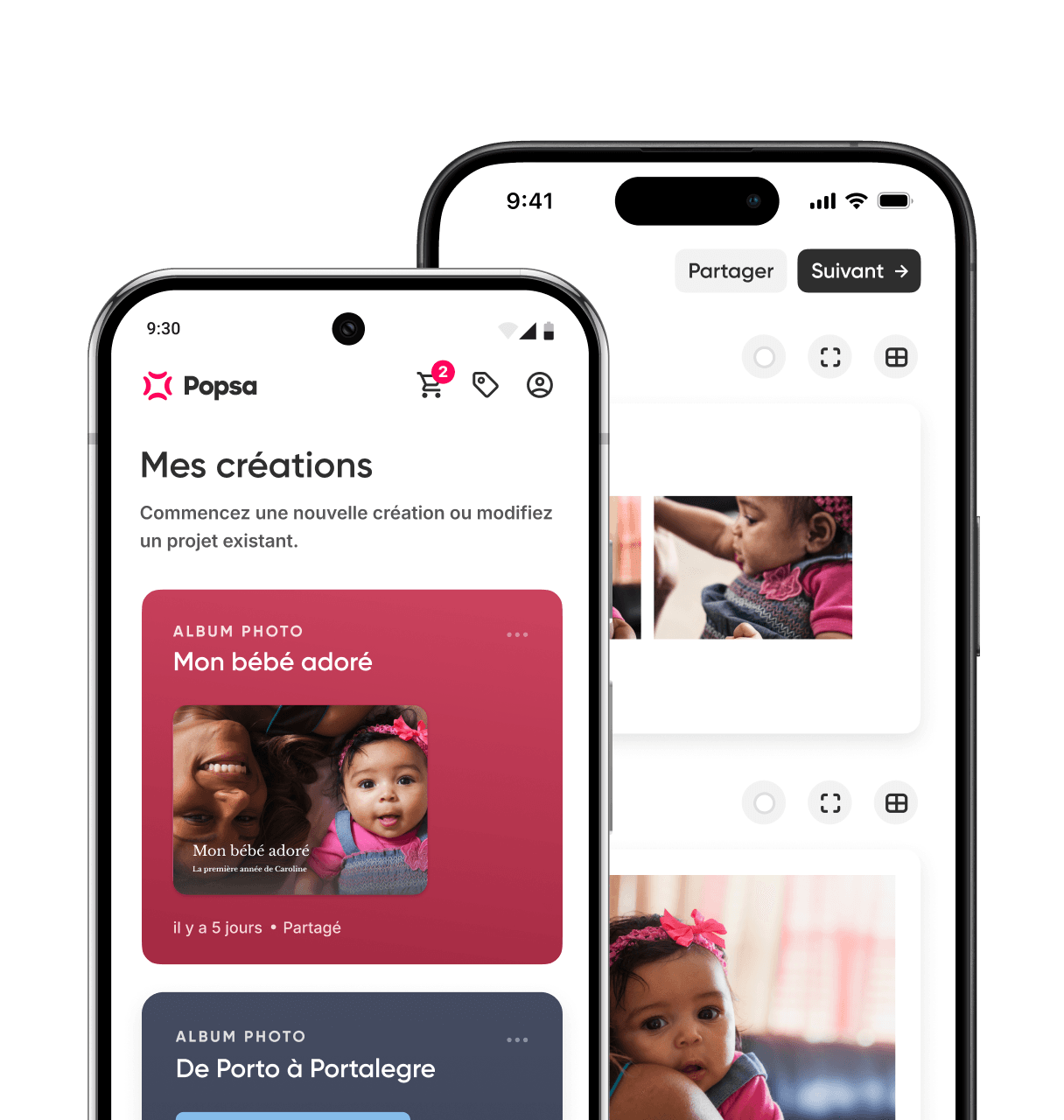
Téléchargez l'application
Replongez dans vos souvenirs en toute simplicité grâce à des fonctionnalités exclusives comme la reconnaissance faciale et les albums intelligents.


Articles connexes



Nathan Cook
Écrivain Popsa
20 janv. 2026∙7 min


 États-Unis