
Inside Popsa

Text-only pages offer even more ways to make a Popsa photobook your own

You can now add full-text pages to your photobook! Just another clever little way Popsa helps you tell your story.

Liam Houghton: Founder and CEO

Liam Houghton

CEO and co-founder

Jun 8, 2020∙1 min
Text-only pages offer even more ways to make a Popsa photobook your own

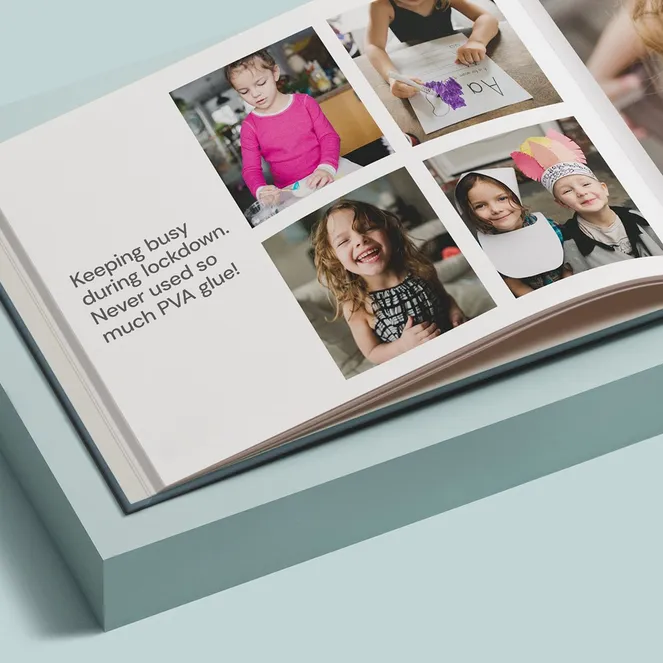
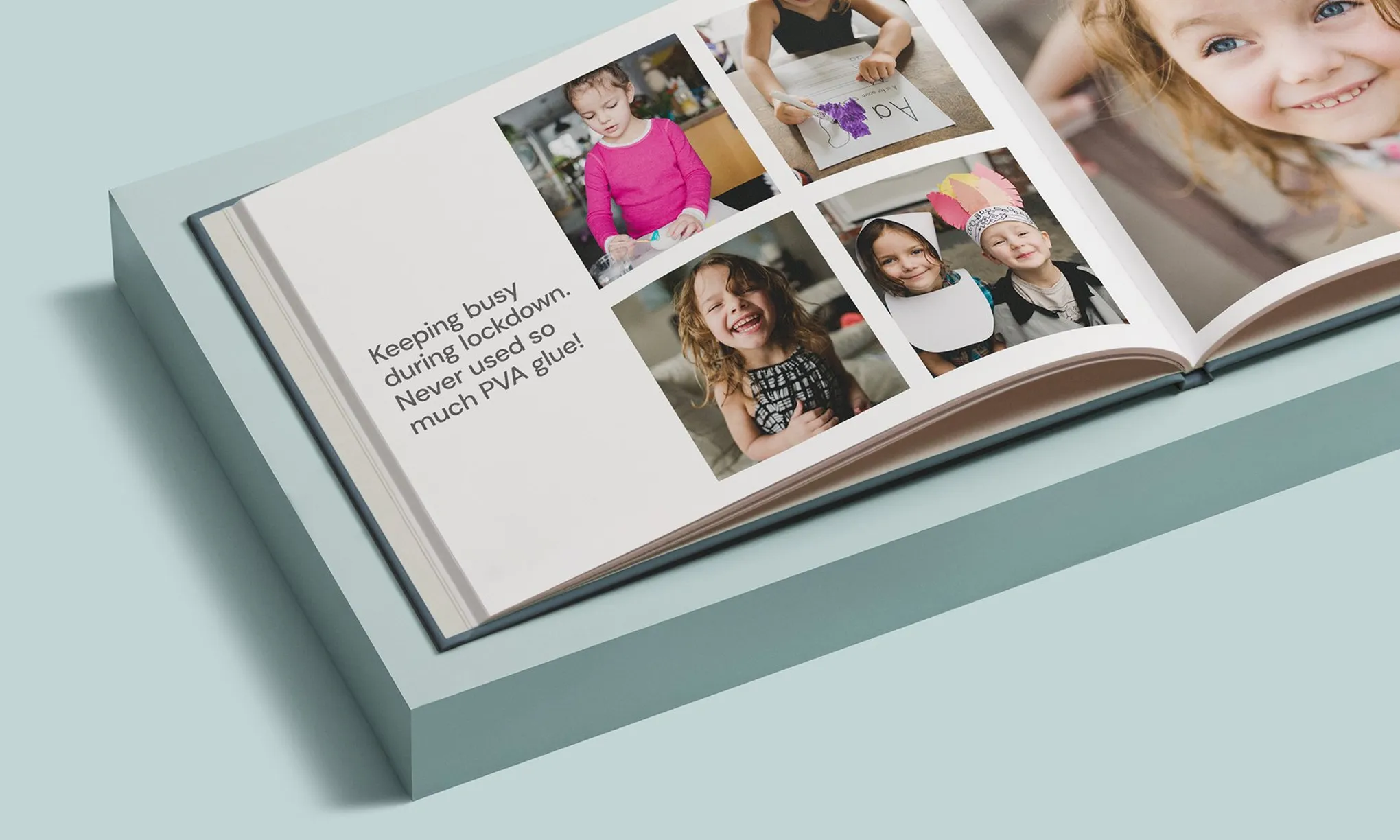
There’s a great story behind every picture. And we’ve just added a clever way to help you tell it. You can now swap out photo pages with full-text pages. You can even create a text-only cover!

To add a full-text page:

  • Simply tap the Templates button at the top right of the page you’d like to write on

  • Scroll down until you see the text options and choose which one you’d like to use!

You can break up your captions with line breaks, too. And don’t forget the emojis! These new features give you the freedom finesse your photobook exactly how you want.

Download the app

Discover memories faster with exclusive features like facial recognition and smart albums.

App StoreGoogle Play
Download the app