


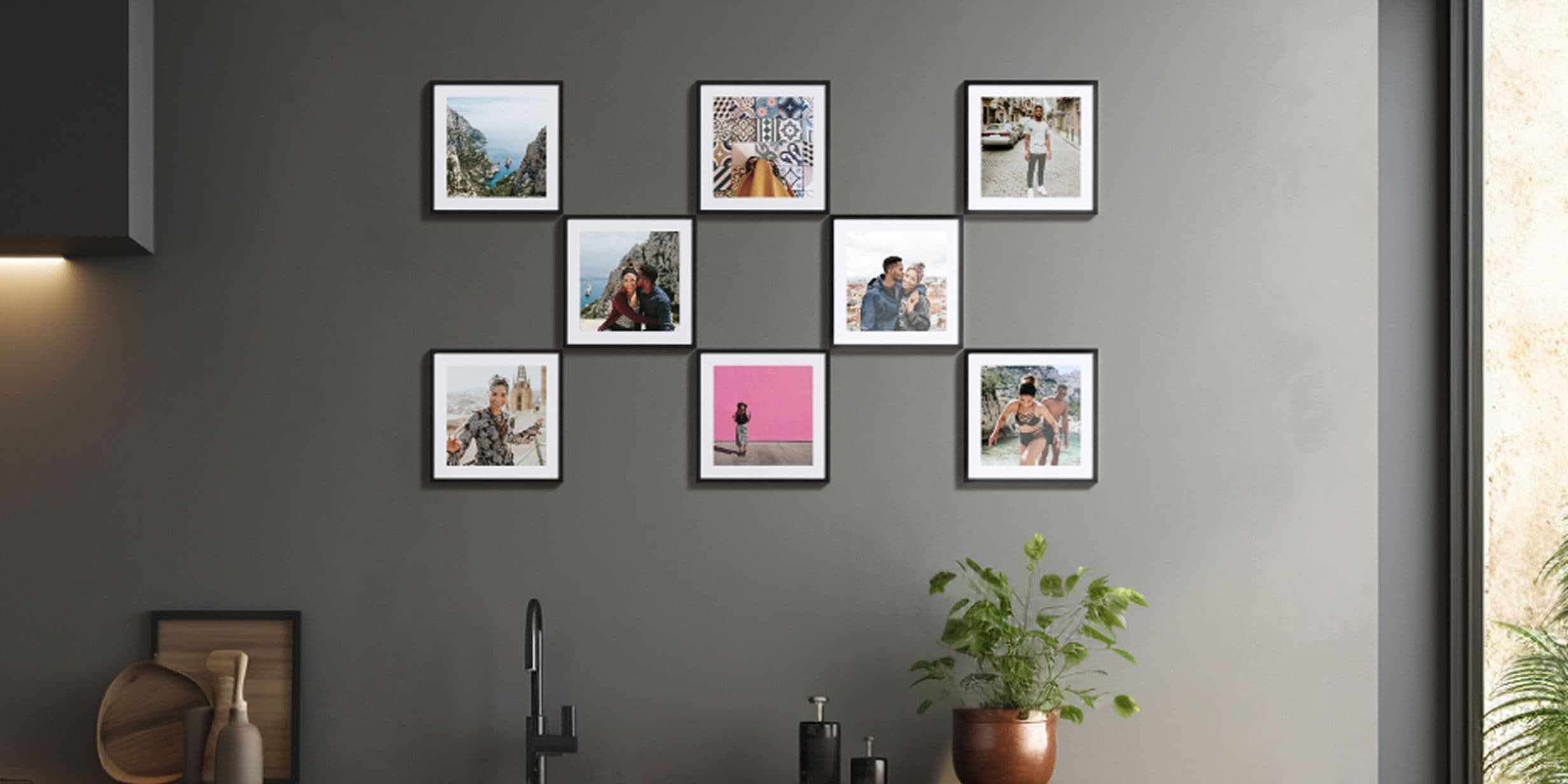
Most photo walls start with good intentions and end up looking like an afterthought. A mismatched collection of frames, photos that don’t sit well together, an arrangement that grew gradually without a plan. The difference between a wall that looks considered and one that looks busy often comes down to a few decisions made before you start the framing process – which photos to use, how many to include and how to arrange them so they feel part of a space rather than an addition to it. Get those right and the result speaks for itself.
How many tiles do you need for a photo wall?
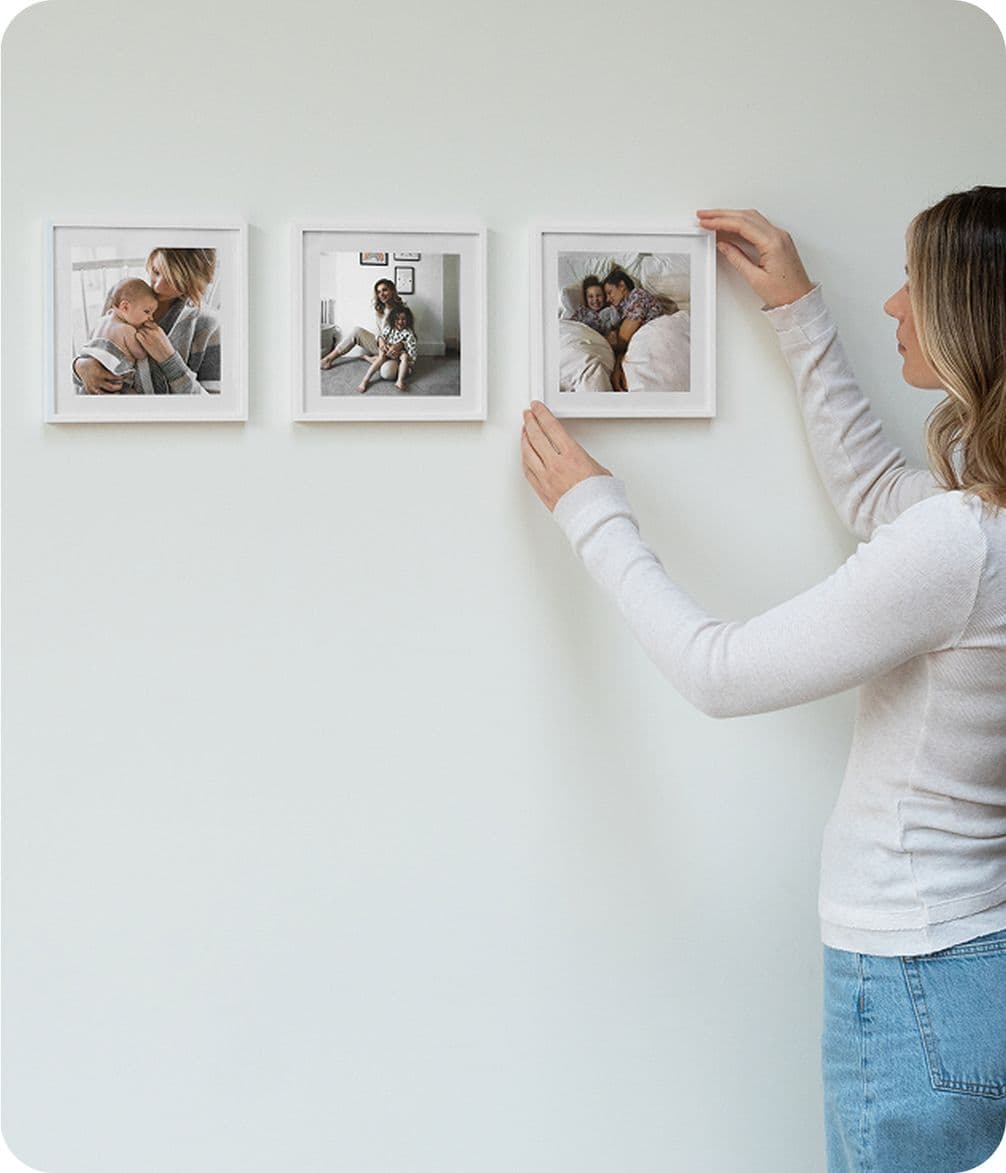
Three tiles arranged in a row makes a simple statement above a sofa or console table. Nine in a three-by-three grid has the presence of a gallery wall and works well in larger spaces. Anywhere between those two points will work, but it’s helpful to decide on a structure before you start, rather than adding tiles gradually and hoping it comes together. Popsa’s Square Frame Tiles come in batches of 3 to 24, providing enough flexibility to create something from a modest arrangement to a large feature wall, depending on the space you’re working with.
How should you arrange a photo wall
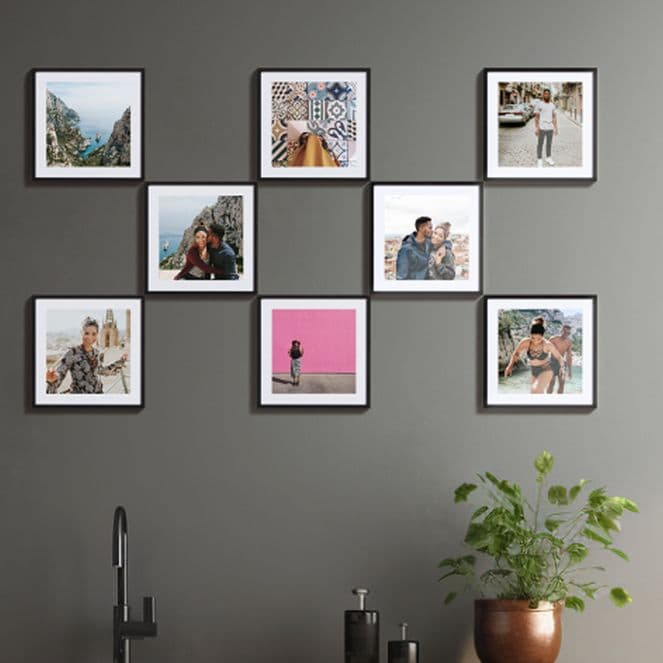
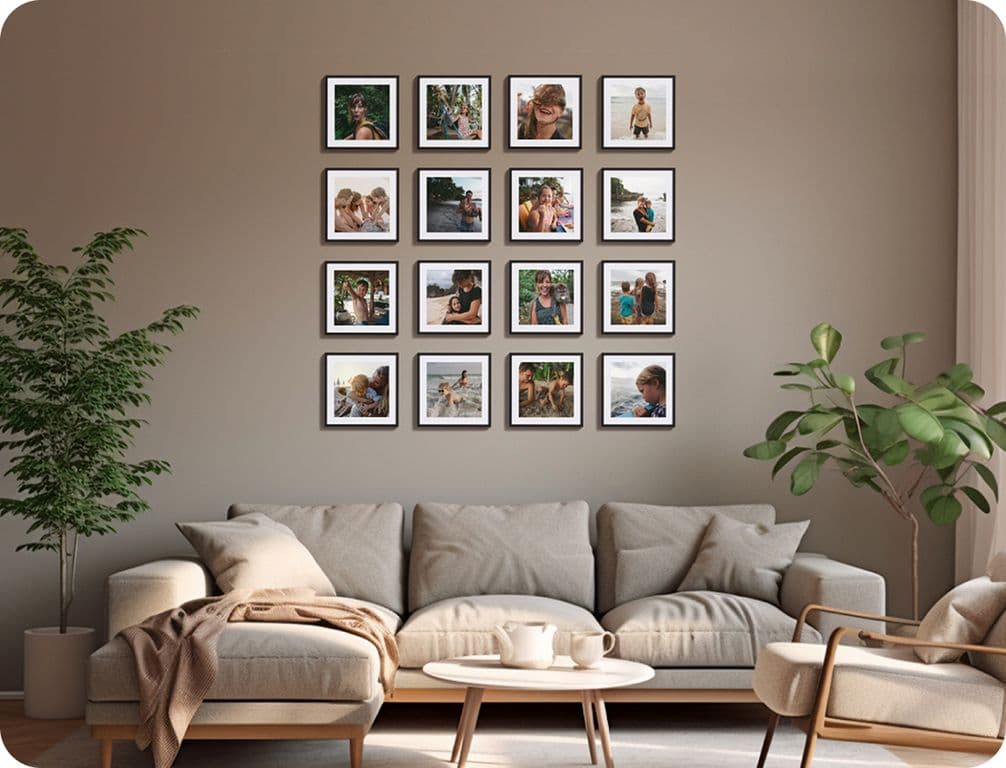
Symmetrical grids – three across, three down – are the easiest to get right because the structure does the work. They suit living rooms with a clear focal point, such as a chimney breast or the wall behind a sofa, as well as making a statement on a staircase. For a more relaxed feel, an asymmetric layout with uneven spacing can work well, though it needs a little more planning to avoid looking unfinished. A useful approach is to lay the tiles out on the floor first and photograph the arrangement before committing to hanging them on the wall.
Which photos work best on a wall?
At this scale, simple, well-composed images tend to work better than busy ones. A portrait with a clean background, a landscape with a clear horizon or a close-up with strong contrast will all hold their own once framed and displayed. Photos with too much detail can feel cluttered when grouped together in a grid. It also helps to think about the collection as a whole: a mix of colour and black-and-white can work well, but a wall where every tile has a different mood or colour palette can create a distracting contrast. Choosing cohesive photos makes the wall feel considered.
Black or white frames – which should you choose?
Black frames have a deliberate finish and tend to suit rooms with darker furniture or stronger colour palettes. White frames are lighter and more versatile – they sit comfortably against white or off-white walls without competing with the photos. Both options are available with Popsa’s Square Frame Tiles, and the choice is largely down to the room rather than the photos themselves. If in doubt, white frames are a safer starting point in a living room, as they’re easier to build around.

How do you hang tiles without damaging the walls?
Popsa’s Square Frame Tiles use an adhesive backing that peels off cleanly, which means they can be repositioned as many times as needed without leaving marks. That makes them a practical option for rented spaces or anyone who wants the flexibility to rearrange without redecorating. For a more premium finish, the tiles are also available with a plexiglass upgrade – a glazed surface that gives each photo a sharper, more gallery-like appearance.
How do you get started?
Choose your photos first, decide on the arrangement and hit order. It’s easier to edit your selection on screen than to realise once the tiles arrive that three of them don’t work together. Popsa’s app lets you upload your photos and see how they’ll look before you place your order. Tiles come in black or white frames, starting from a minimum of three – enough for a small arrangement above a shelf or bedside table, and a simple way to begin if you’re looking to build gradually.
Scarica l'app
Trova più velocemente le foto che stai cercando con funzionalità esclusive come il riconoscimento dei volti e gli album smart.



Articoli correlati

&w=96&q=75)
Nathan Cook
Editor Popsa
15 set 2026∙6 min
&w=96&q=75)
Rebecca Cope
Giornalista
19 mar 2026∙6 min
&w=96&q=75)


 Stati Uniti